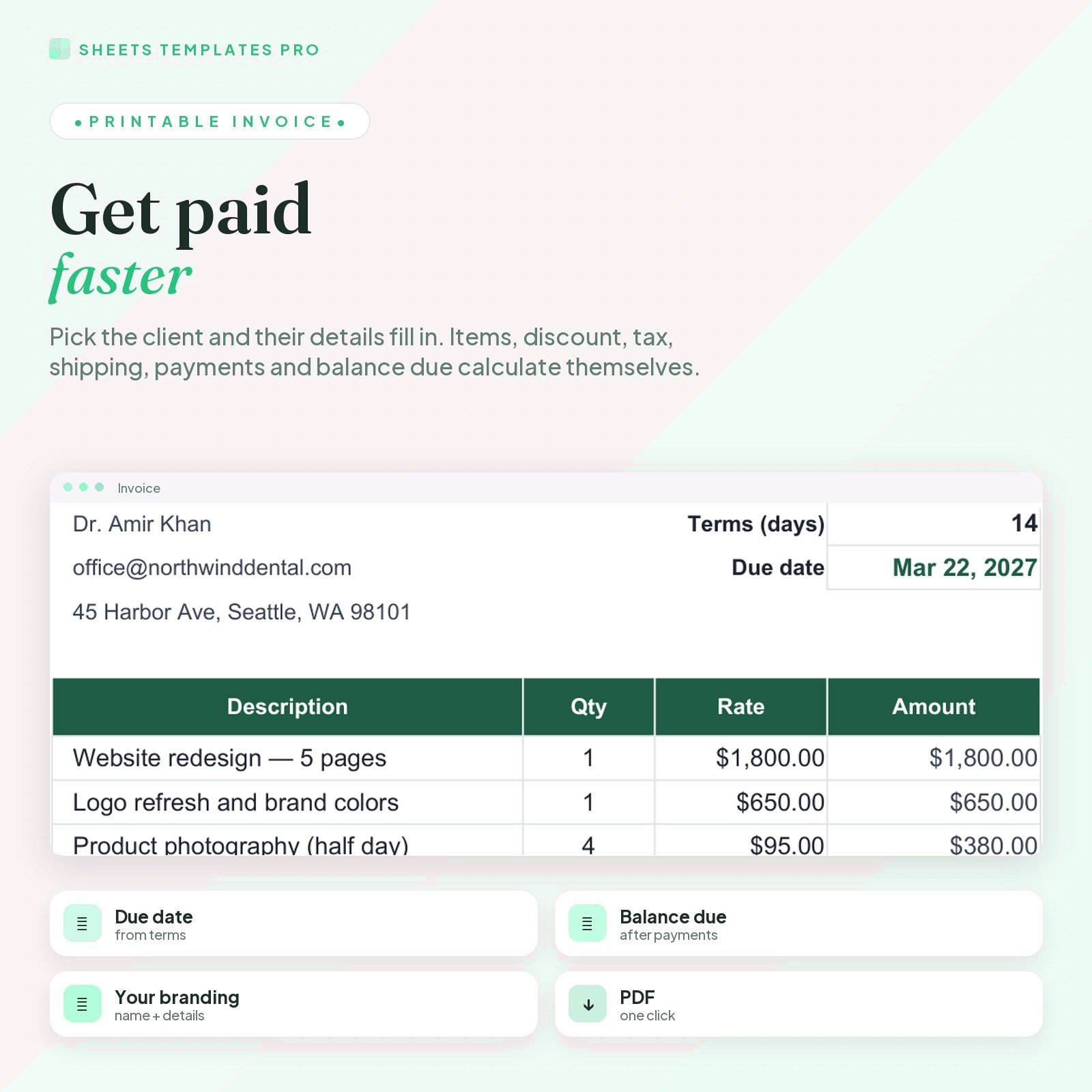
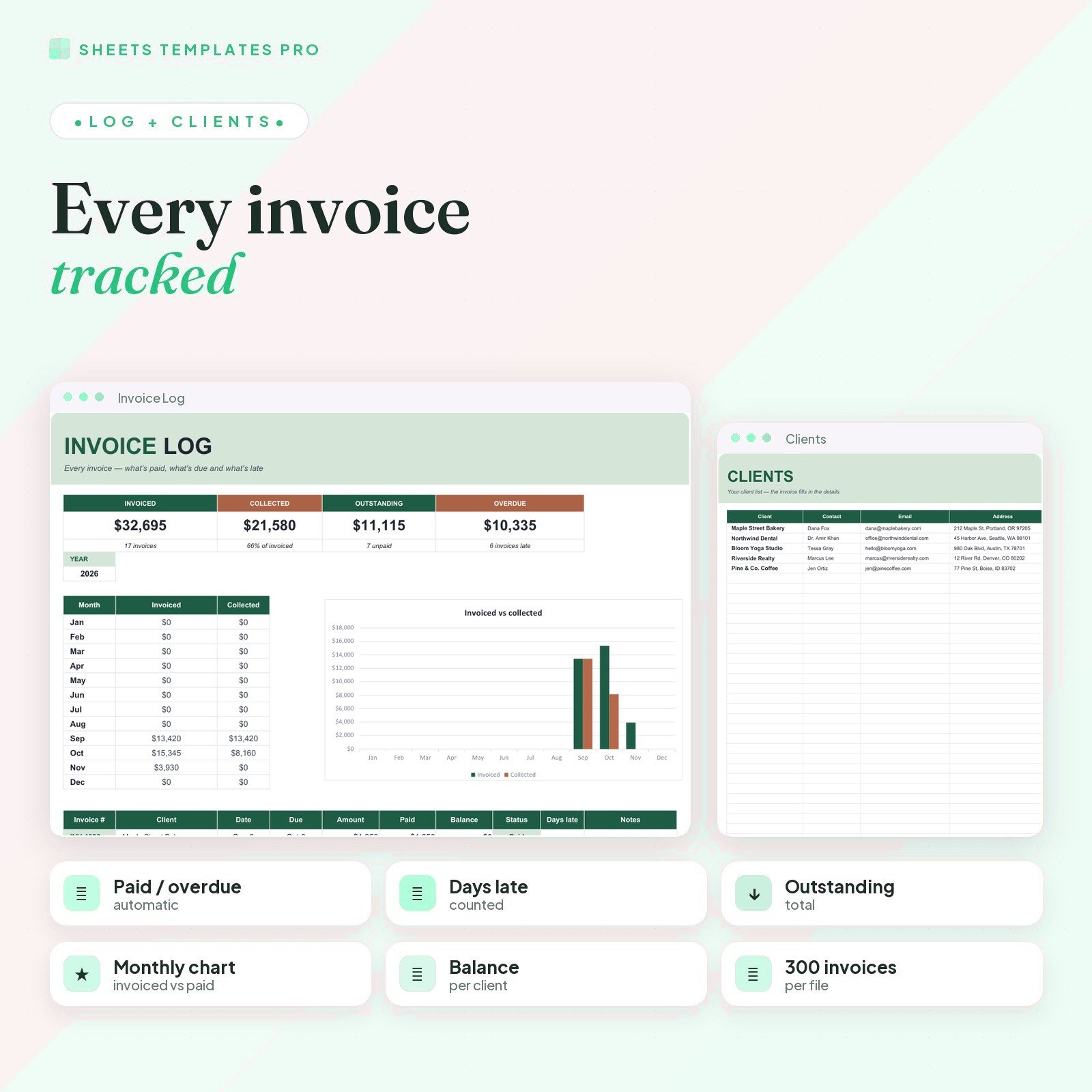
Create a professional invoice in a minute, keep every invoice in a log that tracks what’s paid and overdue, and keep your clients in one list. This invoice template works in Microsoft Excel and Google Sheets.
What’s inside the Invoice Template
Take a look inside before you buy. Every screenshot comes from the real file, with the example data that is included.


Who this invoice is for
- Freelancers and consultants
- Small businesses and contractors
- Creatives and service providers
Features
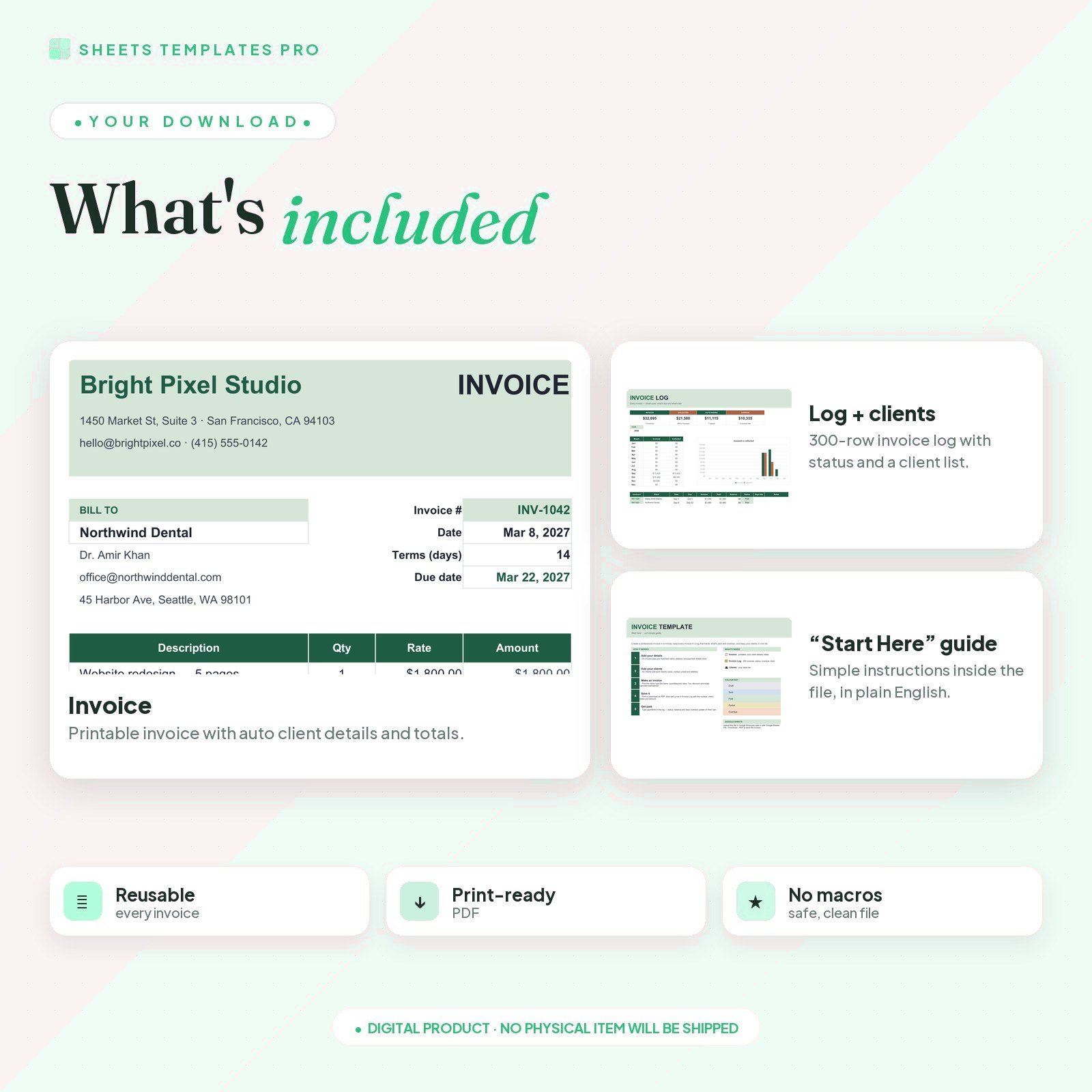
- Invoice — Printable, auto client details, totals.
- Invoice Log — 300 invoices, status, overdue, chart.
- Clients — Your client list.
- Live dashboards — cards, rings and charts update the moment you type.
- Easy to use — a Start Here guide inside the file, drop-downs, checkboxes and color coding. No macros.
How to use the invoice template
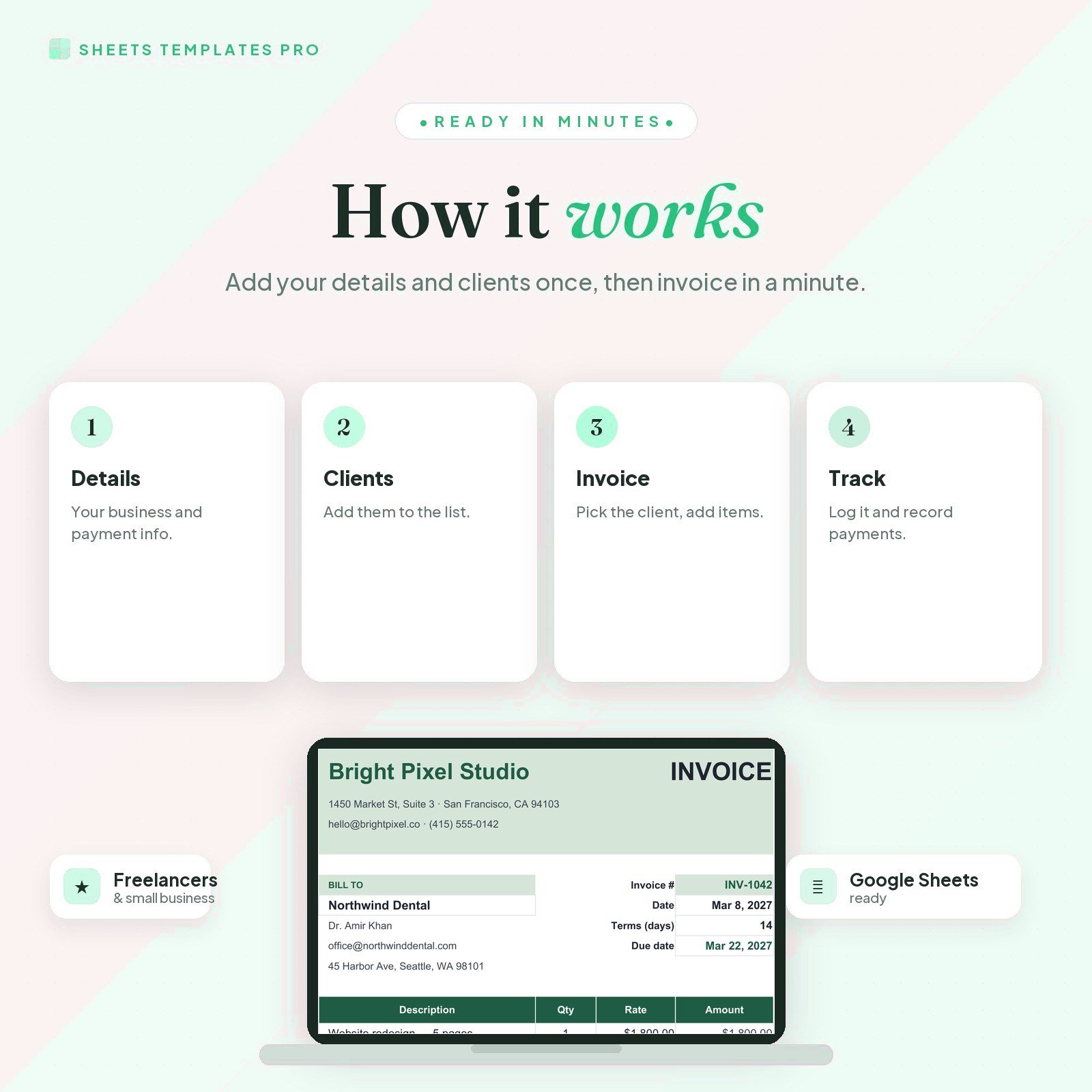
- Add your details. On Invoice type your business name, address and payment details once.
- Add your clients. On Clients add each client’s name, contact, email and address.
- Make an invoice. Pick the client, type the items, quantities and rates. Tax, discount and totals calculate themselves.
- Save it. Print or download as PDF, then add a row in Invoice Log with the number, client, dates and amount.
- Get paid. Type payments in the log — status, balance and days overdue update on their own.
What’s included
- 1 Excel file (.xlsx) with these tabs: Start Here, Invoice, Invoice Log, Clients.
- Example data so you can see how it works — clear it and add your own.
- Works in Microsoft Excel (Windows, Mac and web) and Google Sheets.
Compatibility
Works in Microsoft Excel (desktop, Mac and Excel online) and Google Sheets. No macros required.
FAQ
Can I add my logo?
Yes. Insert your logo image in the header band of the Invoice tab.
How do I send it?
Download the Invoice tab as PDF from Excel or Google Sheets and email it.
Does it track overdue invoices?
Yes. Invoice Log shows the status and days late automatically.
Does it work in the free version of Google Sheets?
Yes. Upload the .xlsx file to Google Drive and open it with Google Sheets. A free Google account is all you need.
How do I get the file?
Right after checkout you get a download link on the confirmation page and by email.
More templates like this: Business Finance.
This is a digital product. No physical item will be shipped.
Related templates
Browse all Business Finance.
Save with the bundle: get this template plus more in the Small Business Bookkeeping Bundle for $14.99.
Want everything? The All-Access Bundle includes every template in the shop for $49.99.




Reviews
There are no reviews yet.