

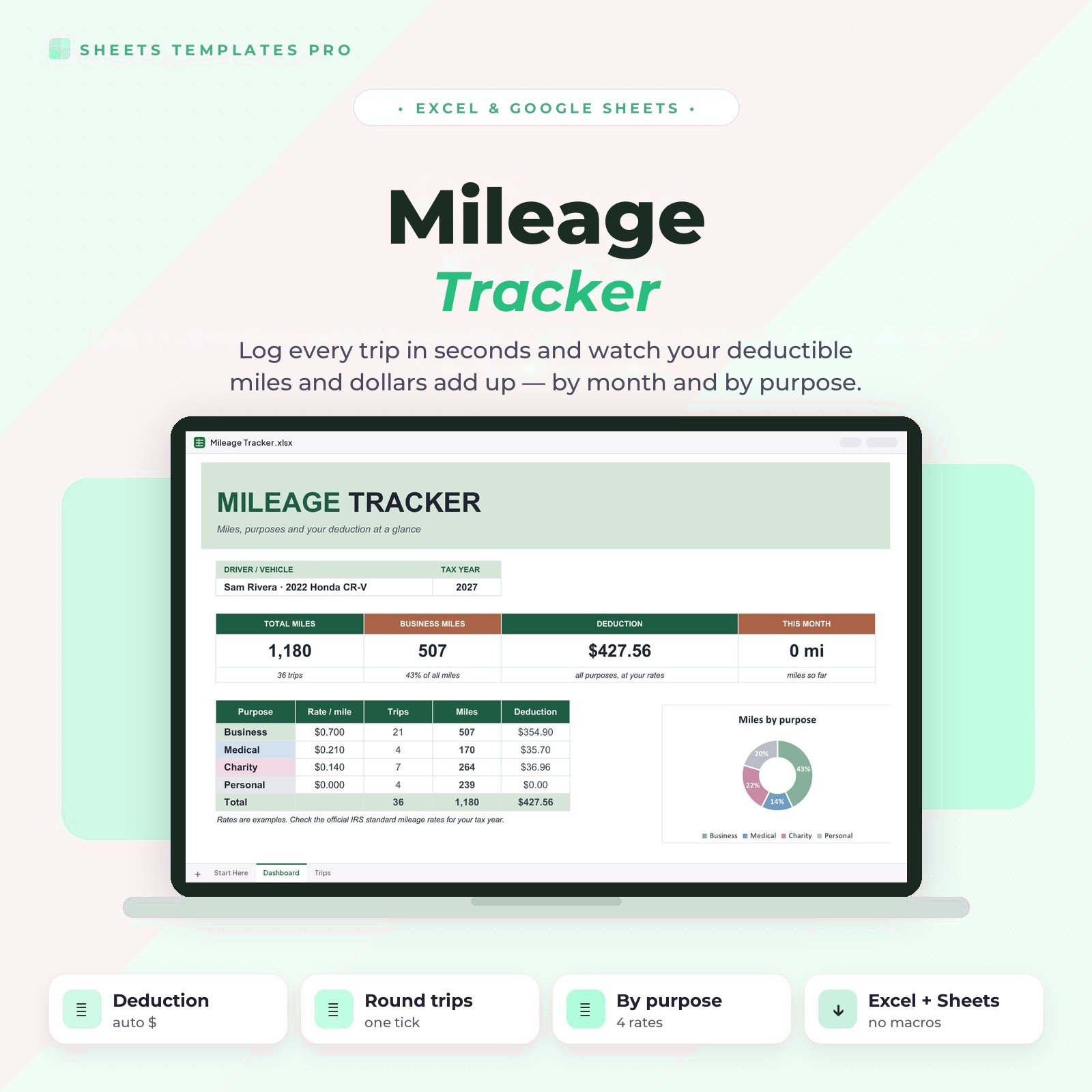
Log every trip in seconds and see your deductible miles and dollars add up — by month and by purpose, ready for tax time. This mileage tracker template works in Microsoft Excel and Google Sheets.
What’s inside the Mileage Tracker Template
Take a look inside before you buy. Every screenshot comes from the real file, with the example data that is included.
Who this mileage tracker is for
- Self-employed and gig drivers
- Small business owners
- Employees getting mileage reimbursed
Features
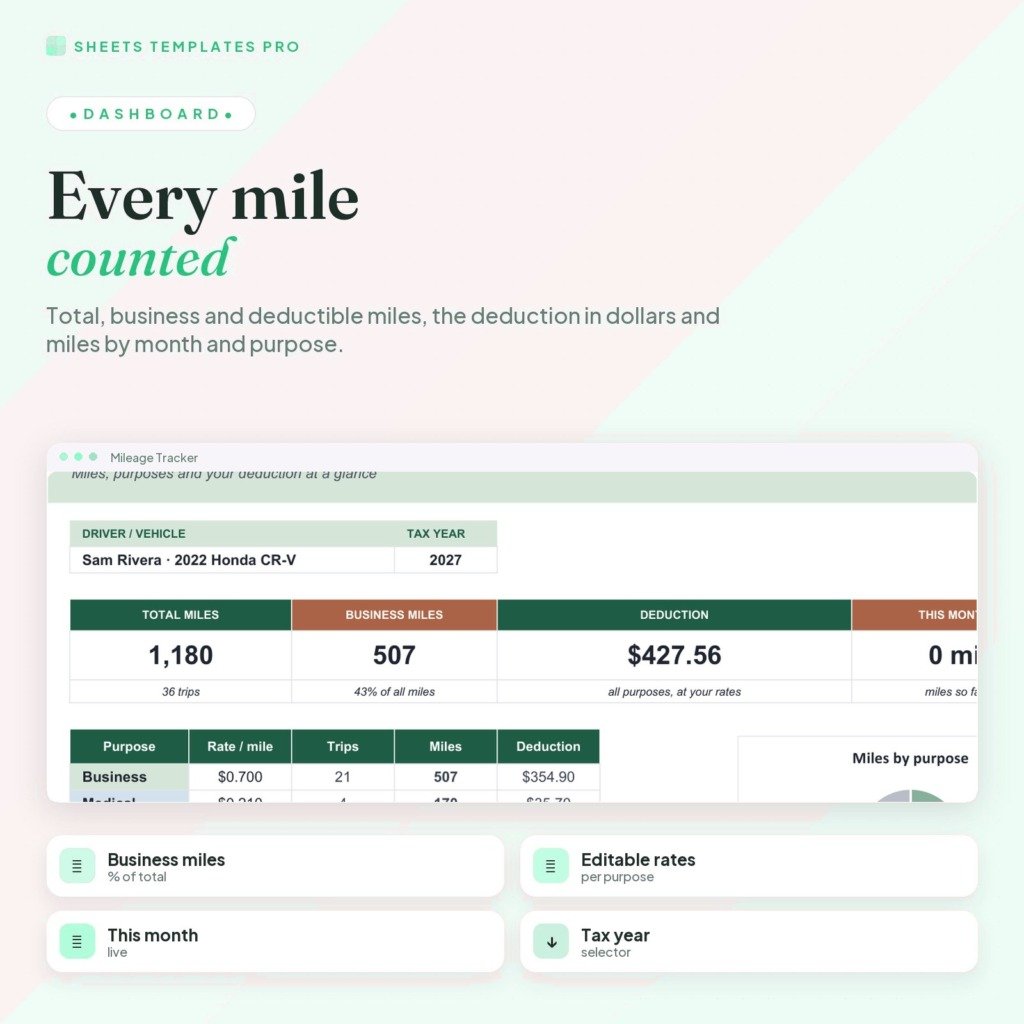
- Dashboard — Rates, totals, monthly chart, by purpose.
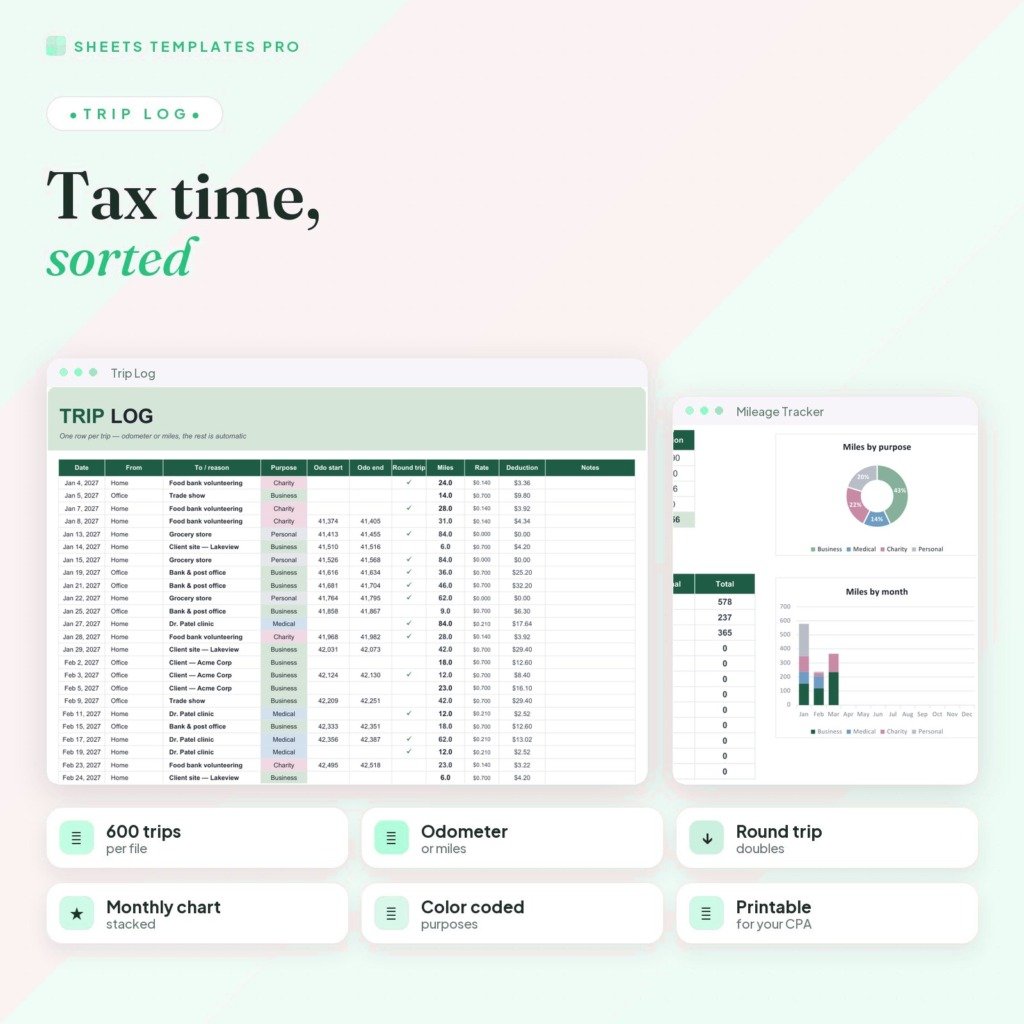
- Trips — 600-trip mileage log.
- Live dashboards — cards, rings and charts update the moment you type.
- Easy to use — a Start Here guide inside the file, drop-downs, checkboxes and color coding. No macros.
How to use the mileage tracker template
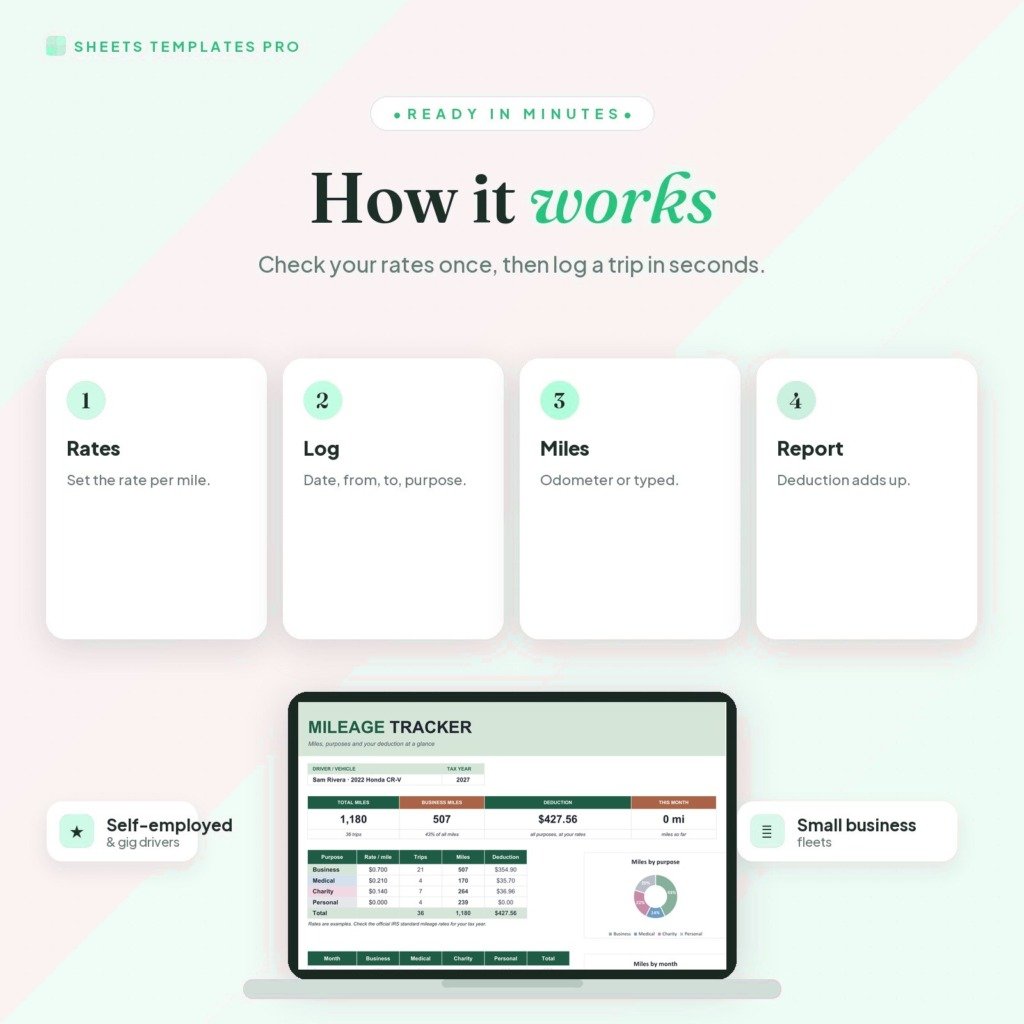
- Set your rates. On Dashboard check the rate per mile for each purpose. Use the current IRS rates for your tax year.
- Log each trip. On Trips add the date, from, to and purpose. Type the odometer start and end, or just the miles.
- Round trips. Tick Round trip and the miles double on their own.
- Watch the totals. Dashboard shows total, business and deductible miles and the deduction in dollars.
- At tax time. Filter Trips by purpose or print the Dashboard for your accountant.
What’s included
- 1 Excel file (.xlsx) with these tabs: Start Here, Dashboard, Trips.
- Example data so you can see how it works — clear it and add your own.
- Works in Microsoft Excel (Windows, Mac and web) and Google Sheets.
Compatibility
Works in Microsoft Excel (desktop, Mac and Excel online) and Google Sheets. No macros required.
FAQ
Which rate does it use?
The rates per purpose are editable. Use the official IRS rate for your tax year.
Odometer or miles?
Either. Type the odometer start and end, or just the miles.
Is this tax advice?
No. It helps you keep records for your accountant.
Does it work in the free version of Google Sheets?
Yes. Upload the .xlsx file to Google Drive and open it with Google Sheets. A free Google account is all you need.
How do I get the file?
Right after checkout you get a download link on the confirmation page and by email.
More templates like this: Business Finance.
This is a digital product. No physical item will be shipped.
Related templates
Browse all Business Finance.
Save with the bundle: get this template plus more in the Small Business Bookkeeping Bundle for $14.99.
Want everything? The All-Access Bundle includes every template in the shop for $49.99.



Reviews
There are no reviews yet.