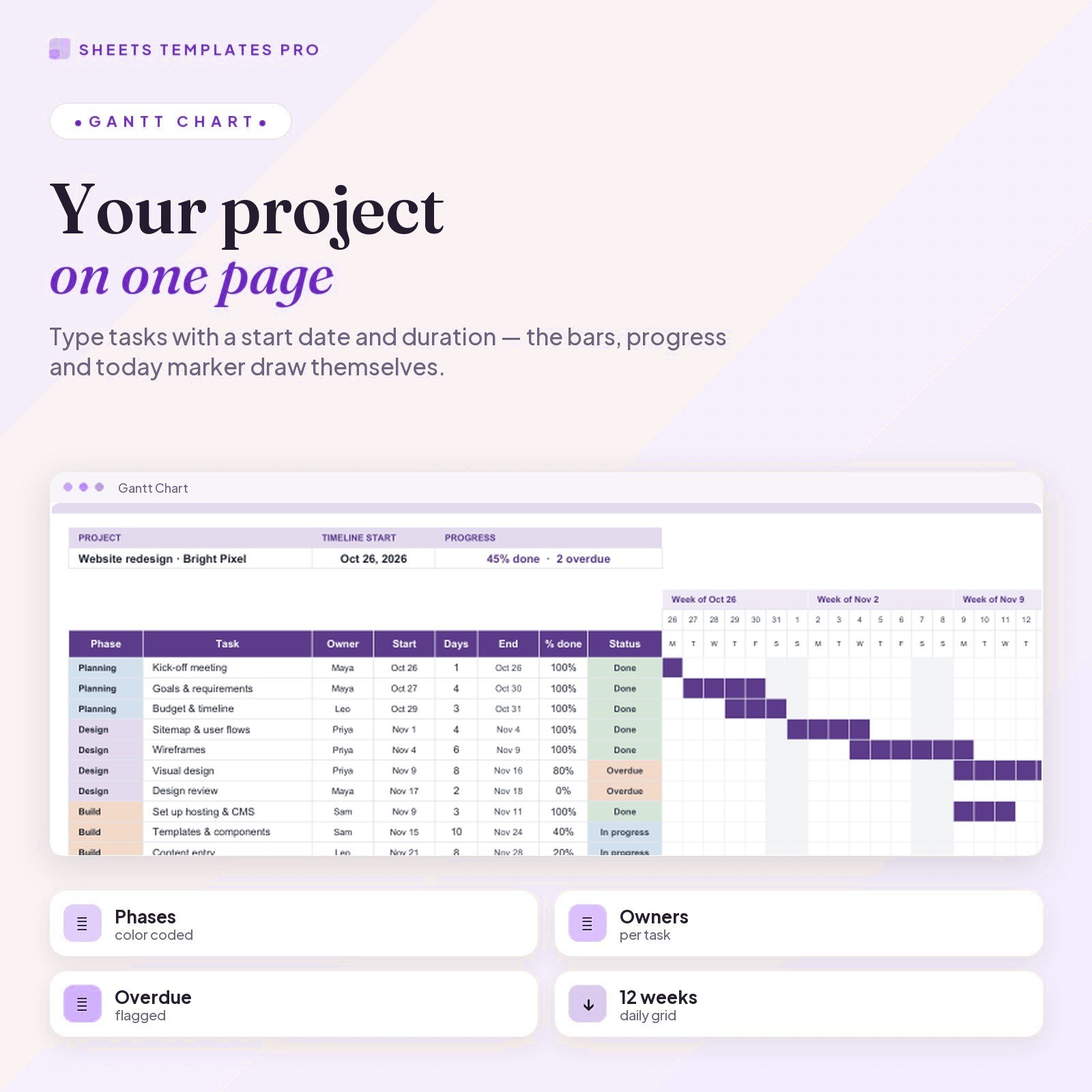

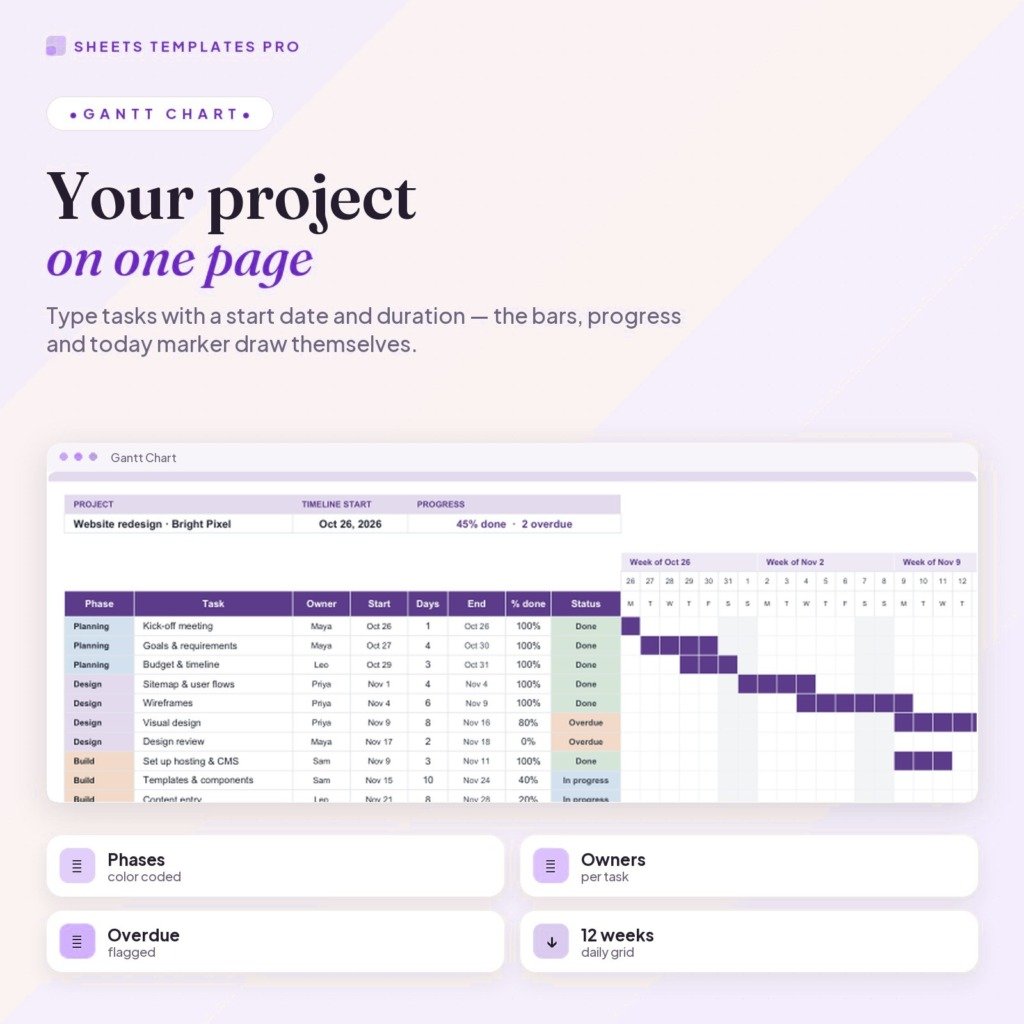
Plan any project on a timeline: type each task with a start date and a duration, and the bars, progress and today line draw themselves. This gantt chart template works in Microsoft Excel and Google Sheets.
What’s inside the Gantt Chart Template
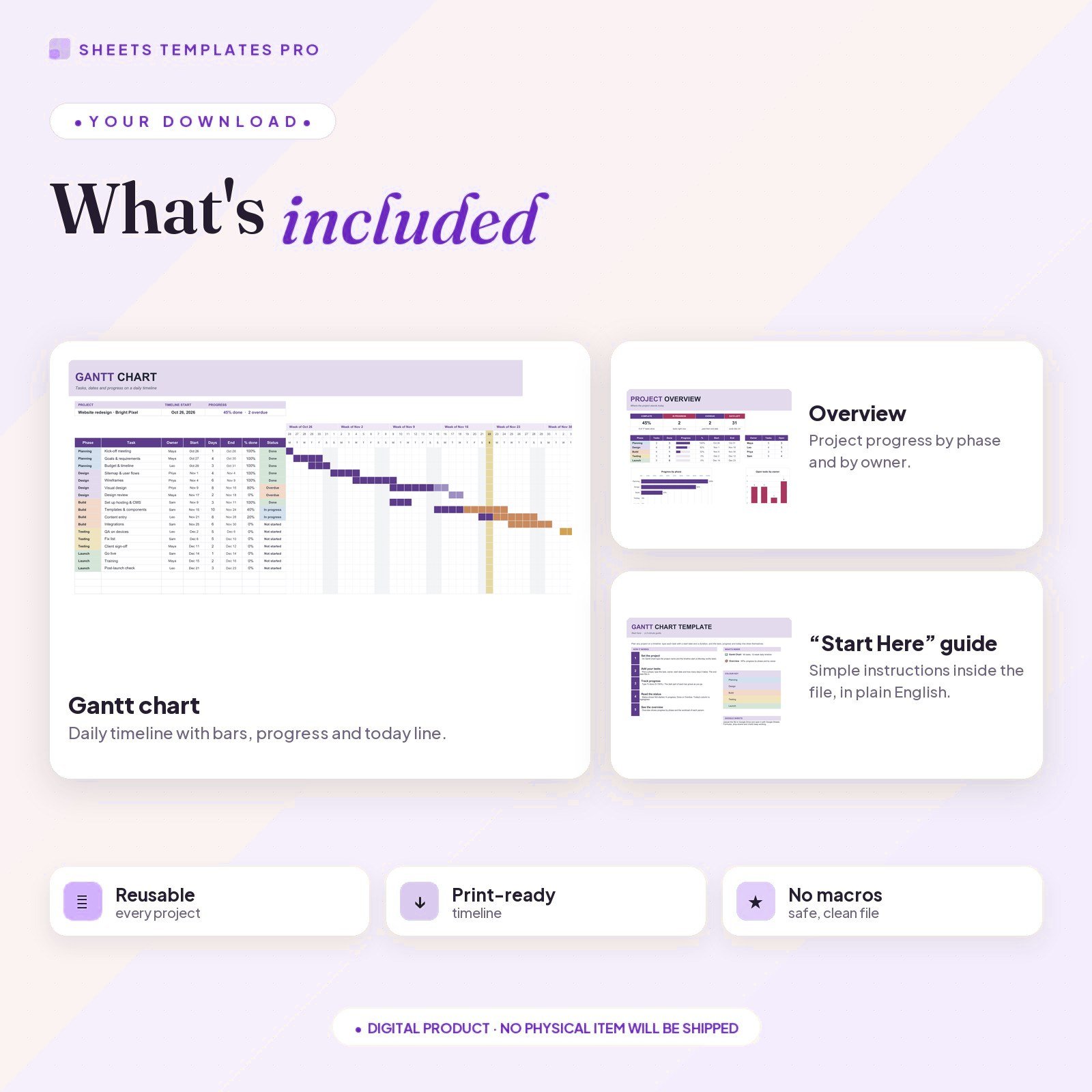
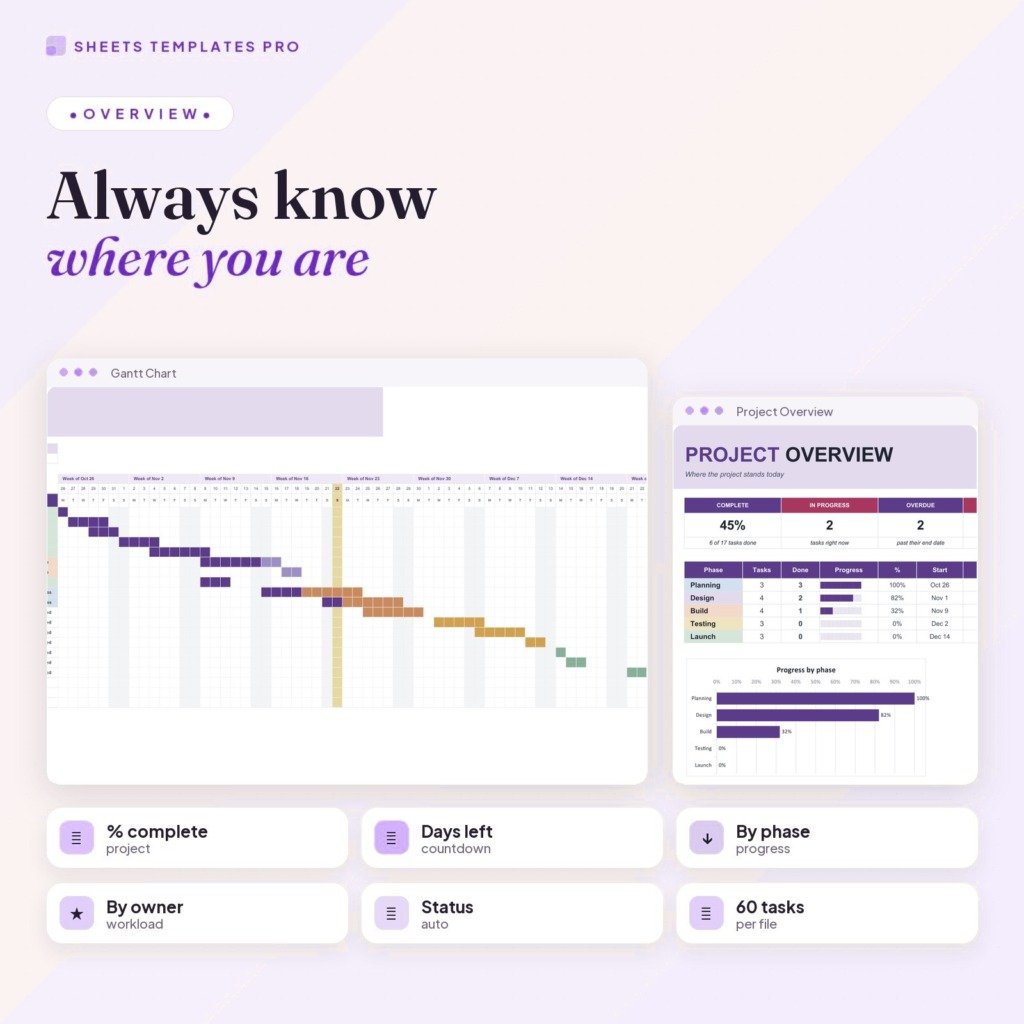
Take a look inside before you buy. Every screenshot comes from the real file, with the example data that is included.

Who this gantt chart is for
- Teams and project managers
- Freelancers planning client work
- Students with group projects
Features
- Gantt Chart — 60 tasks, 12-week daily timeline.
- Overview — KPIs, progress by phase and by owner.
- Live dashboards — cards, rings and charts update the moment you type.
- Easy to use — a Start Here guide inside the file, drop-downs, checkboxes and color coding. No macros.
How to use the gantt chart template
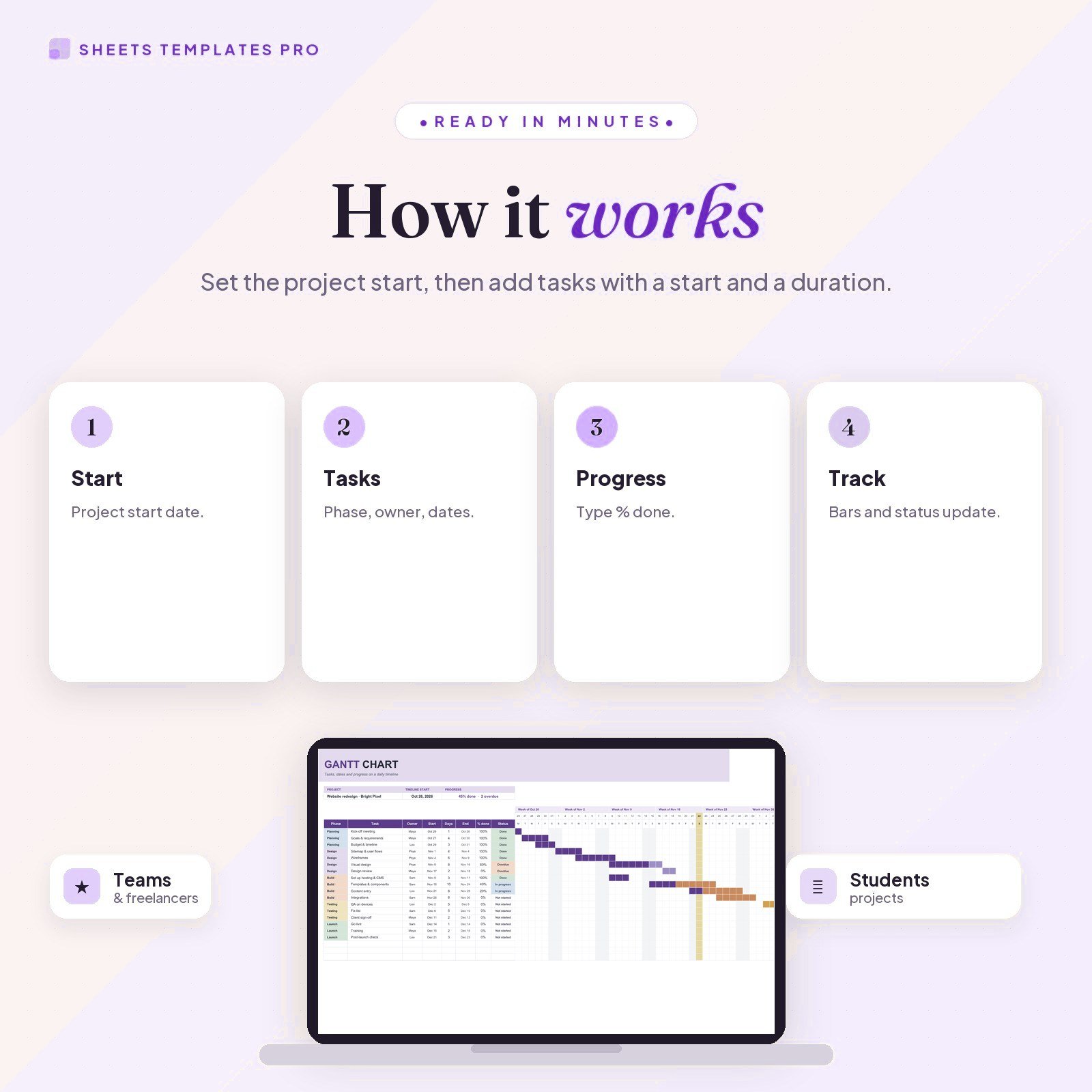
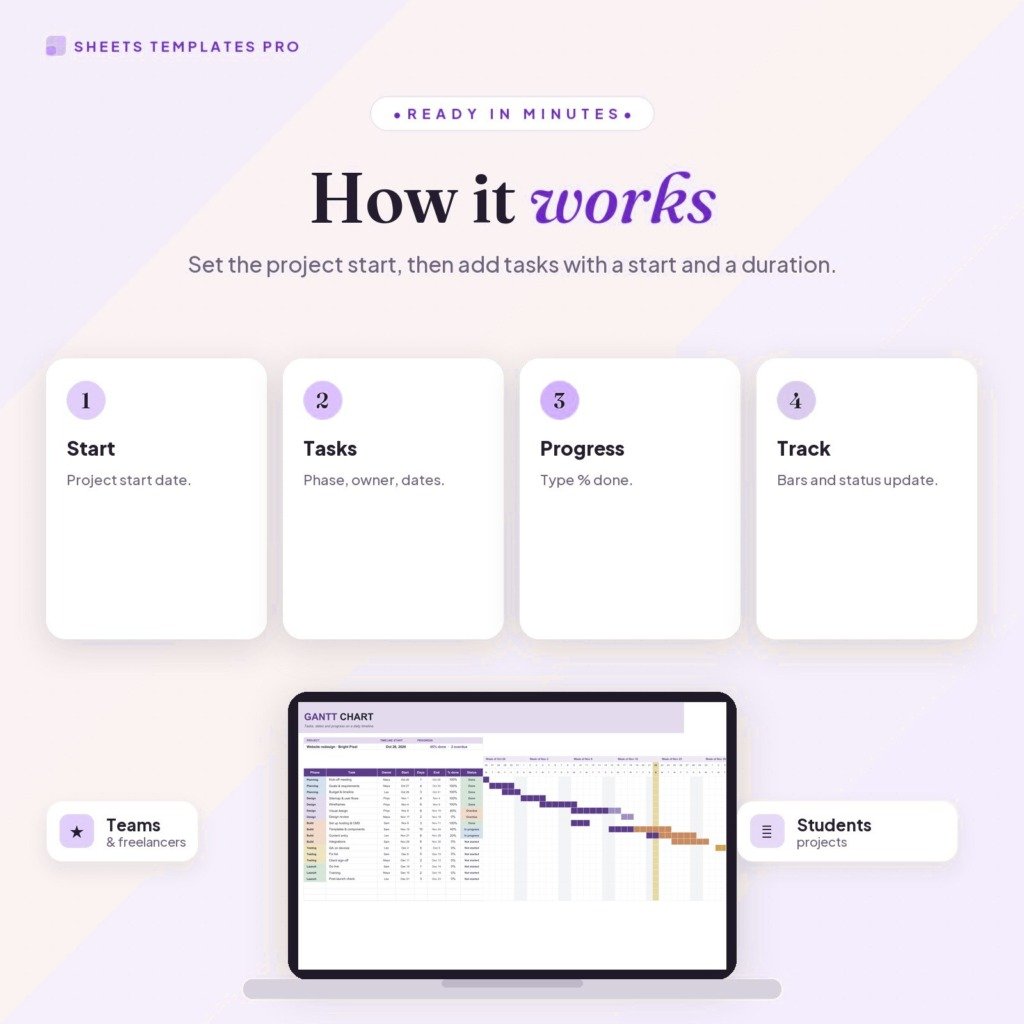
- Set the project. On Gantt Chart type the project name and the timeline start (a Monday works best).
- Add your tasks. Pick a phase, type the task, owner, start date and how many days it takes. The end date fills in.
- Track progress. Type % done (0–100%). The dark part of each bar grows as you go.
- Read the status. Status shows Not started, In progress, Done or Overdue. Today’s column is highlighted.
- See the overview. Overview shows progress by phase and the workload of each person.
What’s included
- 1 Excel file (.xlsx) with these tabs: Start Here, Gantt Chart, Overview.
- Example data so you can see how it works — clear it and add your own.
- Works in Microsoft Excel (Windows, Mac and web) and Google Sheets.
Compatibility
Works in Microsoft Excel (desktop, Mac and Excel online) and Google Sheets. No macros required.
FAQ
Does it need macros?
No. The bars are drawn with conditional formatting, so it works in Google Sheets too.
How long can the project be?
The timeline shows 12 weeks from the start date you choose.
Can I track progress?
Yes. Type % done and the bar fills in; status updates on its own.
Does it work in the free version of Google Sheets?
Yes. Upload the .xlsx file to Google Drive and open it with Google Sheets. A free Google account is all you need.
How do I get the file?
Right after checkout you get a download link on the confirmation page and by email.
More templates like this: To-Do Lists & Task Planners.
This is a digital product. No physical item will be shipped.
Related templates
Browse all To-Do Lists & Task Planners.
Save with the bundle: get this template plus more in the Productivity & Student Bundle for $17.99.
Want everything? The All-Access Bundle includes every template in the shop for $49.99.



Reviews
There are no reviews yet.