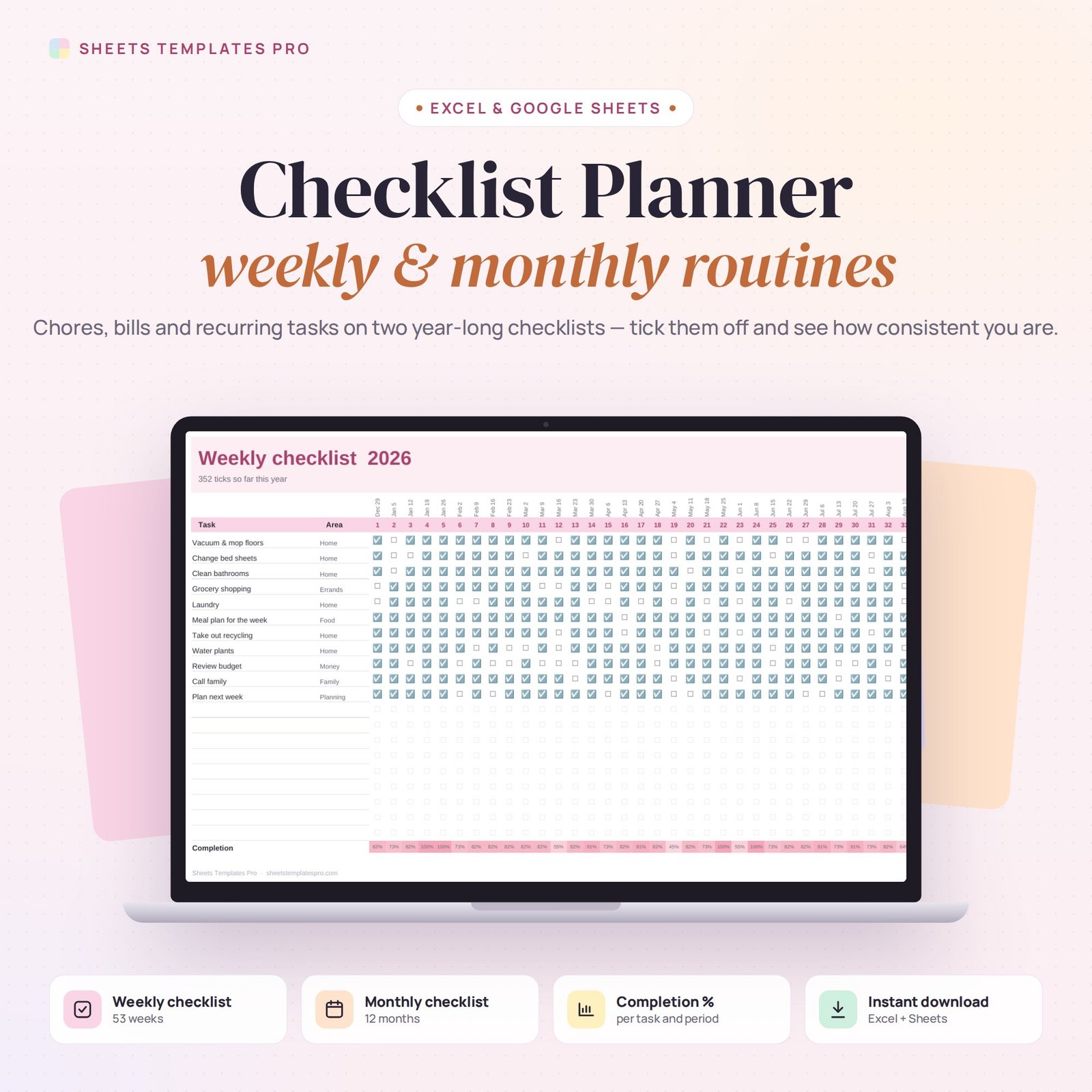
Keep up with the jobs that come back every week and every month. This checklist template gives you two year-long checklists — weekly and monthly — for chores, bills, routines and maintenance, with checkboxes for every period and a dashboard that shows how consistent you are.
Who this template is for
- Anyone running repeatable processes
- Event planners and organizers
- People who love ticking boxes
Features
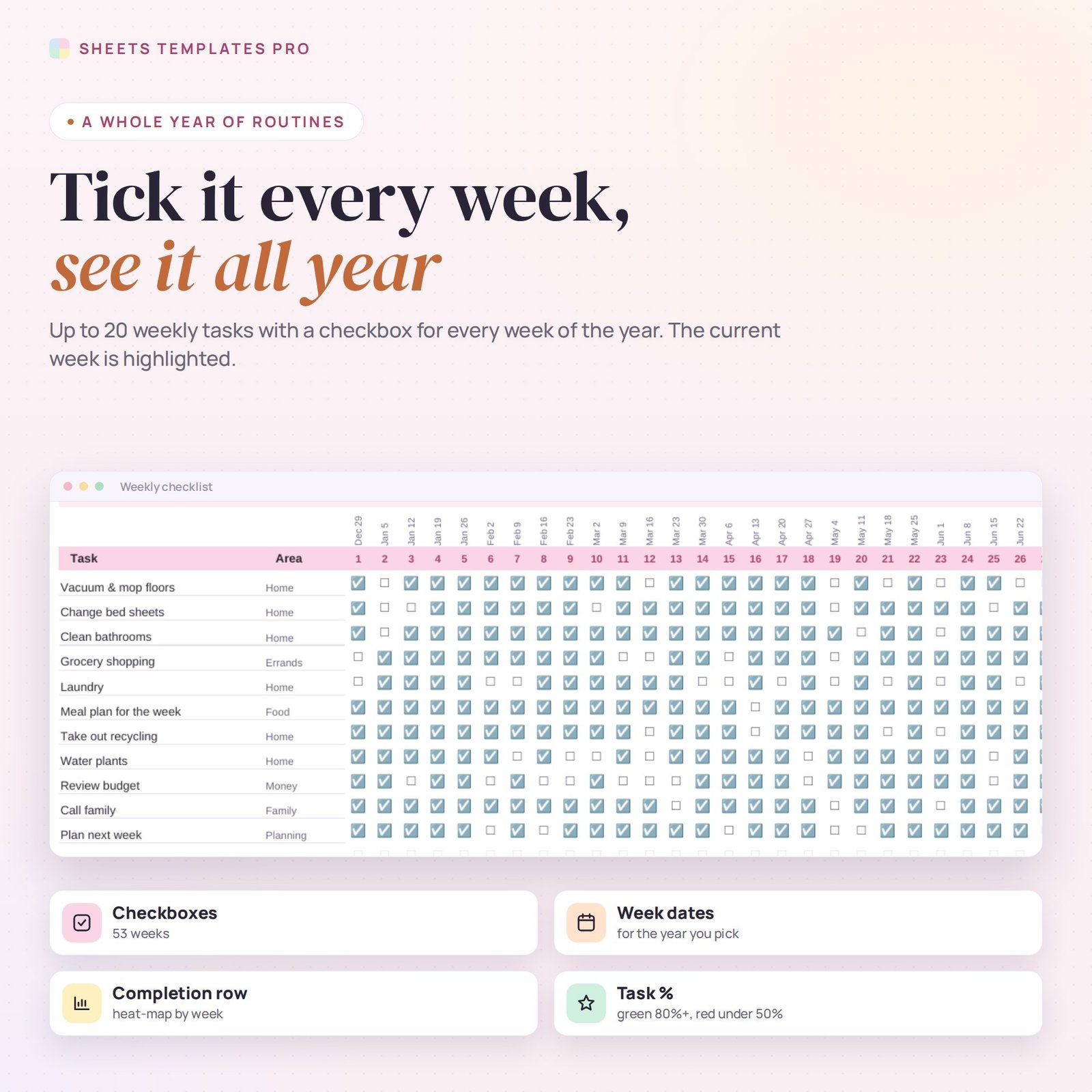
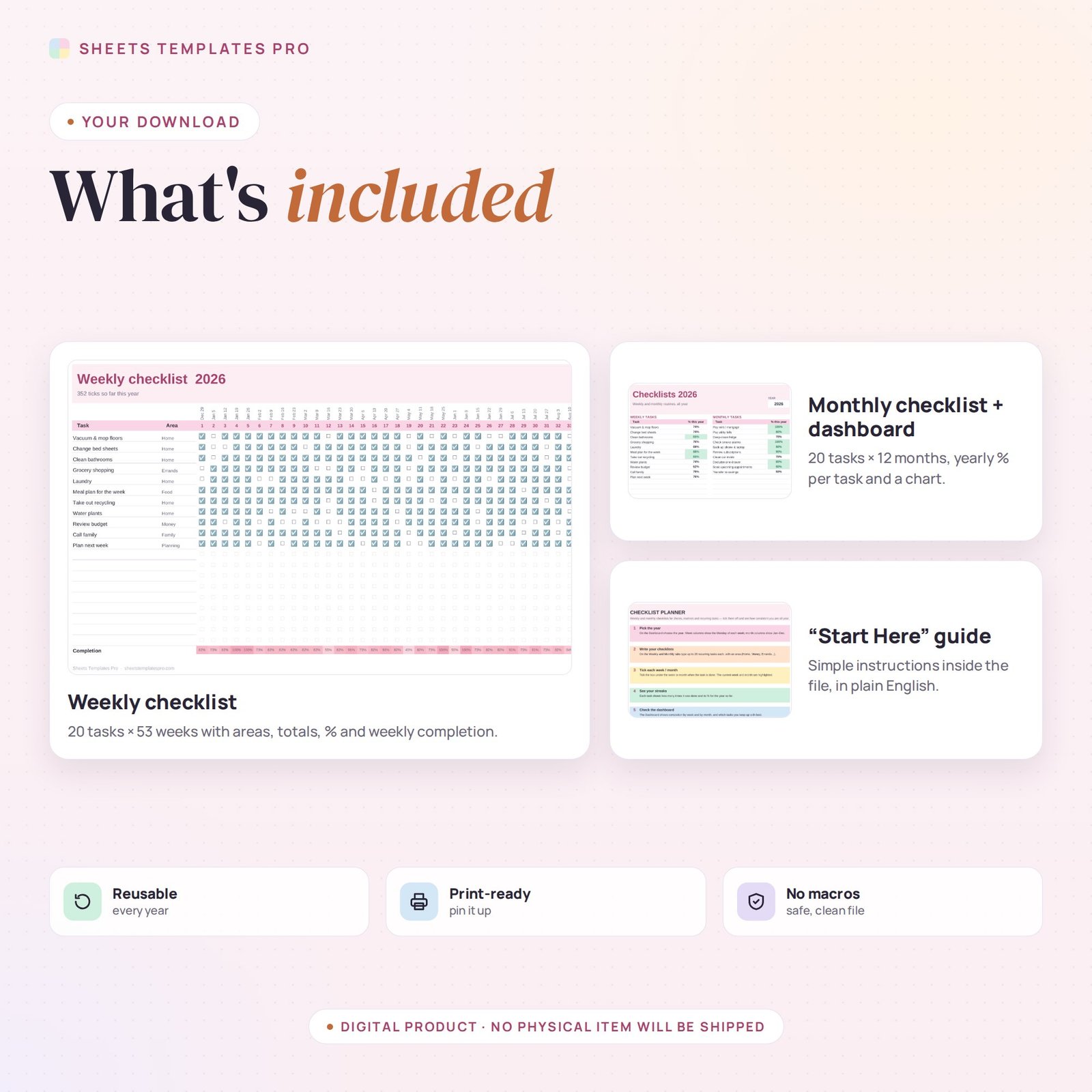
- Weekly checklist: up to 20 tasks with a checkbox for each of the 53 weeks of the year. Week dates update for the year you pick.
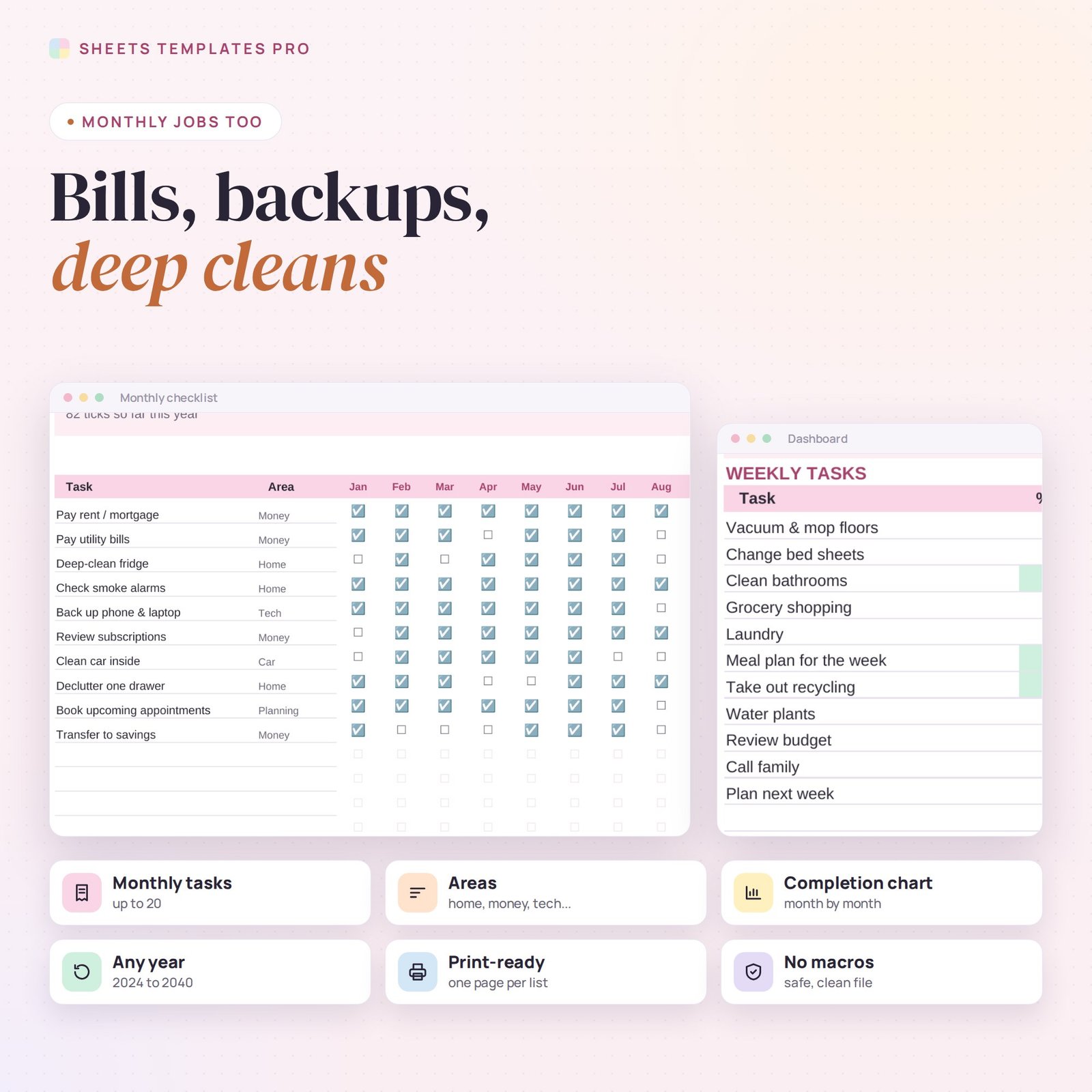
- Monthly checklist: up to 20 tasks with a checkbox for each month.
- The current week and month are highlighted.
- Times done and % for the year so far for every task, in green (80%+) or red (under 50%).
- Completion row for every week and month, shown as a heat map.
- Dashboard with every task’s yearly % and a monthly completion chart.
- Areas (Home, Money, Errands, Tech…) to group tasks. No macros.
How to use it
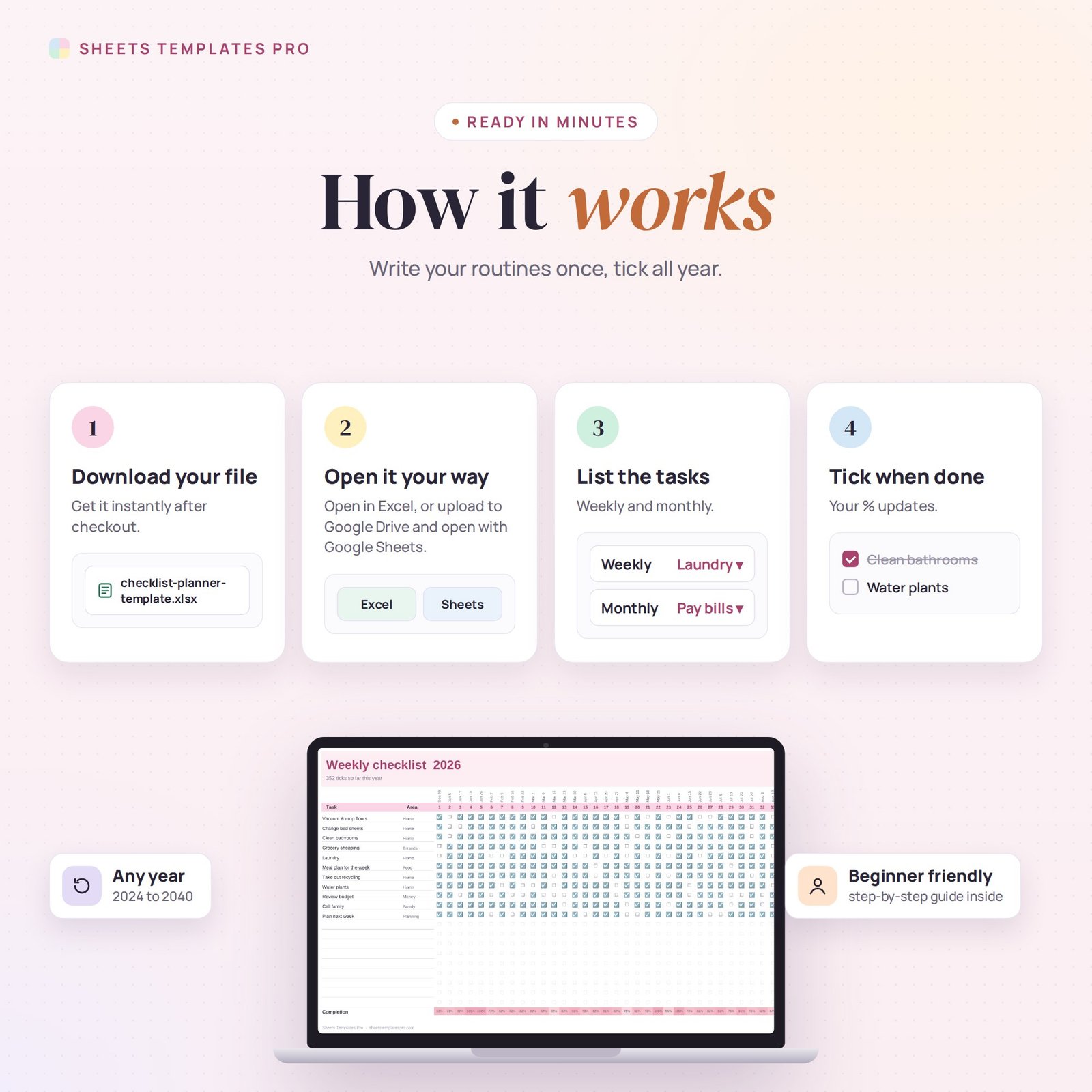
- Download the file and open it in Excel or upload it to Google Sheets.
- Pick the year on the Dashboard.
- Write your weekly and monthly tasks.
- Tick each one when it’s done and check your progress on the Dashboard.
What’s included
- 1 .xlsx file with 4 tabs: Start Here, Dashboard, Weekly and Monthly.
- Example routines and ticks (clear them to start fresh).
Compatibility
Works in Microsoft Excel (desktop, Mac and Excel online) and Google Sheets. Share it in Google Sheets for family chores. No macros required.
FAQ
Can I use it for a cleaning schedule?
Yes. List weekly cleaning jobs on the Weekly tab and deep cleans on the Monthly tab.
Can I reuse it next year?
Yes. Clear the ticks and pick the new year.
How is the % calculated?
Times done divided by the weeks or months that have started so far this year.
Does it work in the free version of Google Sheets?
Yes. Upload the .xlsx file to Google Drive and open it with Google Sheets. A free Google account is all you need.
Can I use it on a Mac, iPad or phone?
Yes. It works in Excel for Mac and Windows, Excel online and the Google Sheets app. For editing, a computer or tablet is the most comfortable.
How do I get the file?
Right after checkout you get a download link on the confirmation page and by email.
More templates like this: To-Do Lists & Task Planners.
This is a digital product. No physical item will be shipped.



Reviews
There are no reviews yet.