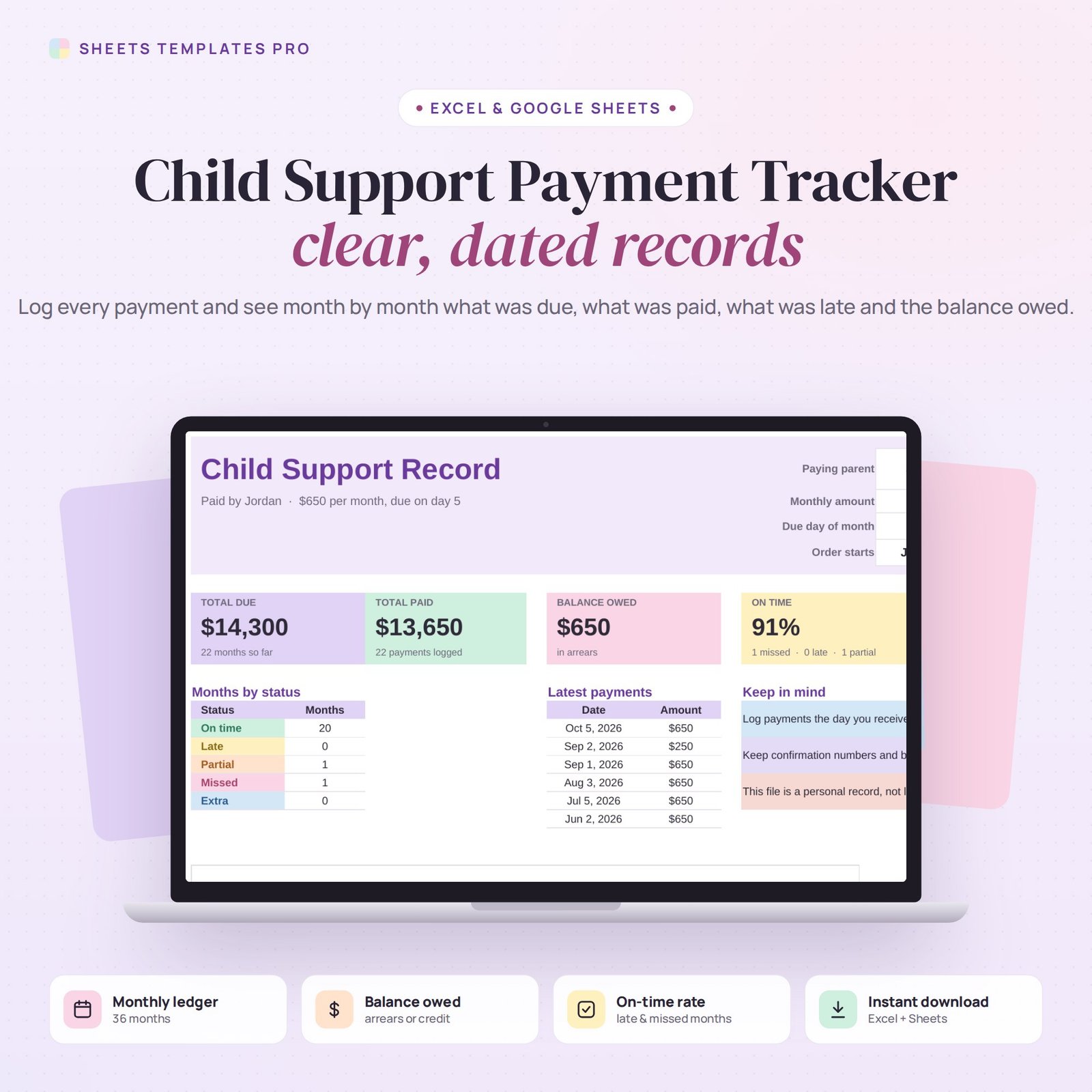

Keep a clear, dated record of child support. This child support payment tracker logs every payment received or sent and builds a month-by-month ledger showing what was due, what was paid, whether it was on time, late, partial or missed, and the running balance owed. It works in Excel and Google Sheets, for the paying or the receiving parent.
Who this template is for
- Parents receiving child support
- Parents paying support who want clear records
- Parents organizing payment history
Features
- Order setup – paying parent, monthly amount, due day and the month the order starts.
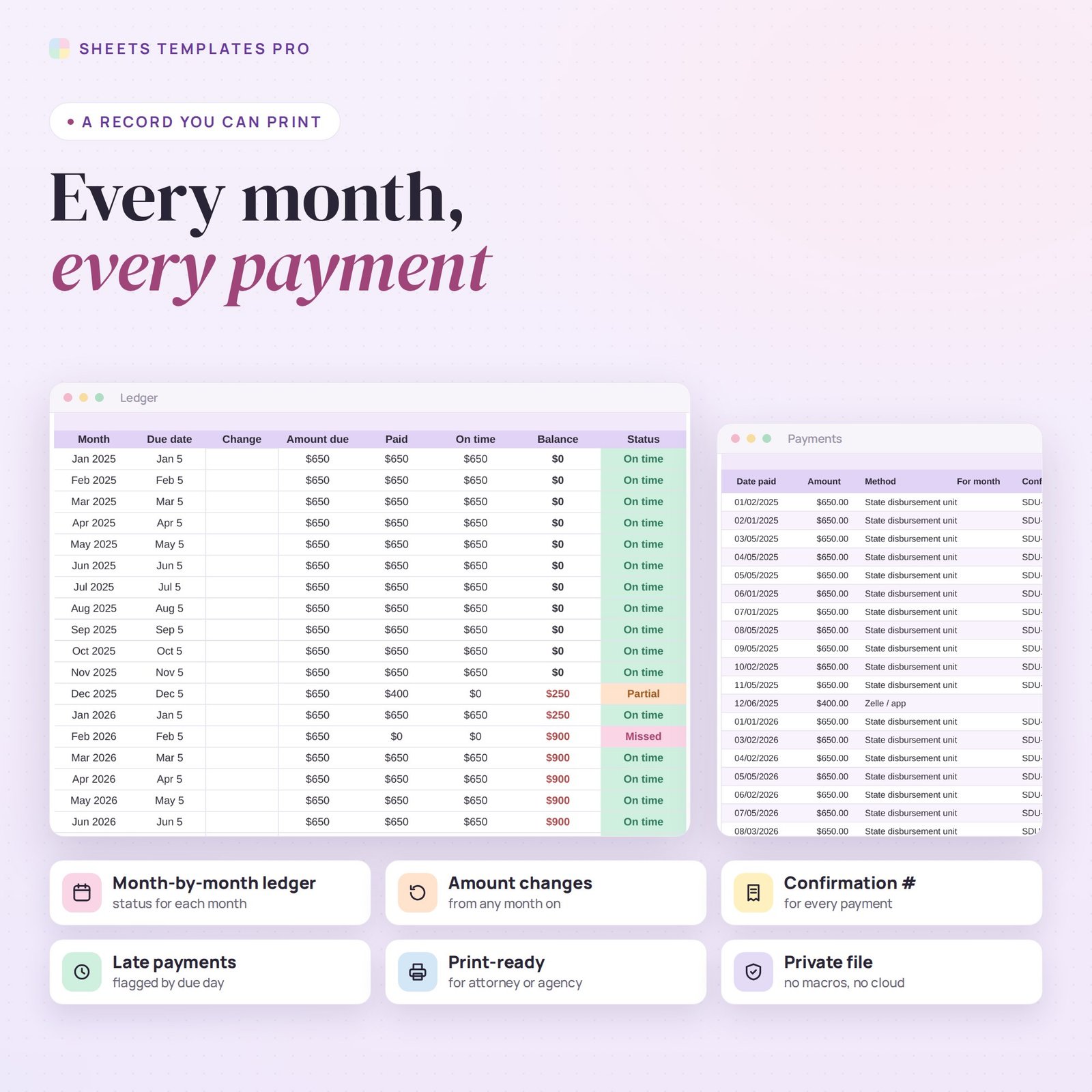
- Payment log for 400 payments – date, amount, method (state disbursement unit, direct deposit, check, app…), confirmation number and notes. Catch-up payments can be applied to an earlier month.
- 36-month ledger – amount due, paid, paid on time and running balance (arrears or credit) with a status for each month.
- Amount changes – type a new amount from any month if the order is modified.
- Summary – total due, total paid, balance owed, on-time rate, months by status and the latest payments.
- Chart – due vs paid, month by month.
How to use it
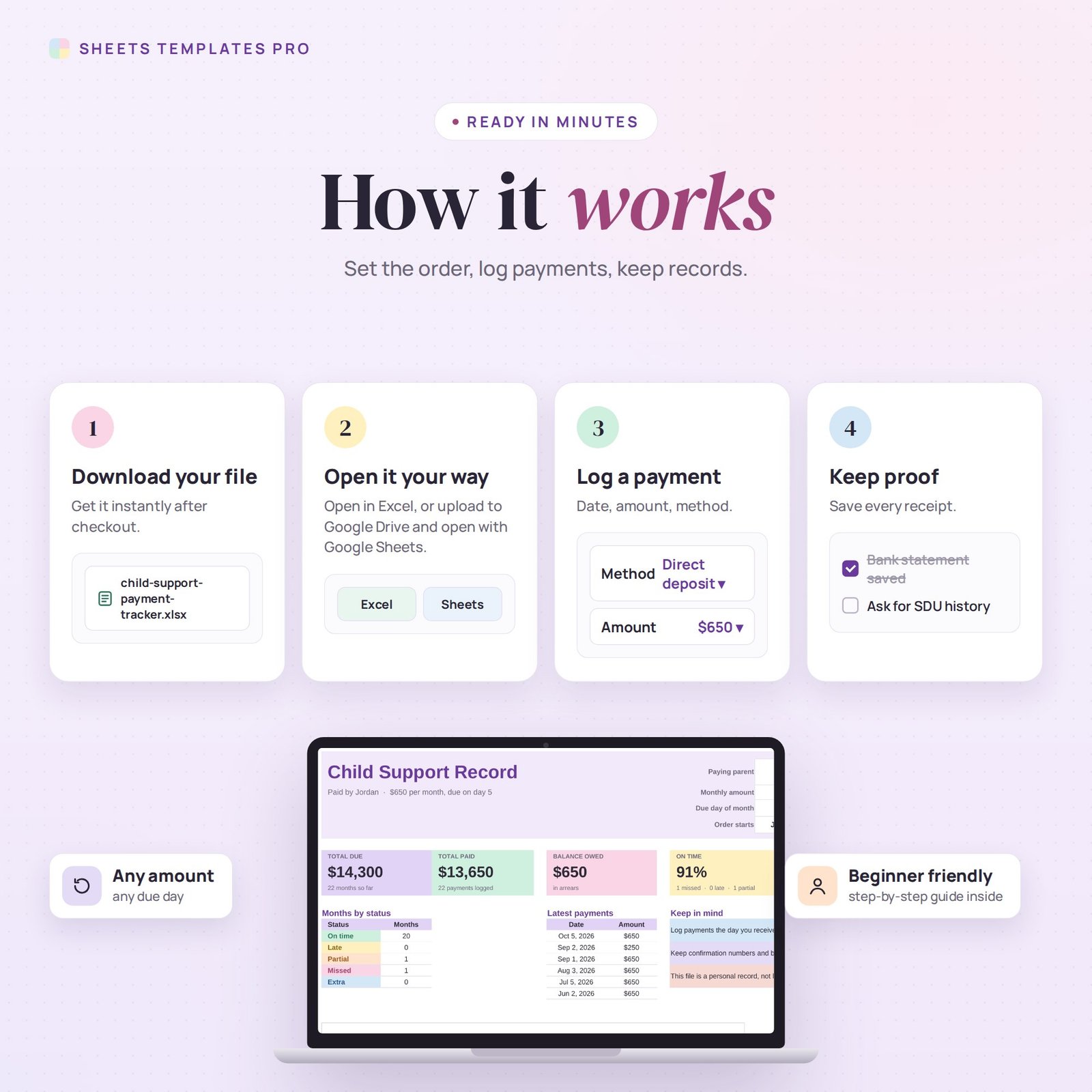
- On Summary, enter the paying parent, monthly amount, due day and start month.
- Log every payment on the Payments tab with its confirmation number.
- Check the Ledger for each month’s status and the running balance.
- Print the Summary and Ledger when you need to share your records.
What’s included
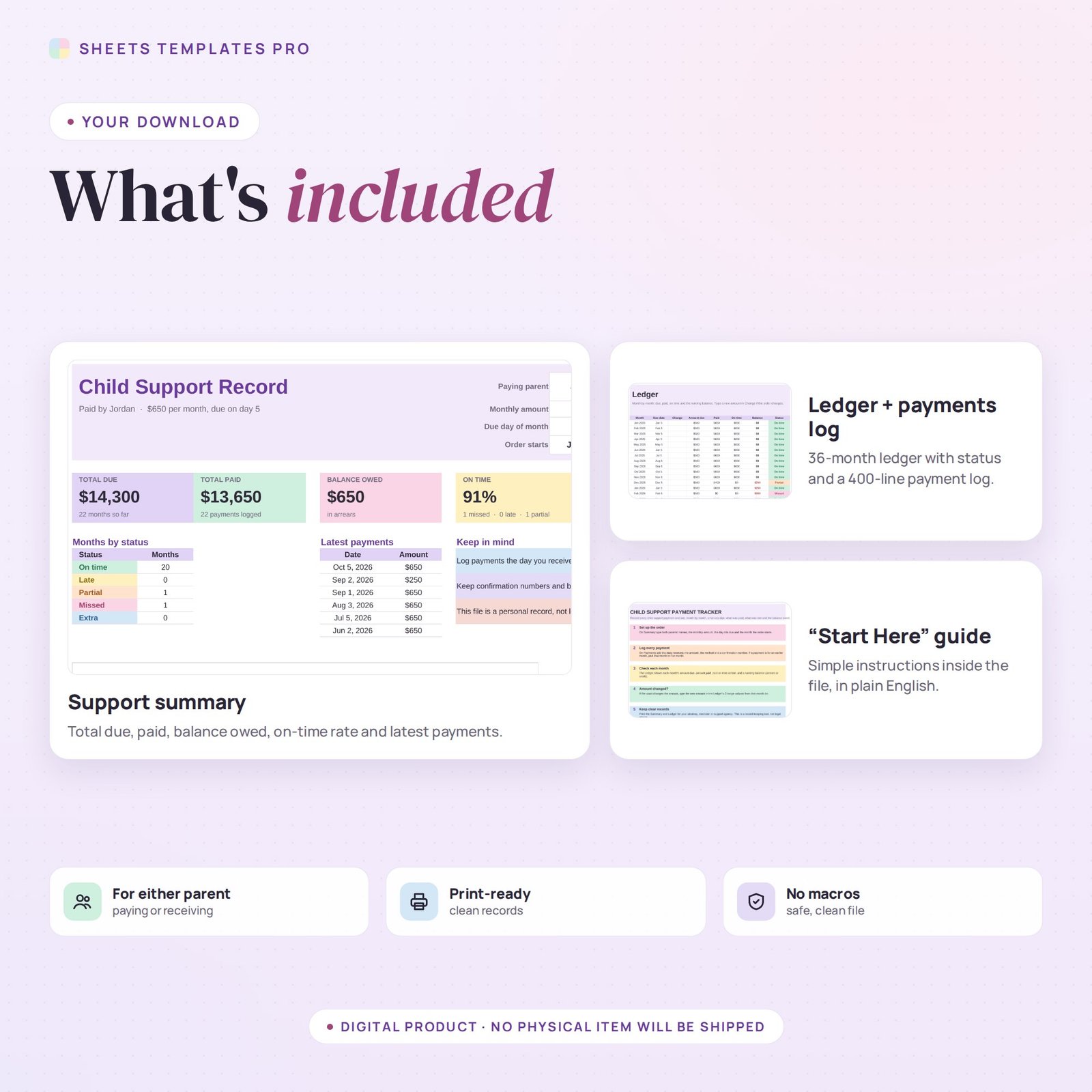
- Child support tracker spreadsheet (.xlsx) with Start Here guide, Summary, Payments log and Ledger
- Sample records you can clear in seconds
Compatibility
Microsoft Excel 2016 or later (Windows and Mac), Excel for the web and Google Sheets. No macros, no add-ons.
FAQ
Is this legal advice? No. It is a personal record-keeping tool. Always keep official records from your state agency or bank and follow your attorney’s guidance.
Can I track payments through my state’s disbursement unit? Yes. Choose that method and add the confirmation or transaction number.
What if a payment covers two months? Split it into two lines and pick the month each part is for.
Does it work in the free version of Google Sheets?
Yes. Upload the .xlsx file to Google Drive and open it with Google Sheets. A free Google account is all you need.
Can I use it on a Mac, iPad or phone?
Yes. It works in Excel for Mac and Windows, Excel online and the Google Sheets app. For editing, a computer or tablet is the most comfortable.
How do I get the file?
Right after checkout you get a download link on the confirmation page and by email.
More templates like this: Co-Parenting Templates.
This is a digital product. You will receive a download link after purchase. No physical item will be shipped.


Reviews
There are no reviews yet.