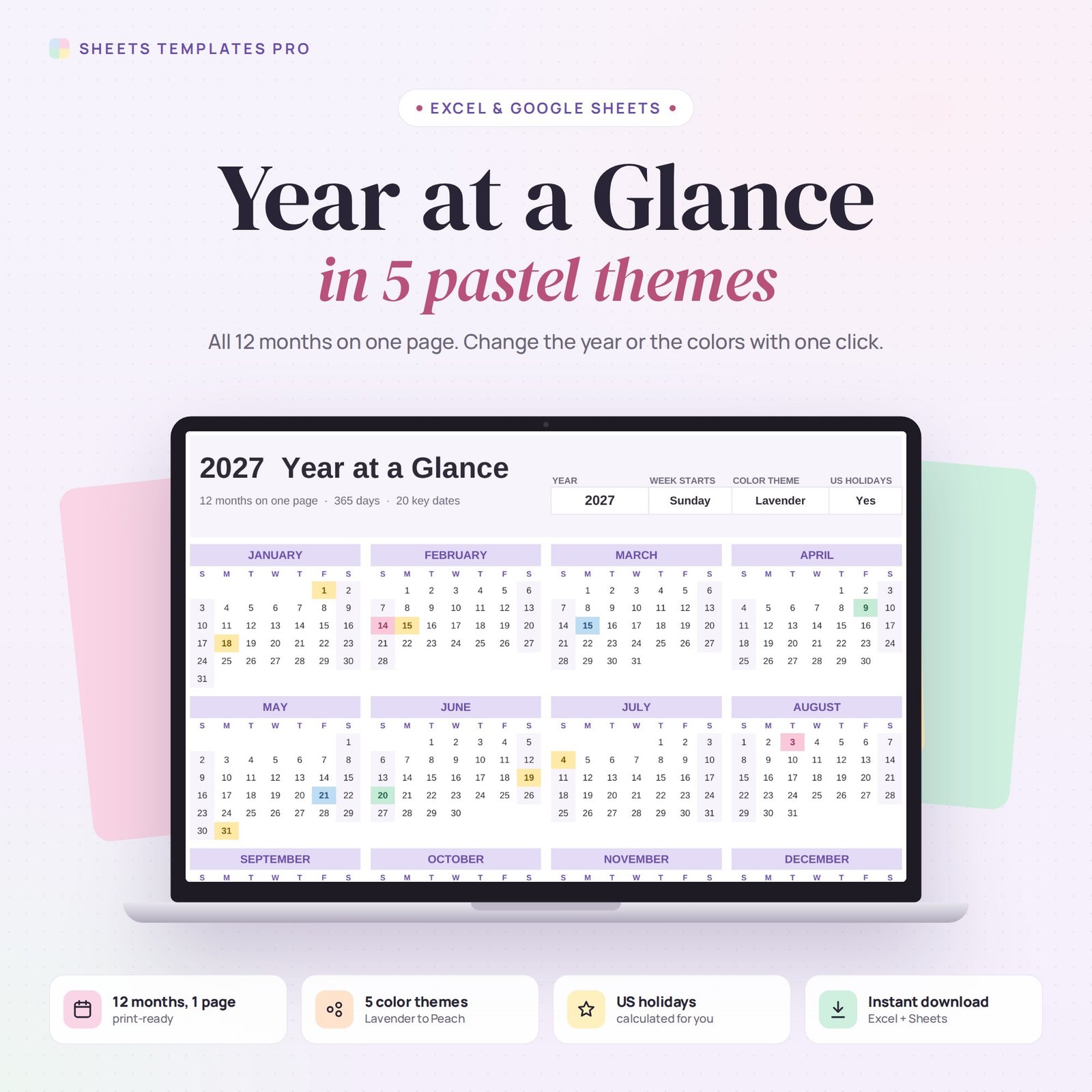
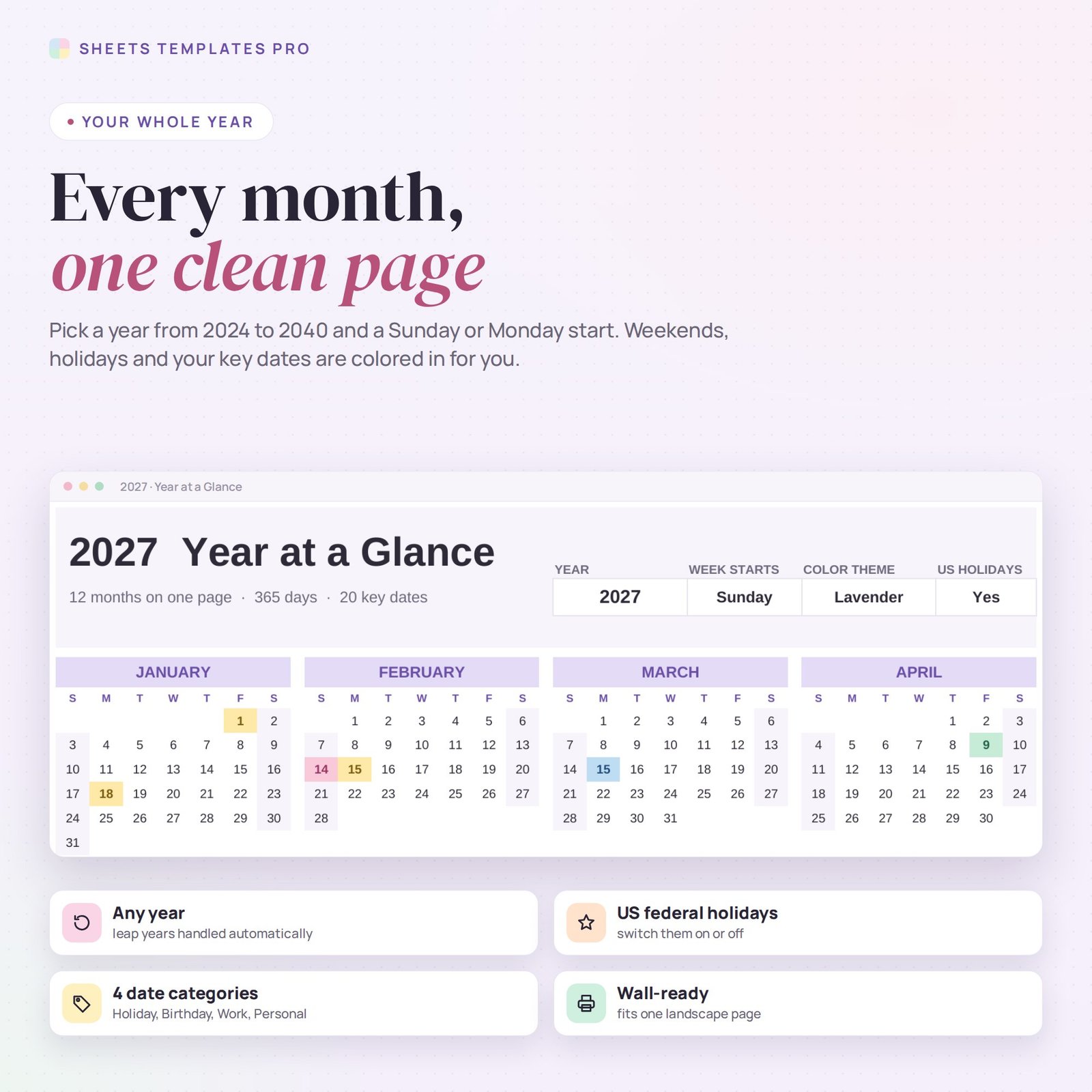


This year at a glance calendar template shows all 12 months on a single page. Choose the year, the first day of the week and one of five pastel color themes, and the whole calendar redraws itself. US federal holidays and your own key dates are colored in automatically. Use it as a ready-made year at a glance calendar 2027 in Excel or Google Sheets.
Who this template is for
- Anyone who wants the whole year on one printable page
- Managers planning vacations, launches and deadlines
- Teachers and parents marking school breaks and events
Features
- 12 months on one page, ready to print in landscape.
- 5 color themes: Lavender, Rose, Mint, Sky and Peach, switched from one drop-down.
- Any year from 2024 to 2040, with leap years handled for you.
- Sunday or Monday start.
- US federal holidays calculated for the chosen year, which you can switch off.
- Key dates in 4 colors: Holiday, Birthday, Work and Personal, with a legend and counts.
- Every year option so birthdays and anniversaries repeat automatically.
- Weekends softly shaded and today highlighted.
How to use your yearly calendar
- Download the file right after checkout.
- Open it in Excel, or upload it to Google Drive and open it with Google Sheets.
- Pick the year, week start and color theme at the top right.
- Add your key dates in the table to the right of the calendar.
What's included
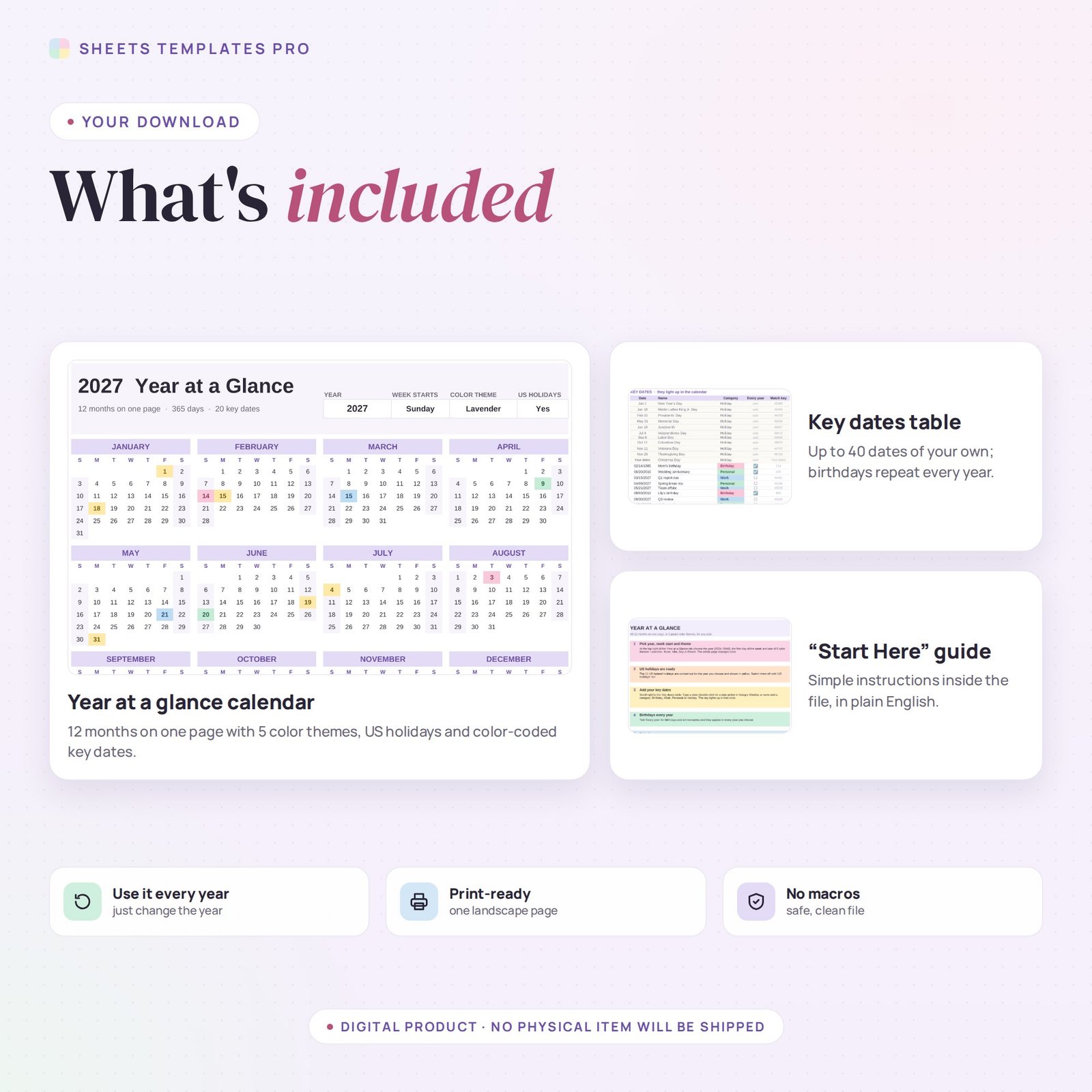
- 1 Excel file (.xlsx) with a Start Here guide and the Year at a Glance calendar with a key dates table and example dates.
- Automatic formulas, no macros.
Compatibility
Works in Microsoft Excel for Microsoft 365 (Windows and Mac) and in Google Sheets.
FAQ
Can I use the year at a glance calendar again next year?
Yes. Change the year and every month, weekday and holiday moves to the right place.
How do I change the colors?
Choose a theme from the Color theme drop-down. The month headers, weekday letters and weekend shading all change together.
Is this a subscription?
No. It is a one-time purchase and the file is yours to keep.
Does it work in the free version of Google Sheets?
Yes. Upload the .xlsx file to Google Drive and open it with Google Sheets. A free Google account is all you need.
Can I use it on a Mac, iPad or phone?
Yes. It works in Excel for Mac and Windows, Excel online and the Google Sheets app. For editing, a computer or tablet is the most comfortable.
How do I get the file?
Right after checkout you get a download link on the confirmation page and by email.
More templates like this: Year at a Glance Calendars.
This is a digital product. No physical item will be shipped.


Reviews
There are no reviews yet.