
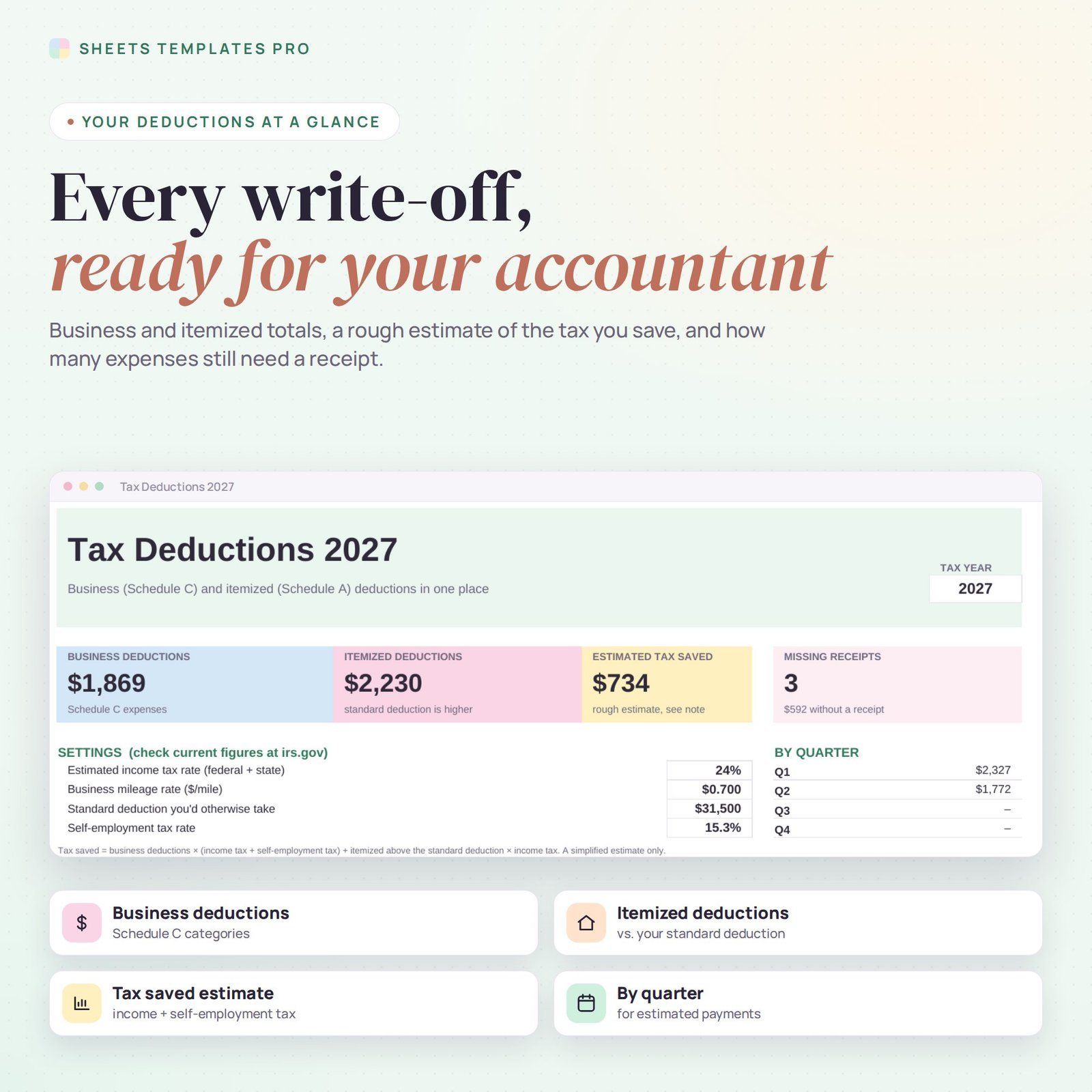
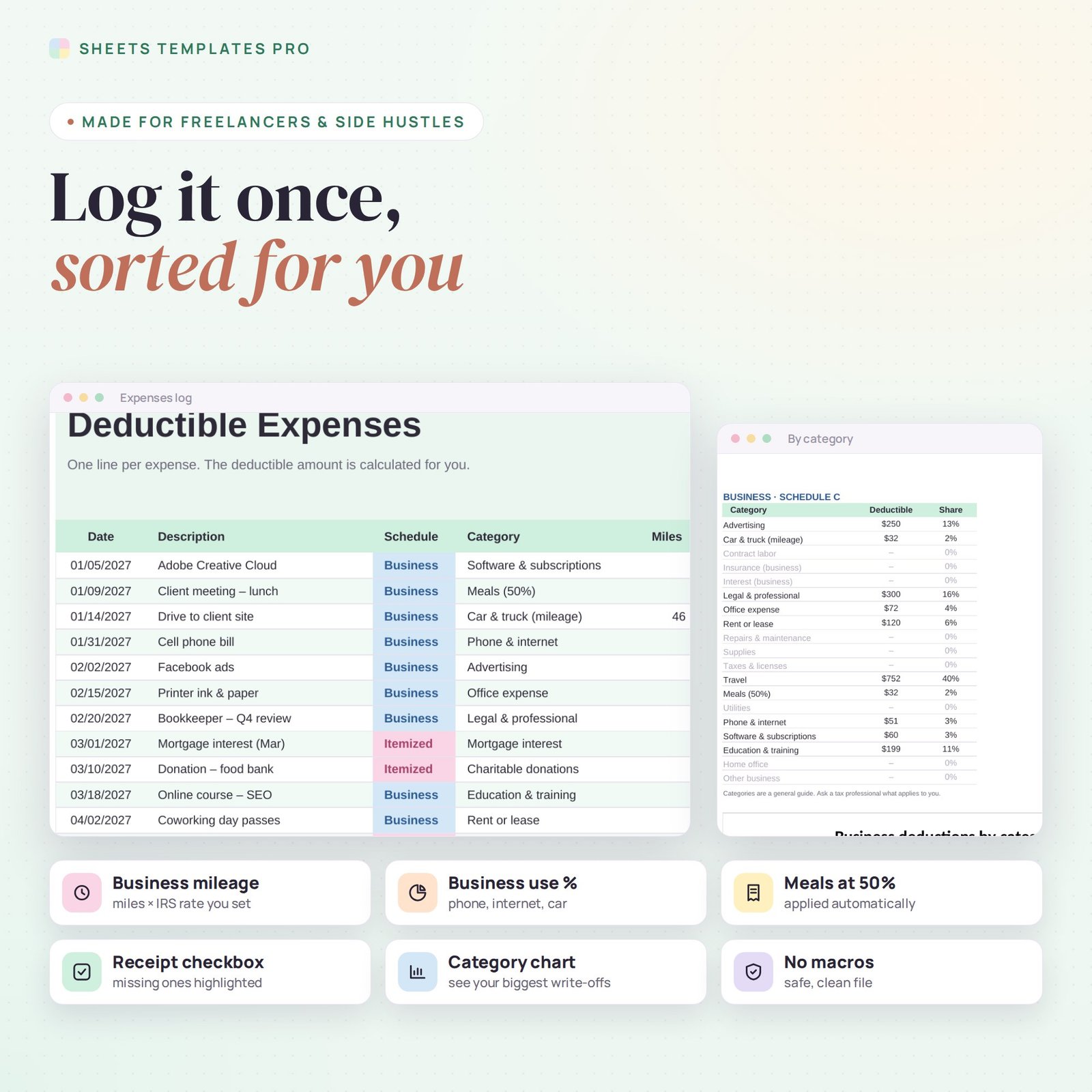
This tax deduction tracker collects every deductible expense during the year so tax time takes minutes, not days. It follows the categories of Schedule C for business expenses and Schedule A for itemized deductions, handles business mileage, business-use percentages and 50% meals, and shows which receipts are still missing.
Who this template is for
- Freelancers and 1099 contractors
- Sole proprietors filing Schedule C
- Side hustlers keeping receipts organized
Features
- 19 Schedule C business categories and 6 Schedule A itemized categories.
- Business mileage: enter miles; the deduction uses the mileage rate you set.
- Business use % for mixed-use costs like your phone or internet; meals counted at 50% automatically.
- Receipt checklist with missing receipts counted and highlighted.
- Summary: business and itemized totals, quarterly totals for estimated payments, itemized vs. your standard deduction and a simple tax-saved estimate.
- Chart of business deductions by category.
How to use your tax deduction tracker
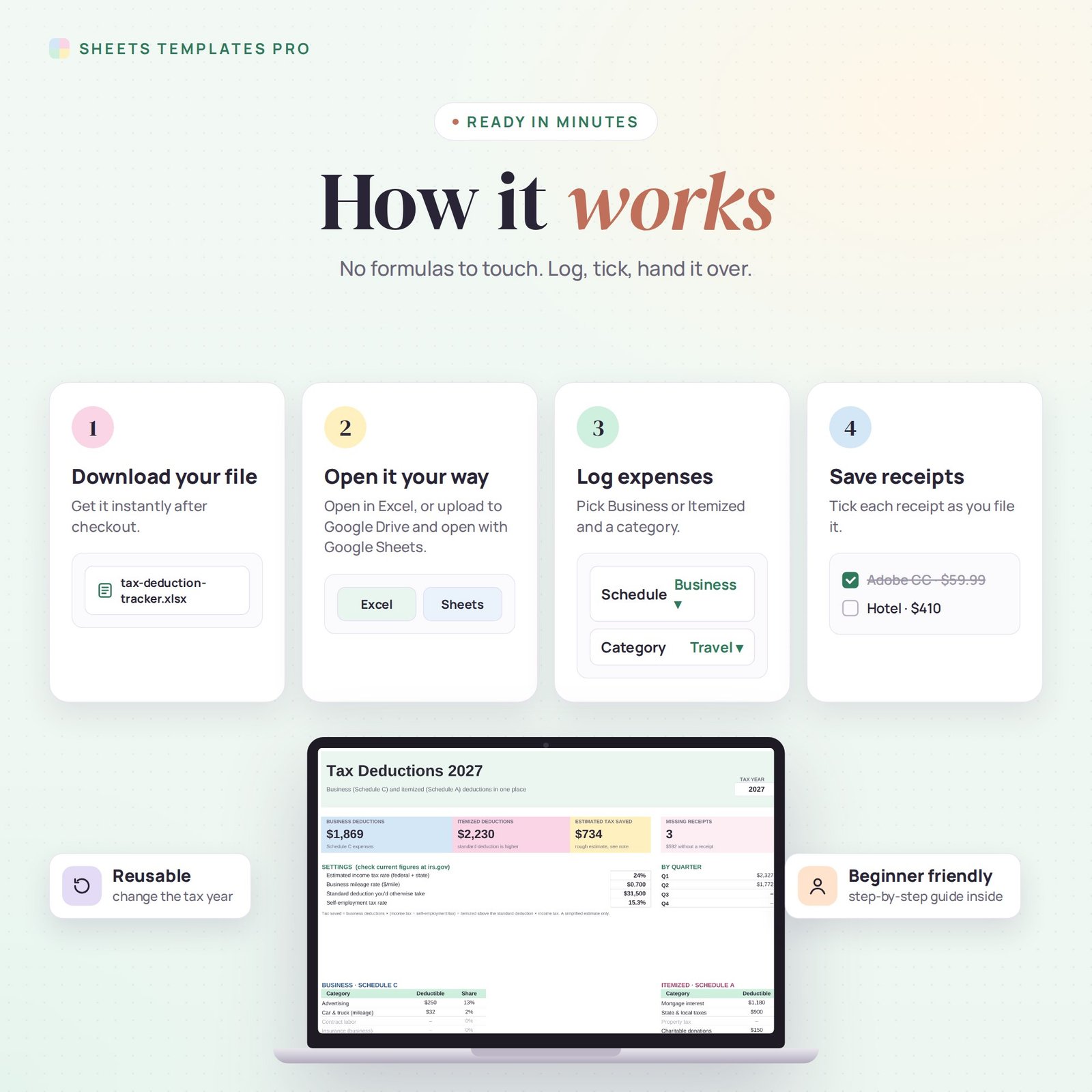
- Download the file right after checkout.
- Open it in Excel, or upload it to Google Drive and open it with Google Sheets.
- Set the tax year, your tax rate, mileage rate and standard deduction on the Summary tab.
- Log expenses as they happen and tick receipts as you save them.
What's included
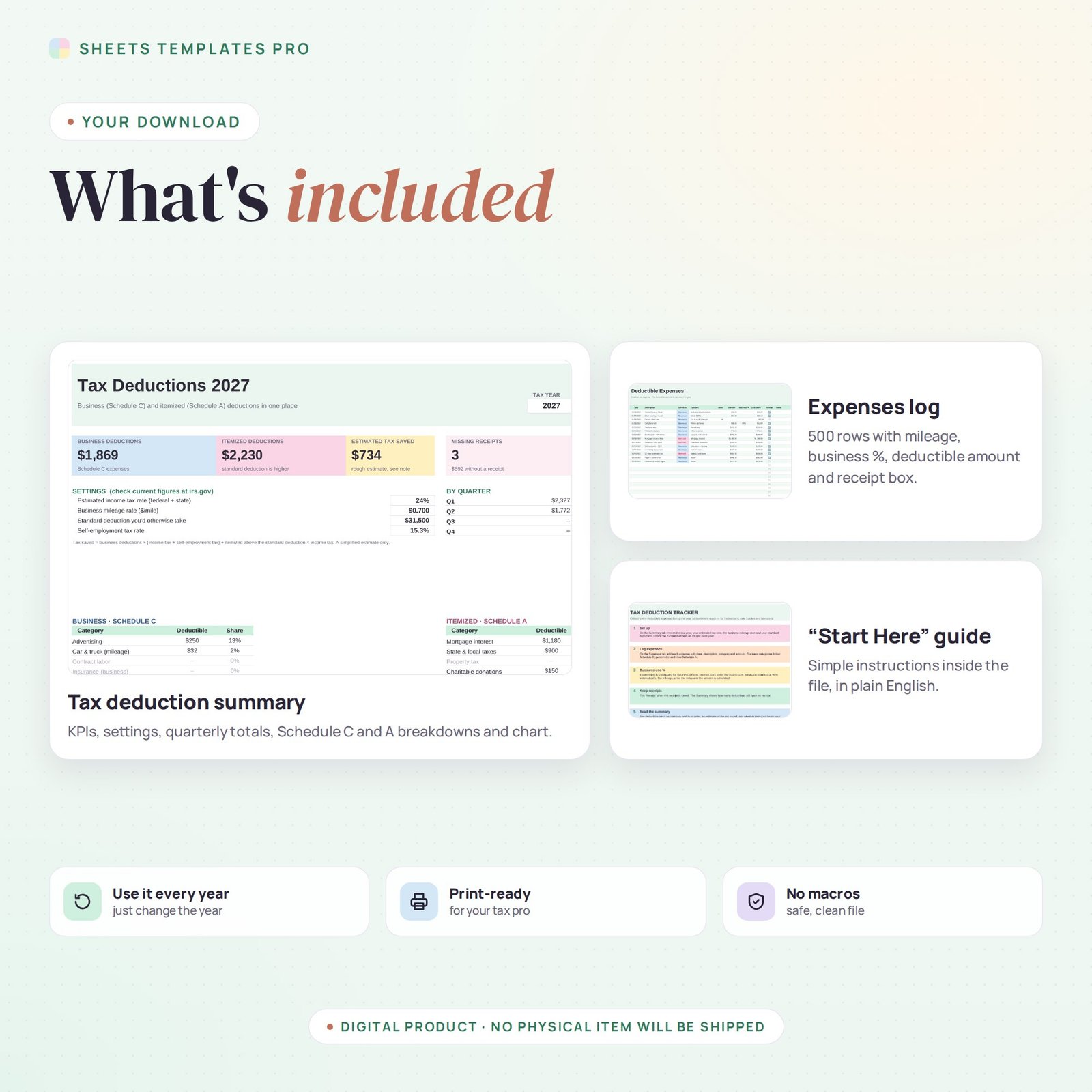
- 1 Excel file (.xlsx) with a Start Here guide, Summary and Expenses tabs, with example entries.
- Automatic formulas and chart, no macros.
Compatibility
Works in Microsoft Excel for Microsoft 365 (Windows and Mac) and in Google Sheets. The checkboxes use Excel's built-in checkbox feature.
FAQ
Who is this tax deduction tracker for?
Freelancers, side hustlers and small business owners who file Schedule C, and anyone who itemizes deductions.
Does it replace a tax professional?
No. It is a record-keeping tool. Rates and limits change, so check irs.gov and confirm with a tax professional.
Is this a subscription?
No. It is a one-time purchase and the file is yours to keep.
Does it work in the free version of Google Sheets?
Yes. Upload the .xlsx file to Google Drive and open it with Google Sheets. A free Google account is all you need.
Can I use it on a Mac, iPad or phone?
Yes. It works in Excel for Mac and Windows, Excel online and the Google Sheets app. For editing, a computer or tablet is the most comfortable.
How do I get the file?
Right after checkout you get a download link on the confirmation page and by email.
More templates like this: Expense & Bill Trackers.
This is a digital product. No physical item will be shipped.


Reviews
There are no reviews yet.