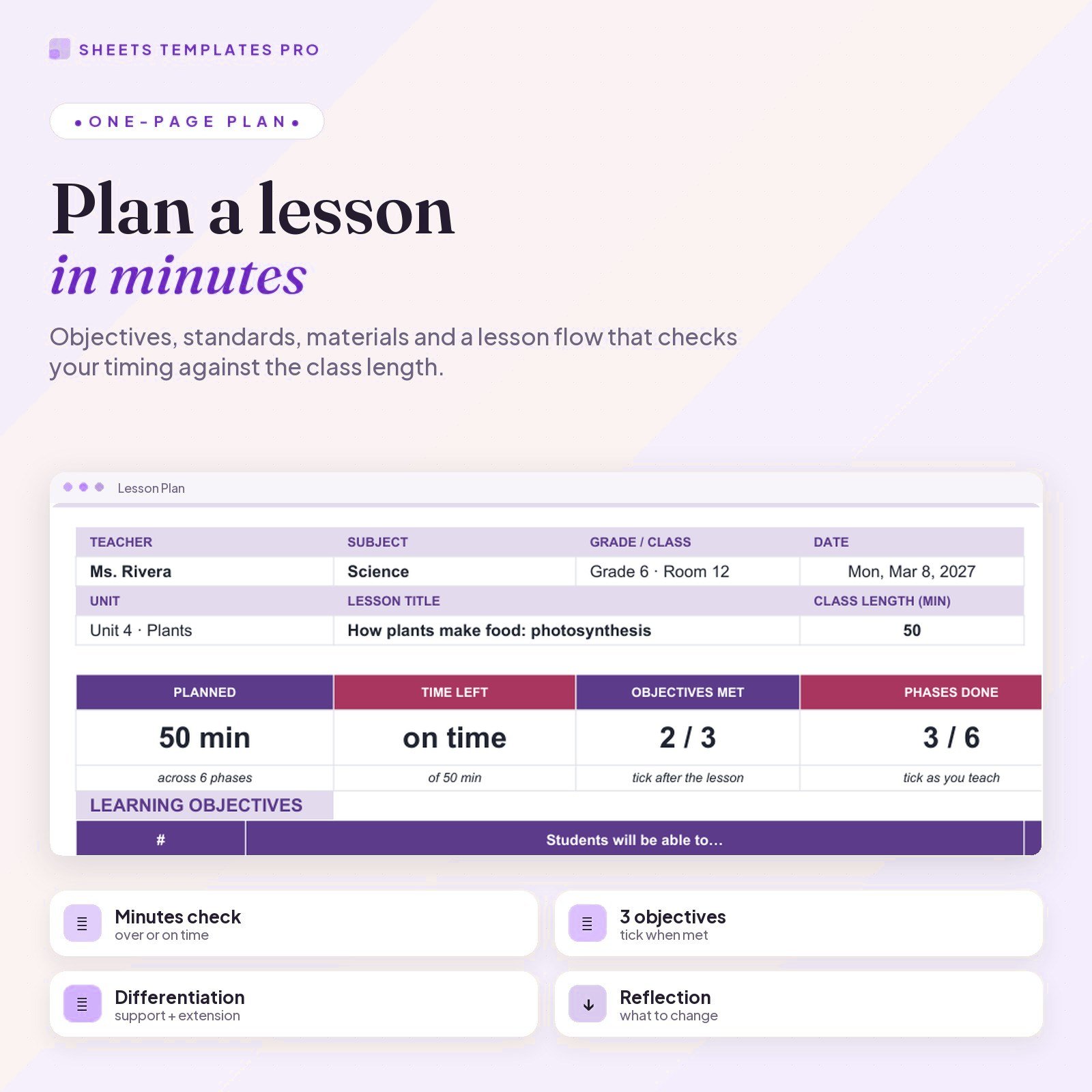
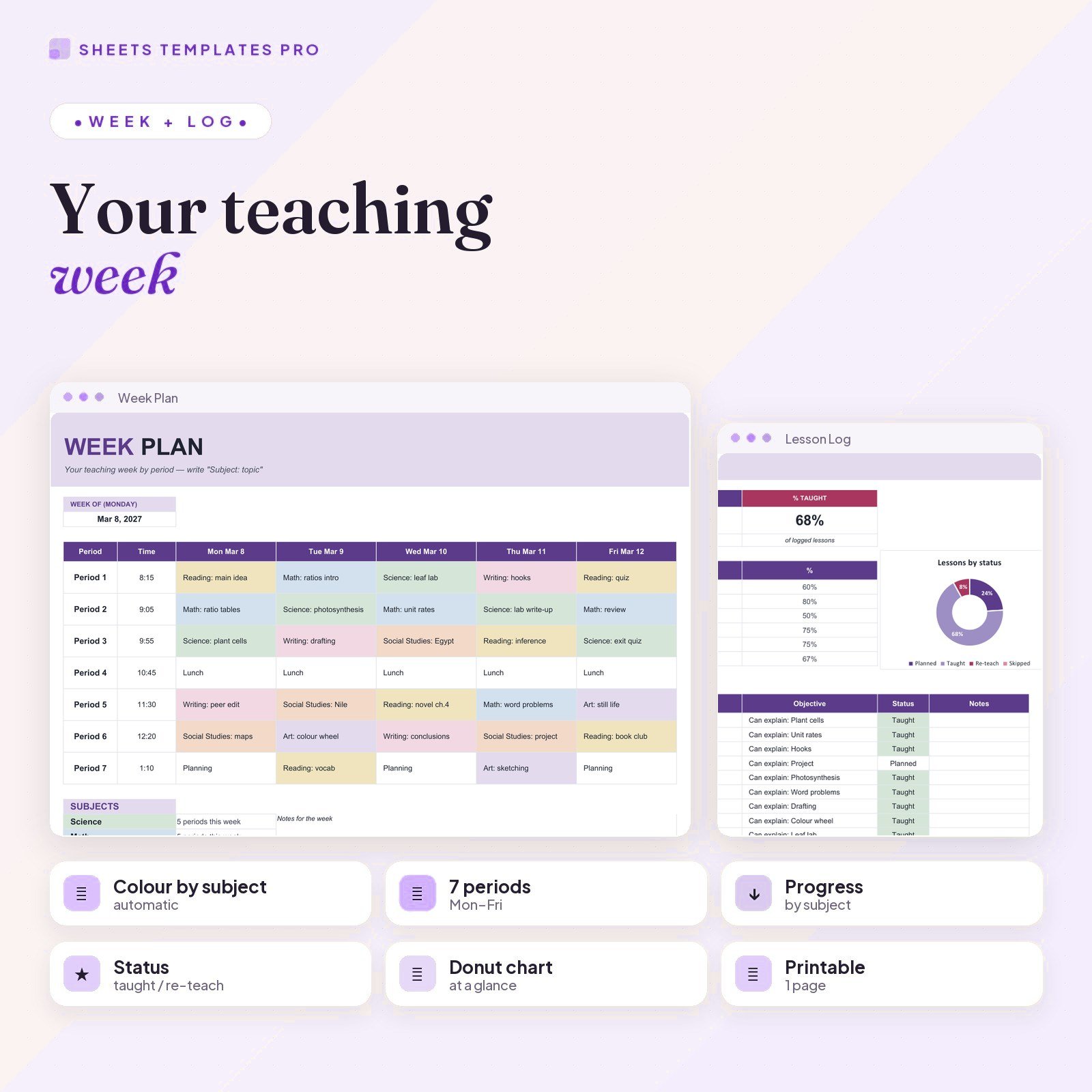
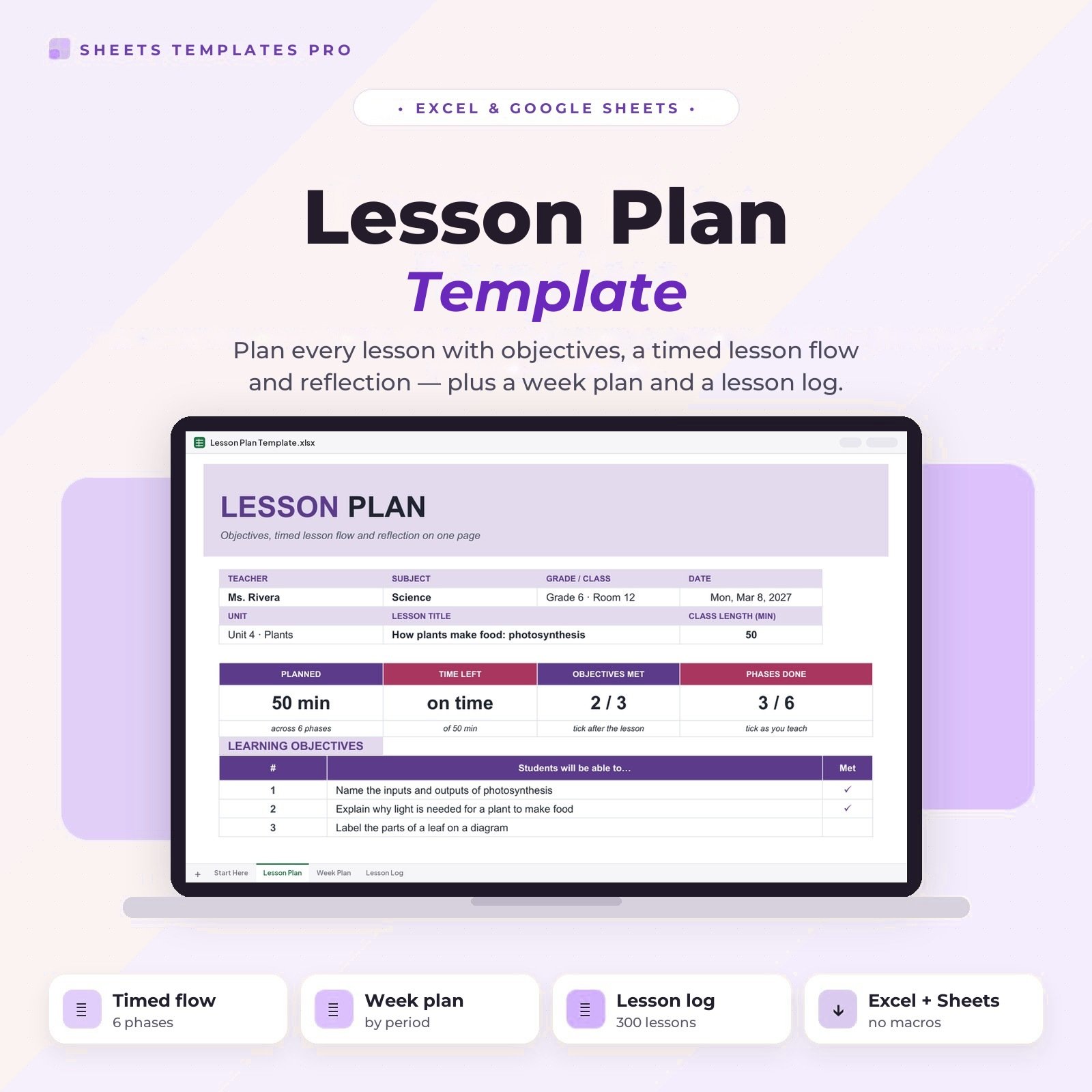
Plan a lesson in minutes, map your week by period and keep a log of everything you teach, with progress by subject. This lesson plan template works in Microsoft Excel and Google Sheets.
What’s inside the Lesson Plan Template
Take a look inside before you buy. Every screenshot comes from the real file, with the example data that is included.
Who this lesson plan is for
- Classroom teachers (K-12)
- Homeschool parents
- Tutors and coaches
Features
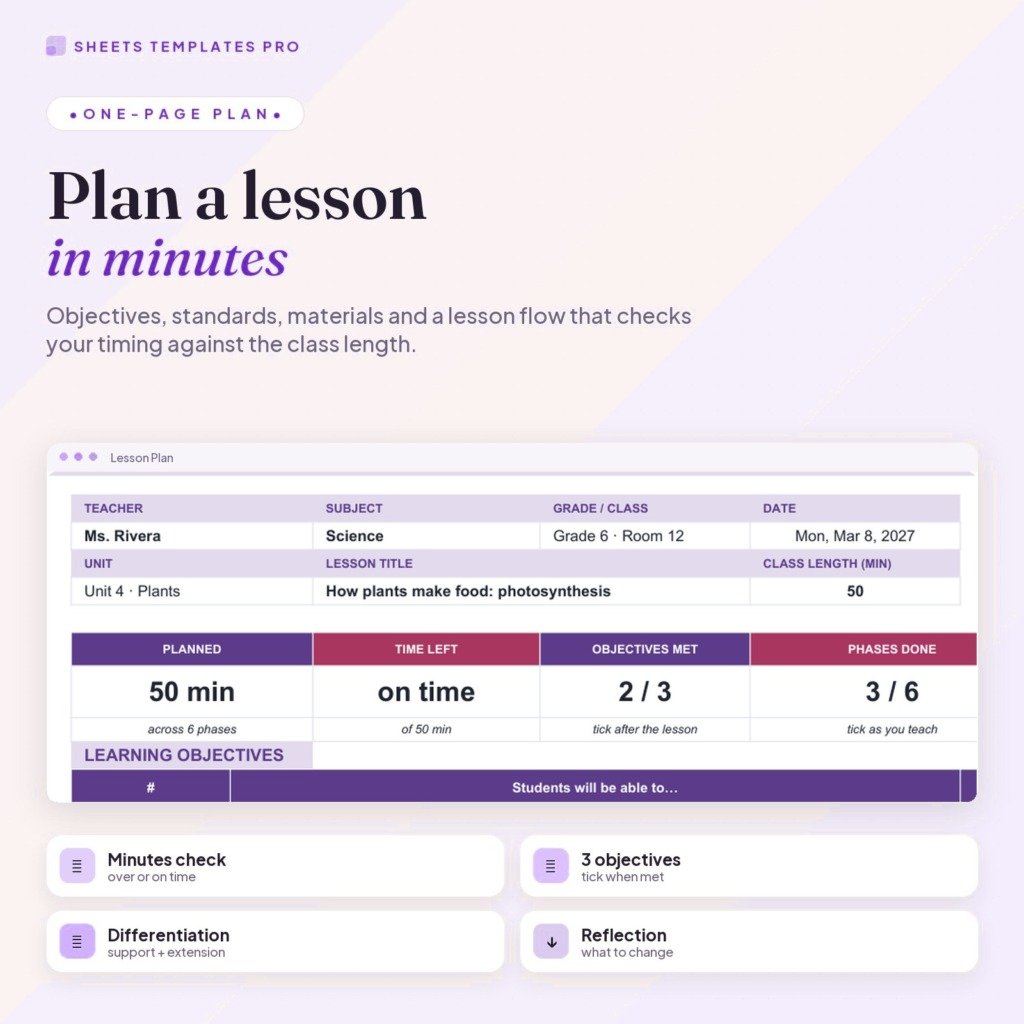
- Lesson Plan — Objectives, timed flow, ring, reflection.
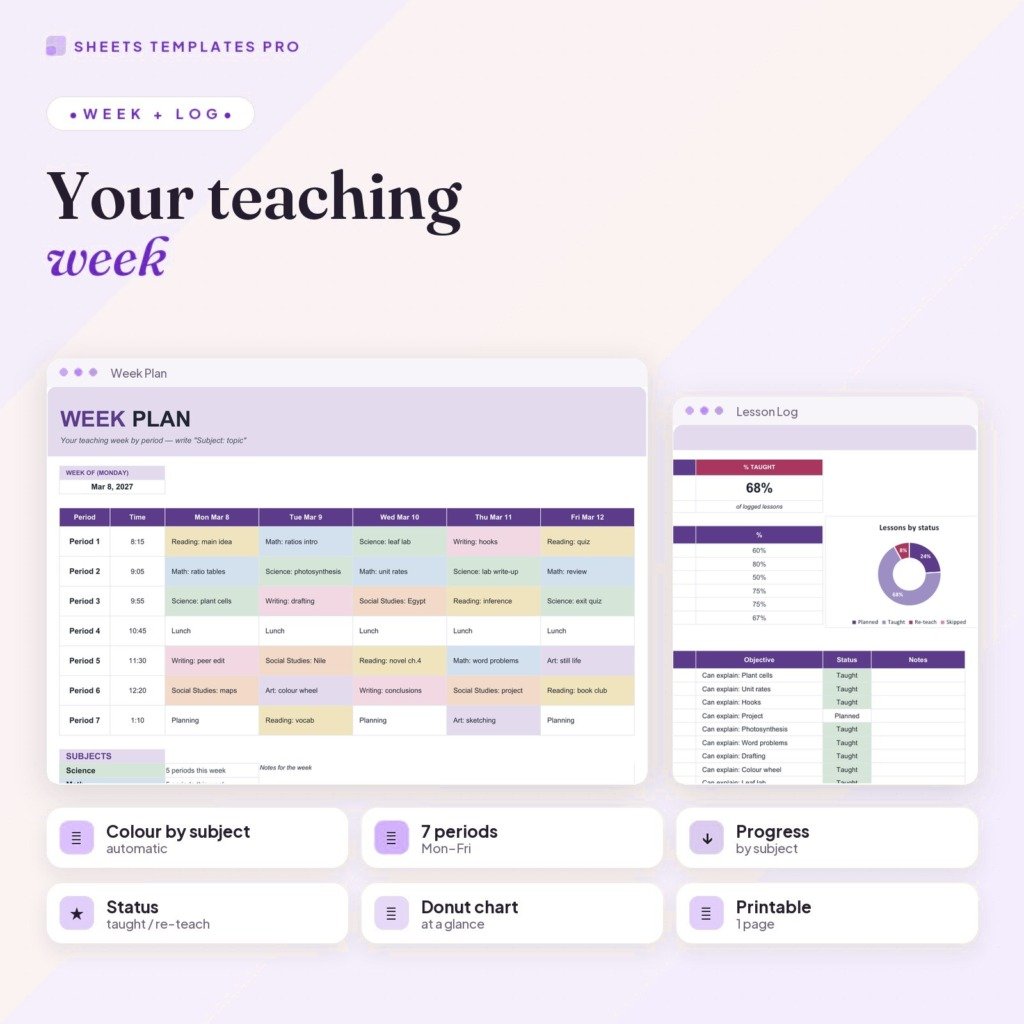
- Week Plan — Mon–Fri by period, colour by subject.
- Lesson Log — 300 lessons, progress and status chart.
- Live dashboards — cards, rings and charts update the moment you type.
- Easy to use — a Start Here guide inside the file, drop-downs, checkboxes and color coding. No macros.
How to use the lesson plan template
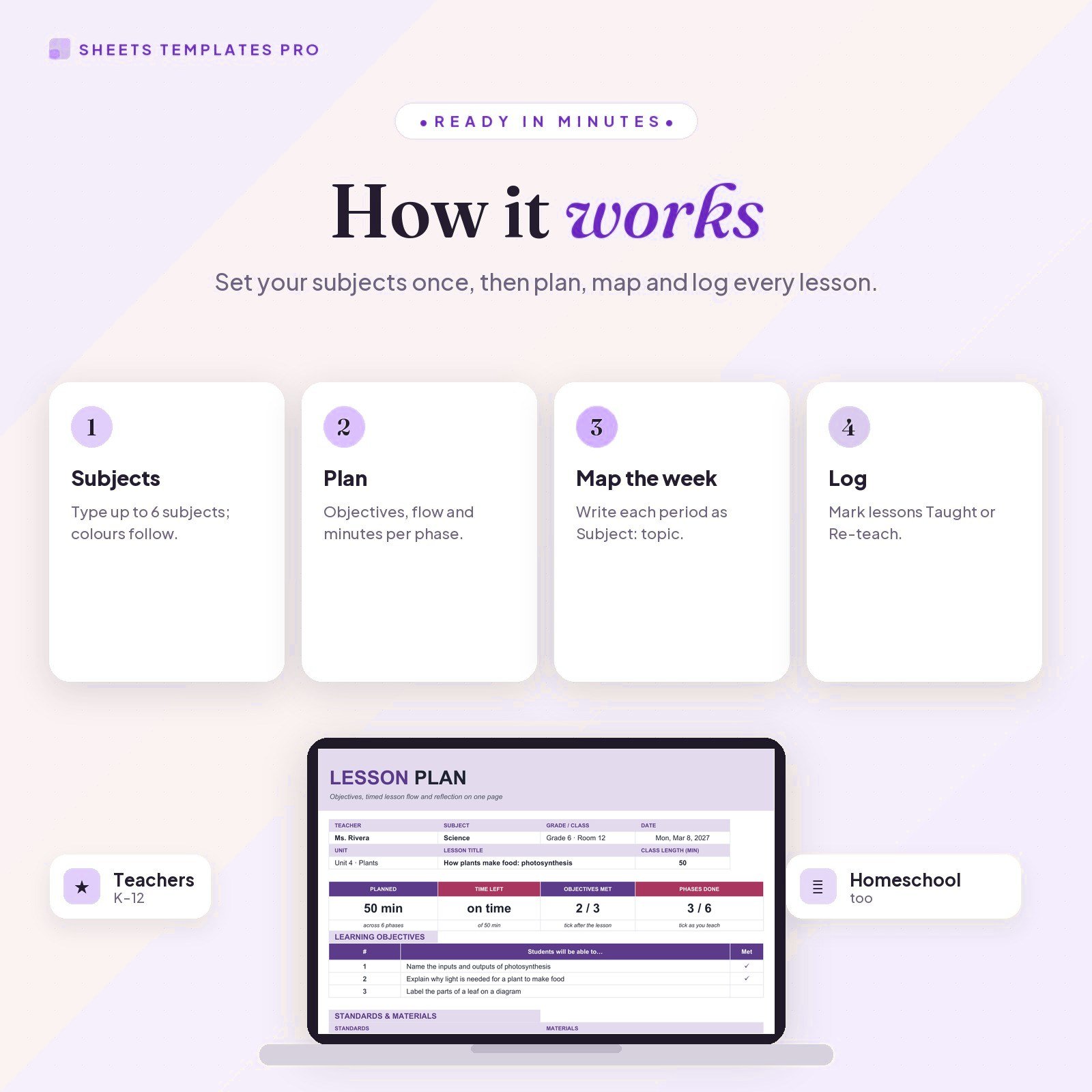
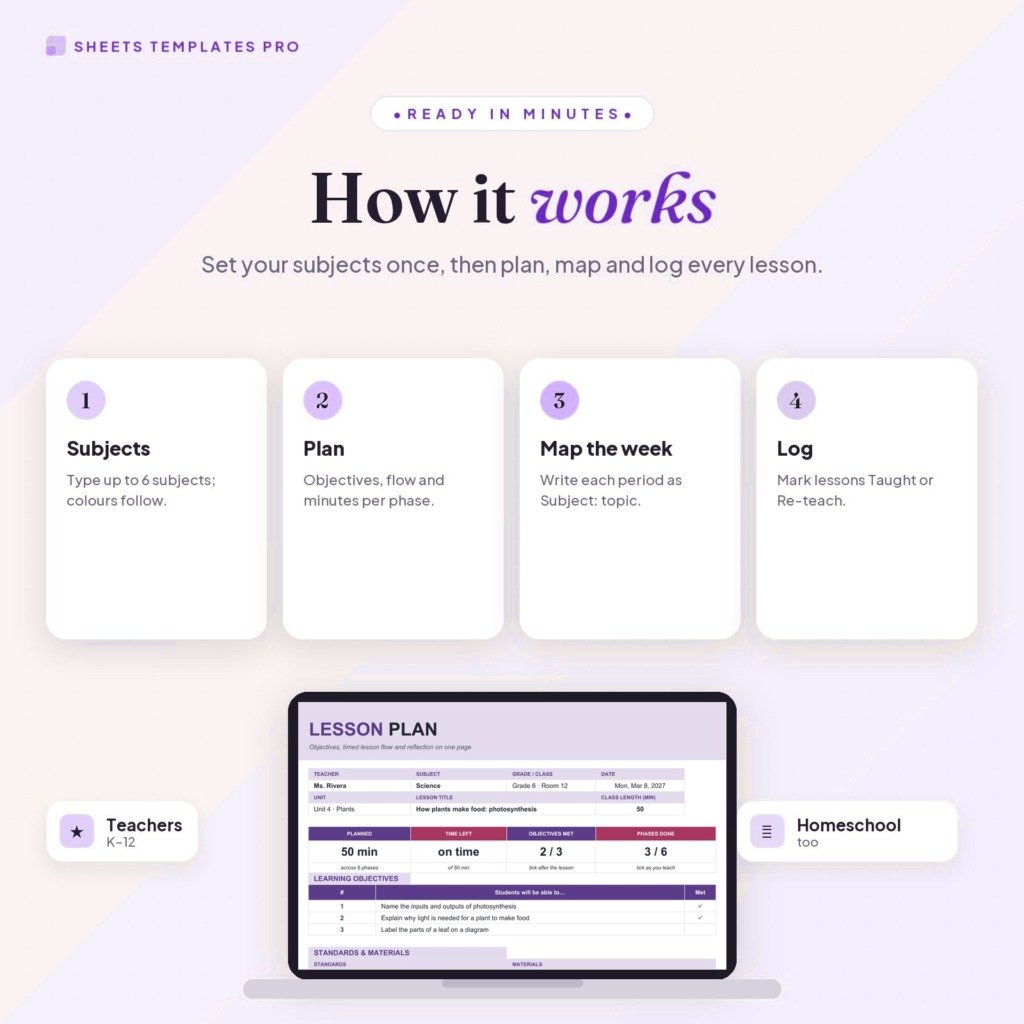
- Set your subjects. On Week Plan type up to 6 subjects under SUBJECTS. Their colours appear in the week grid and in every drop-down.
- Plan the lesson. On Lesson Plan fill in the details, 3 objectives and the minutes of each phase of the lesson flow.
- Check the timing. The cards compare planned minutes with the class length and show the time left.
- Map the week. On Week Plan write each period as “Subject: topic” — the cell takes the subject’s colour.
- Log and review. On Lesson Log mark each lesson Taught, Re-teach or Skipped and watch progress by subject.
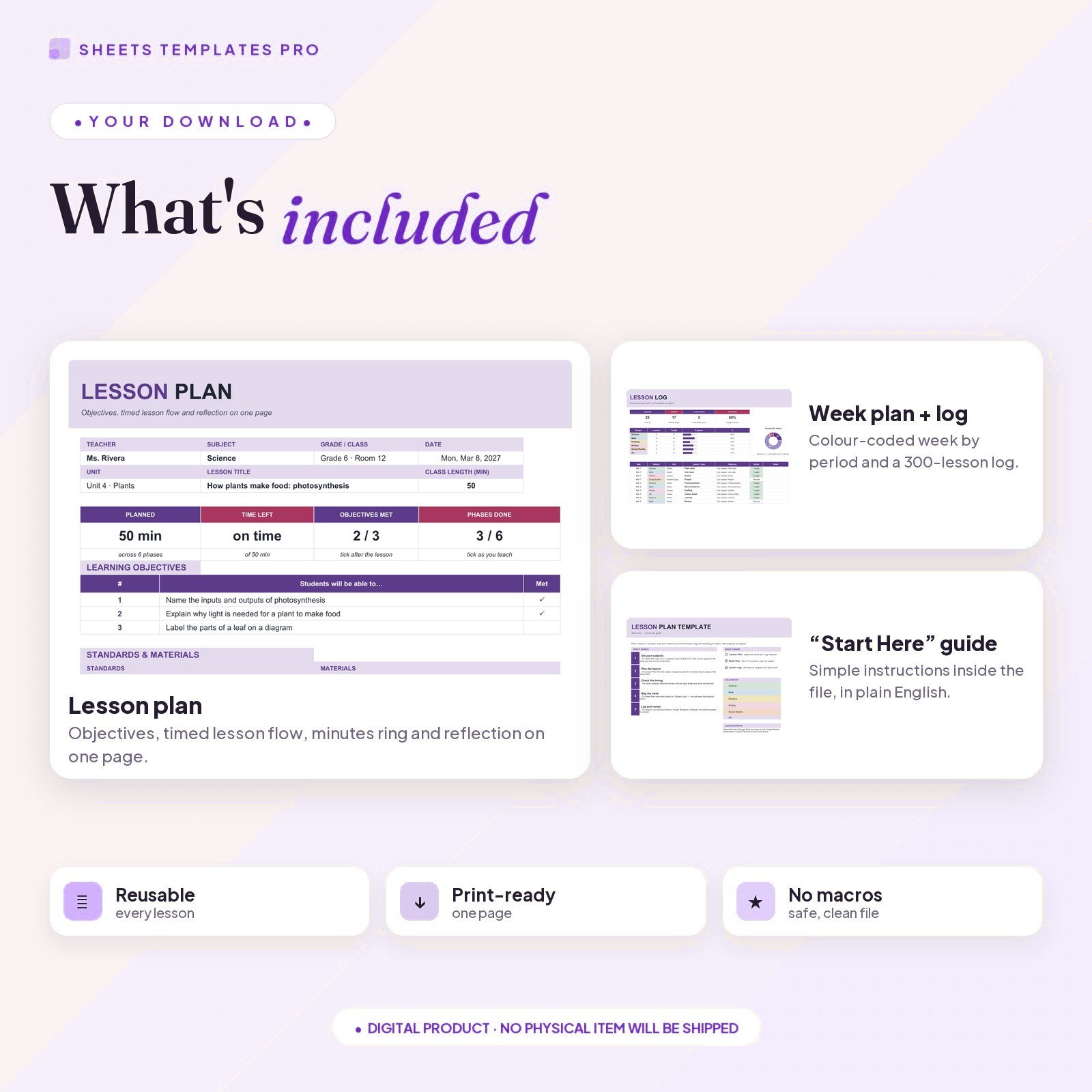
What’s included
- 1 Excel file (.xlsx) with these tabs: Start Here, Lesson Plan, Week Plan, Lesson Log.
- Example data so you can see how it works — clear it and add your own.
- Works in Microsoft Excel (Windows, Mac and web) and Google Sheets.
Compatibility
Works in Microsoft Excel (desktop, Mac and Excel online) and Google Sheets. No macros required.
FAQ
Can I plan more than one lesson?
Yes. Duplicate the Lesson Plan tab for each lesson, or keep one plan per day and log the rest in the Lesson Log.
Can I change the subjects?
Yes. Type your own subjects on Week Plan; colors and drop-downs follow.
Is it printable?
Yes. The lesson plan fits on one page.
Does it work in the free version of Google Sheets?
Yes. Upload the .xlsx file to Google Drive and open it with Google Sheets. A free Google account is all you need.
How do I get the file?
Right after checkout you get a download link on the confirmation page and by email.
More templates like this: Student Planners.
This is a digital product. No physical item will be shipped.
Related templates
Browse all Student Planners.
Save with the bundle: get this template plus more in the Productivity & Student Bundle for $17.99.
Want everything? The All-Access Bundle includes every template in the shop for $49.99.



Reviews
There are no reviews yet.