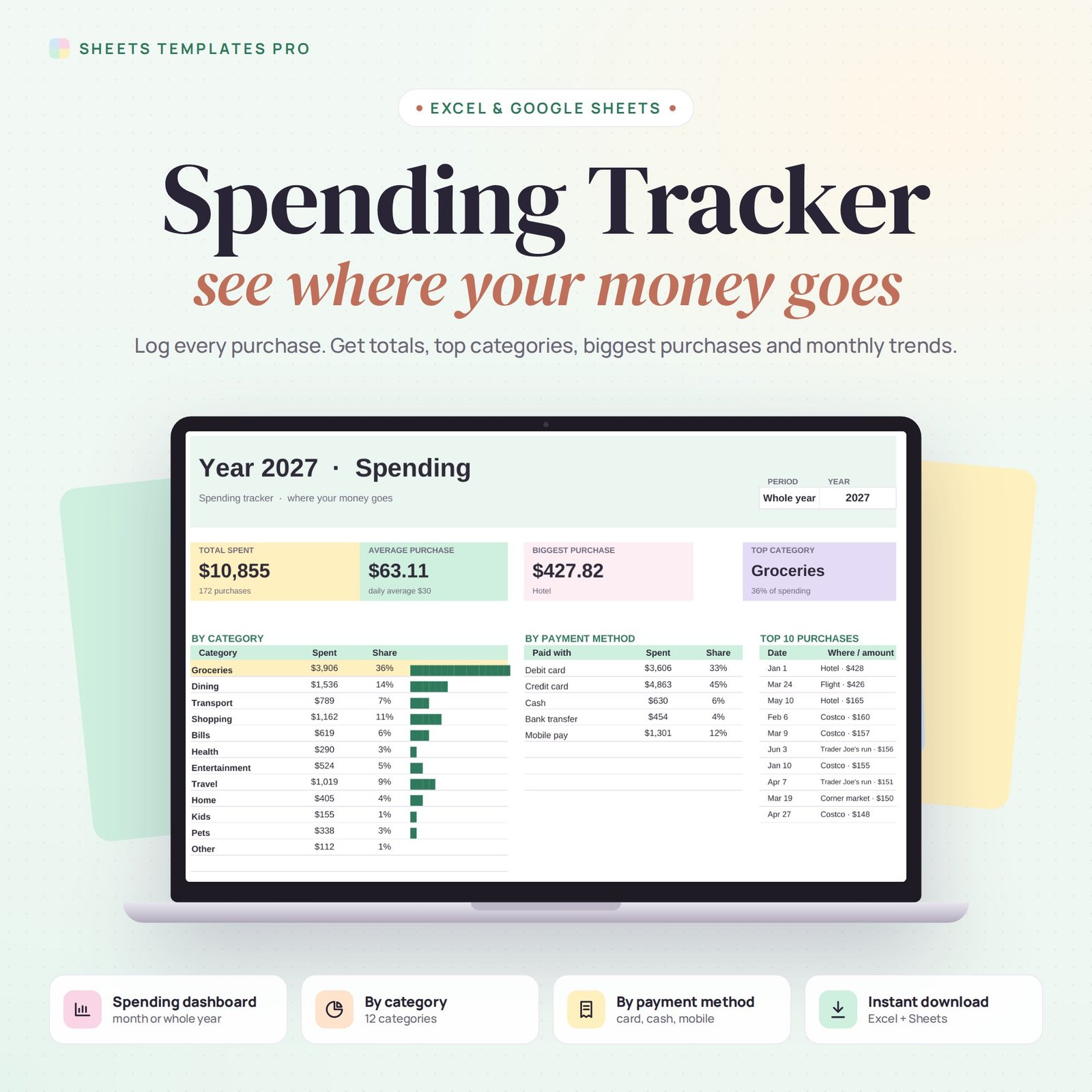

This spending tracker spreadsheet shows you exactly where your money goes. Log each purchase with the place, category and payment method, then pick a month or the whole year to see totals, averages, your top category, your biggest purchases and how spending changes from month to month.
Who this template is for
- Anyone who wants to know where their money goes
- People starting a no-spend or savings challenge
- Students tracking daily expenses
Features
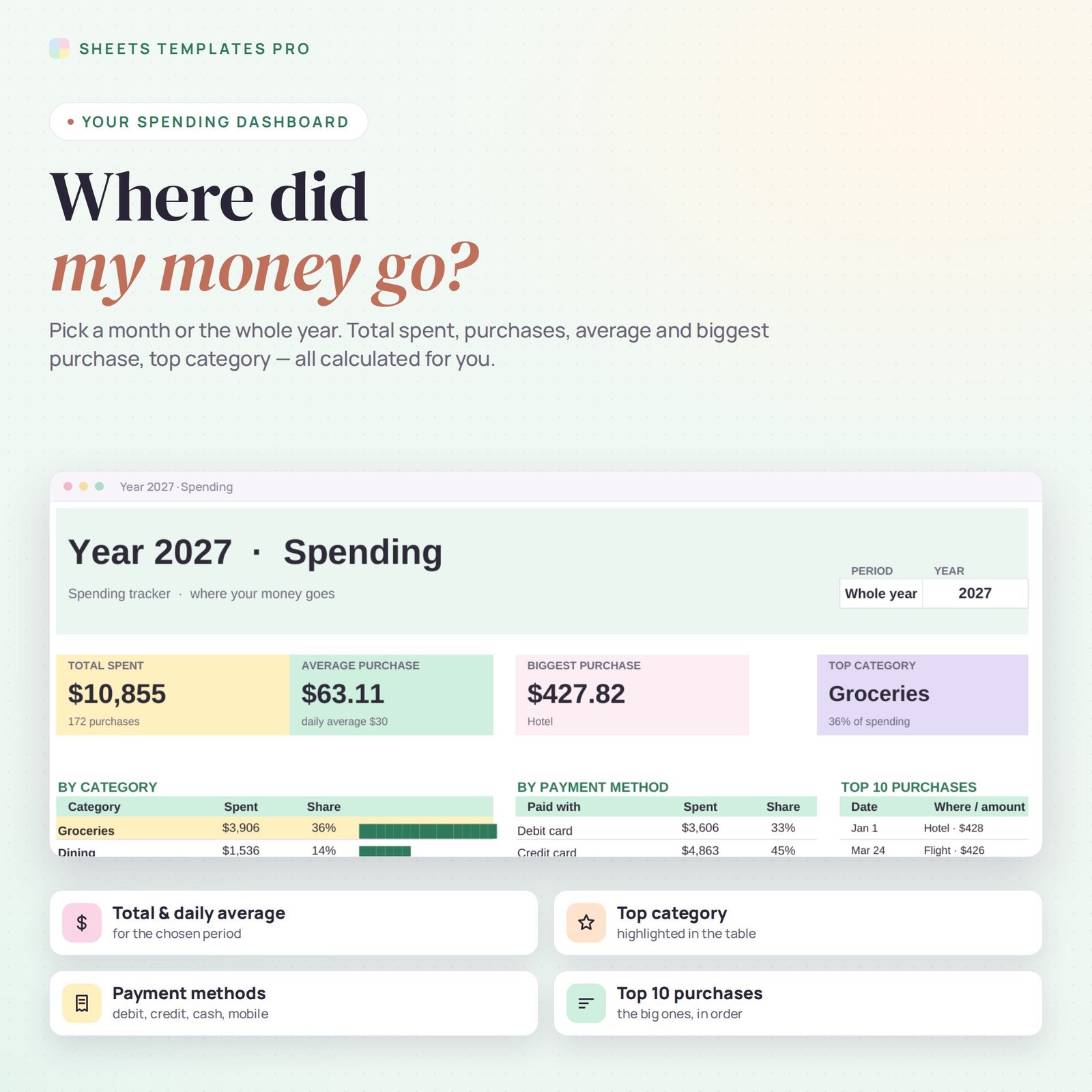
- Spending dashboard for any month or the whole year: total spent, number of purchases, average and biggest purchase, daily average and top category.
- Breakdown by category with share and bars, and the top category highlighted.
- Breakdown by payment method: debit, credit, cash, bank transfer, mobile pay.
- Top 10 purchases for the chosen period.
- Charts: spending per month and share by category.
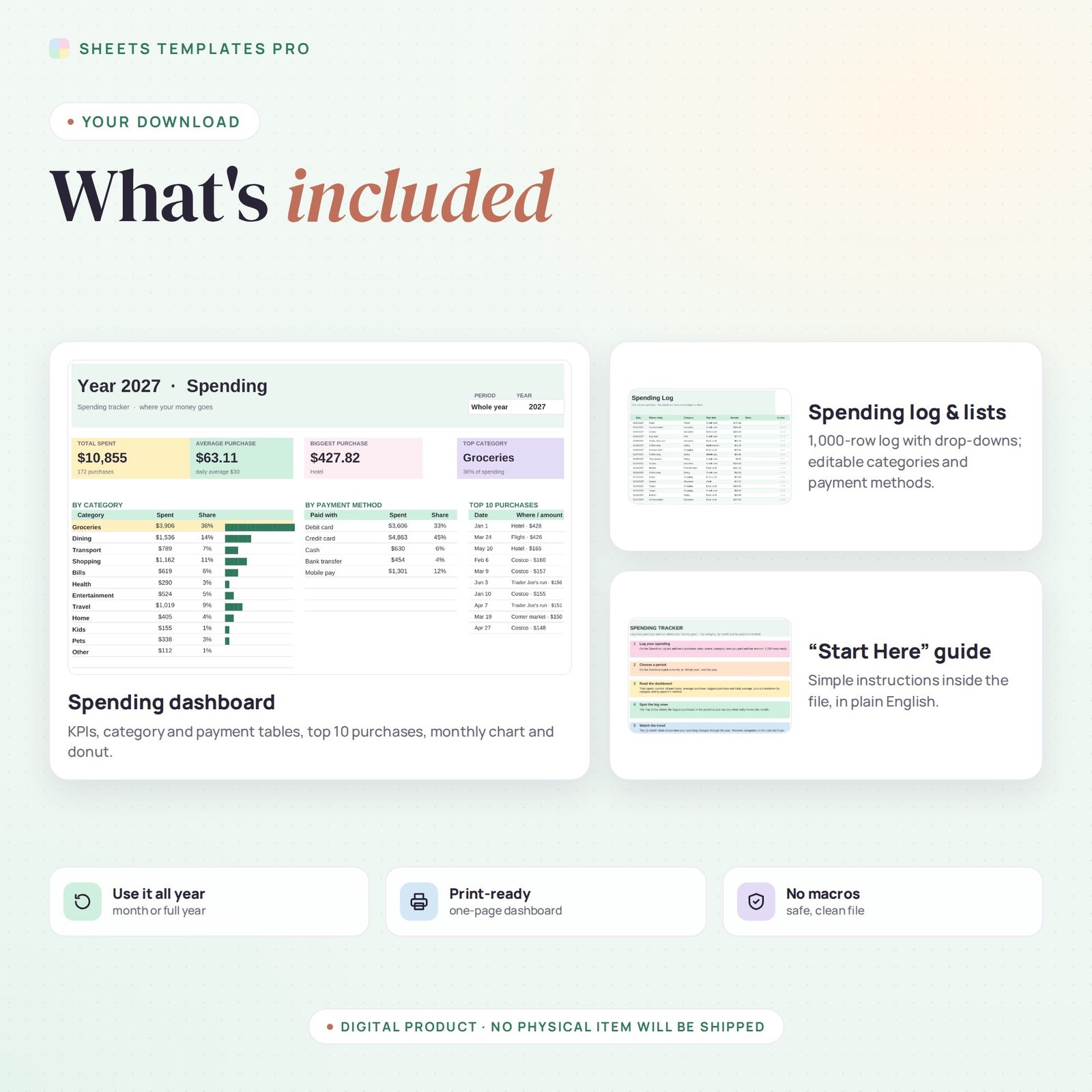
- 1,000-row spending log with drop-downs; rename categories and payment methods on the Lists tab.
How to use your spending tracker
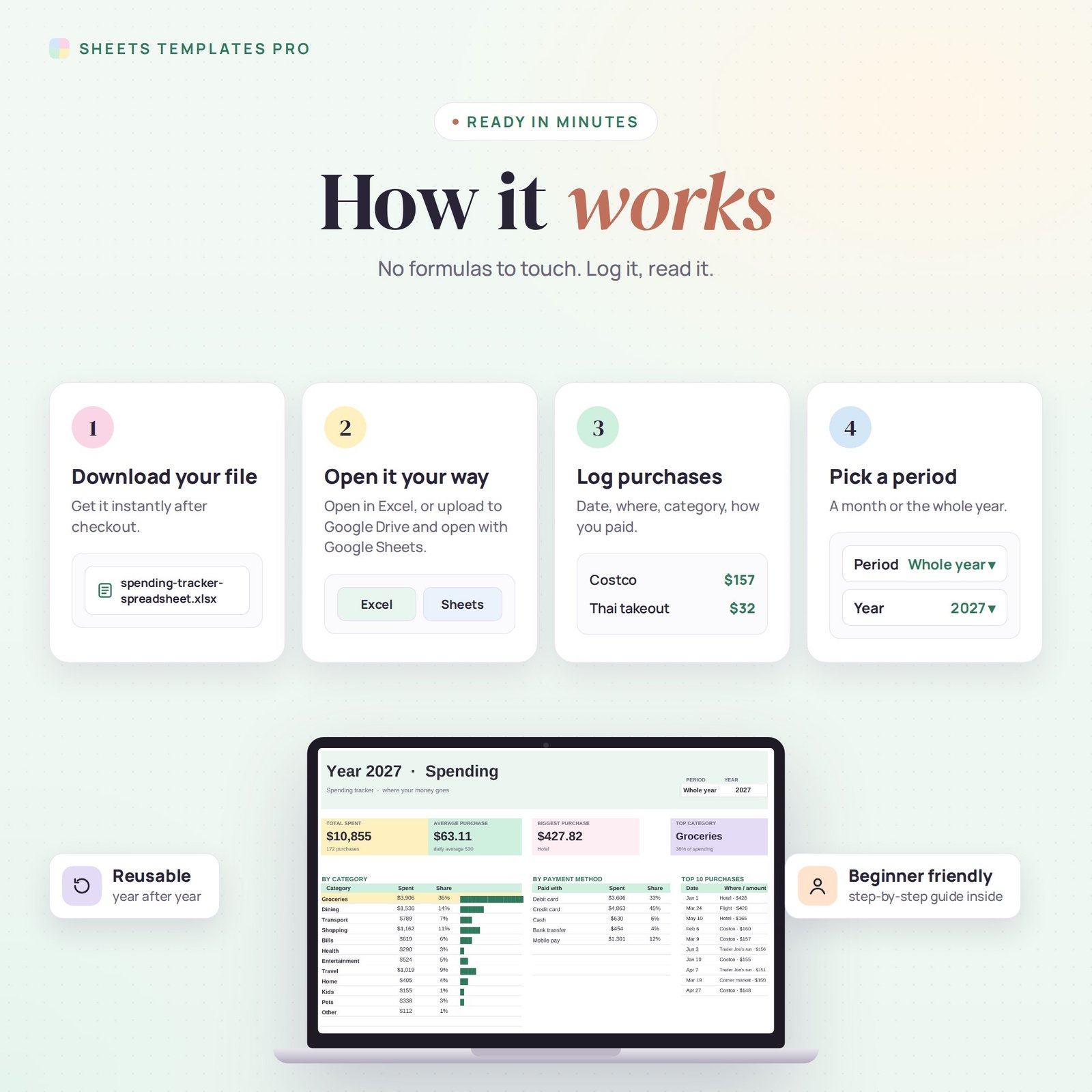
- Download the file right after checkout.
- Open it in Excel, or upload it to Google Drive and open it with Google Sheets.
- Log your purchases on the Spending Log tab.
- Choose the period on the Dashboard.
What's included
- 1 Excel file (.xlsx) with a Start Here guide, Dashboard, Lists and Spending Log tabs, with six months of example data.
- Automatic formulas and charts, no macros.
Compatibility
Works in Microsoft Excel for Microsoft 365 (Windows and Mac) and in Google Sheets.
FAQ
Do I need a budget to use this spending tracker?
No. It simply records and analyzes what you spend. If you also want to plan a budget, see our Monthly Budget Template.
Can I add my own categories?
Yes. Edit up to 15 categories and 8 payment methods on the Lists tab.
Is this a subscription?
No. It is a one-time purchase and the file is yours to keep.
Does it work in the free version of Google Sheets?
Yes. Upload the .xlsx file to Google Drive and open it with Google Sheets. A free Google account is all you need.
Can I use it on a Mac, iPad or phone?
Yes. It works in Excel for Mac and Windows, Excel online and the Google Sheets app. For editing, a computer or tablet is the most comfortable.
How do I get the file?
Right after checkout you get a download link on the confirmation page and by email.
More templates like this: Budget Planners.
This is a digital product. No physical item will be shipped.



Reviews
There are no reviews yet.