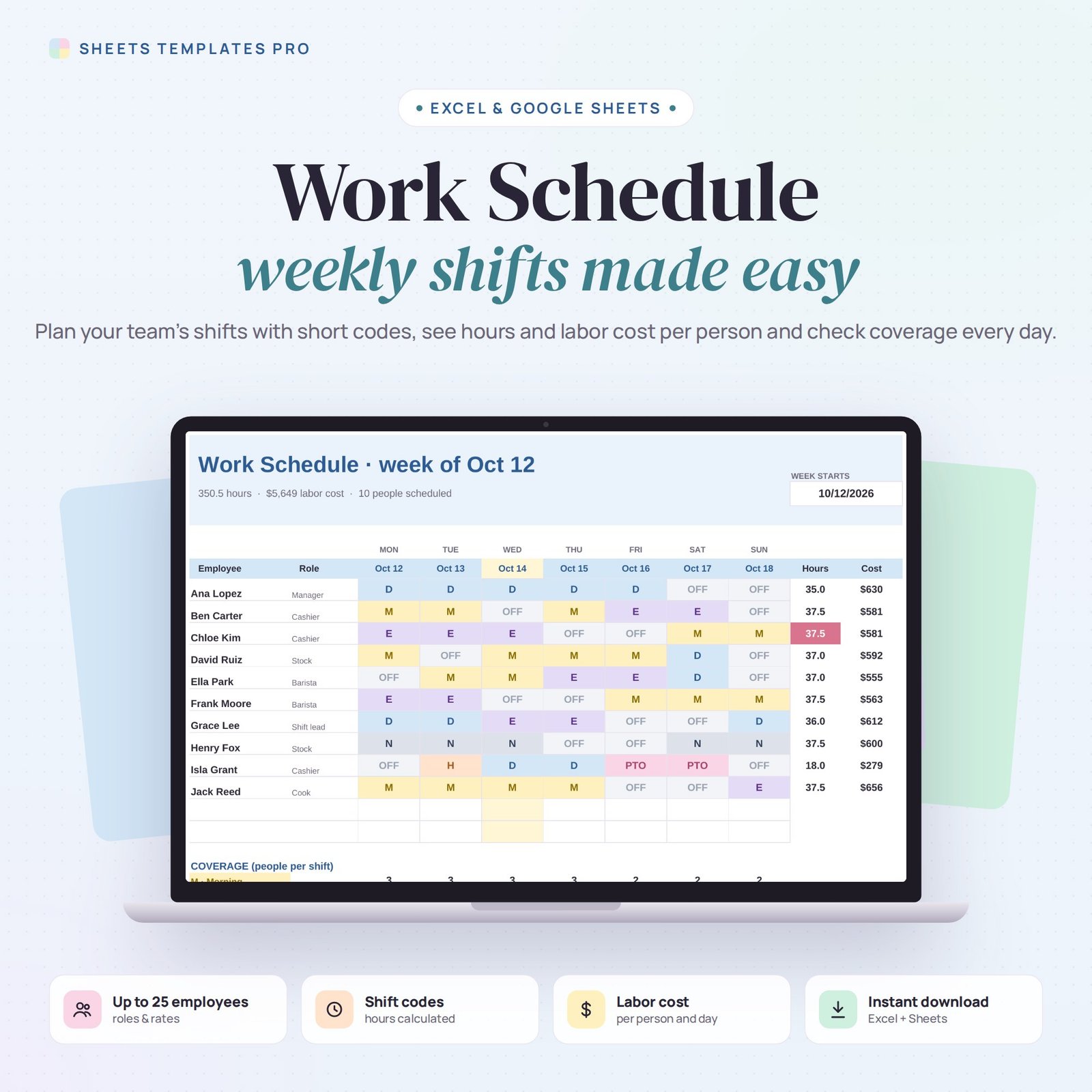


Build next week’s schedule in minutes. This work schedule template lets you define your shifts once, then fill a weekly grid with short codes — hours, labor cost and daily coverage are calculated for you.
Who this template is for
- Restaurant and retail managers
- Small teams scheduling weekly shifts
- Clinics and offices with rotating staff
Features
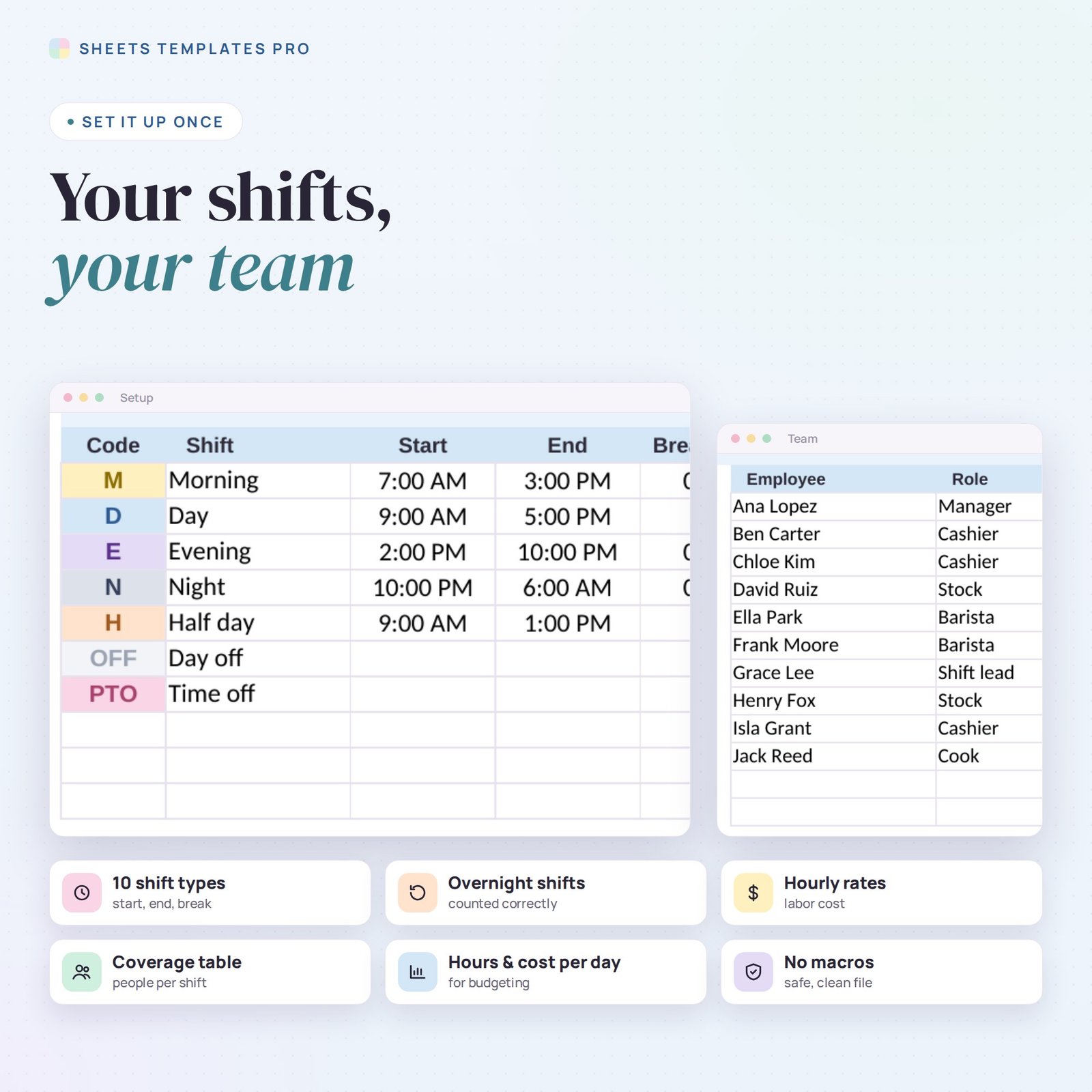
- Up to 10 shift types with a short code, start and end time and unpaid break. Hours are calculated, overnight shifts included.
- Team list for up to 25 employees with role, hourly rate and maximum hours per week.
- Weekly schedule grid: pick the week start date and choose a shift for each person and day from a drop-down. Each shift has its own color.
- Hours and labor cost per employee; anyone over their maximum hours is highlighted.
- Coverage table: people on each shift every day (zero coverage in red), plus hours and cost per day.
- Prints on one landscape page to post for the team. No macros.
How to use it
- Download the file and open it in Excel or upload it to Google Sheets.
- Set up your shifts and team on the Setup tab.
- Pick the week and fill in the schedule.
- Check coverage and labor cost before you share it.
What’s included
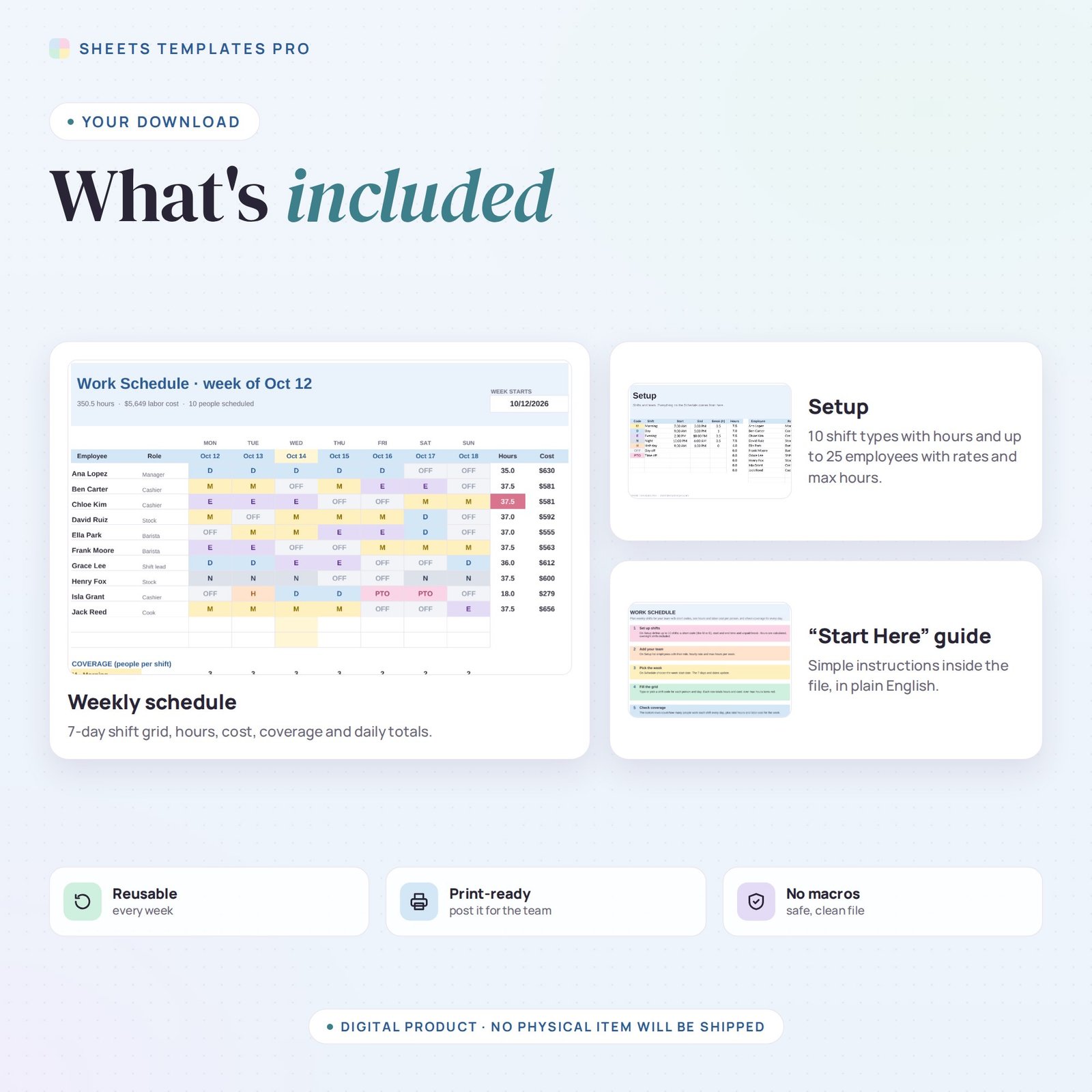
- 1 .xlsx file with 3 tabs: Start Here, Schedule and Setup.
- An example team and week (replace them with your own).
Compatibility
Works in Microsoft Excel (desktop, Mac and Excel online) and Google Sheets. Share it in Google Sheets so staff can view their shifts. No macros required.
FAQ
Does it work for overnight shifts?
Yes. A shift from 10 PM to 6 AM counts as 8 hours minus the break.
Can I make a new schedule each week?
Yes. Duplicate the Schedule tab for each week, or change the date and update the codes.
What kinds of businesses is it for?
Retail stores, cafés, restaurants, clinics, salons, warehouses — any team that works in shifts.
Does it work in the free version of Google Sheets?
Yes. Upload the .xlsx file to Google Drive and open it with Google Sheets. A free Google account is all you need.
Can I use it on a Mac, iPad or phone?
Yes. It works in Excel for Mac and Windows, Excel online and the Google Sheets app. For editing, a computer or tablet is the most comfortable.
How do I get the file?
Right after checkout you get a download link on the confirmation page and by email.
More templates like this: Employee & HR.
This is a digital product. No physical item will be shipped.


Reviews
There are no reviews yet.