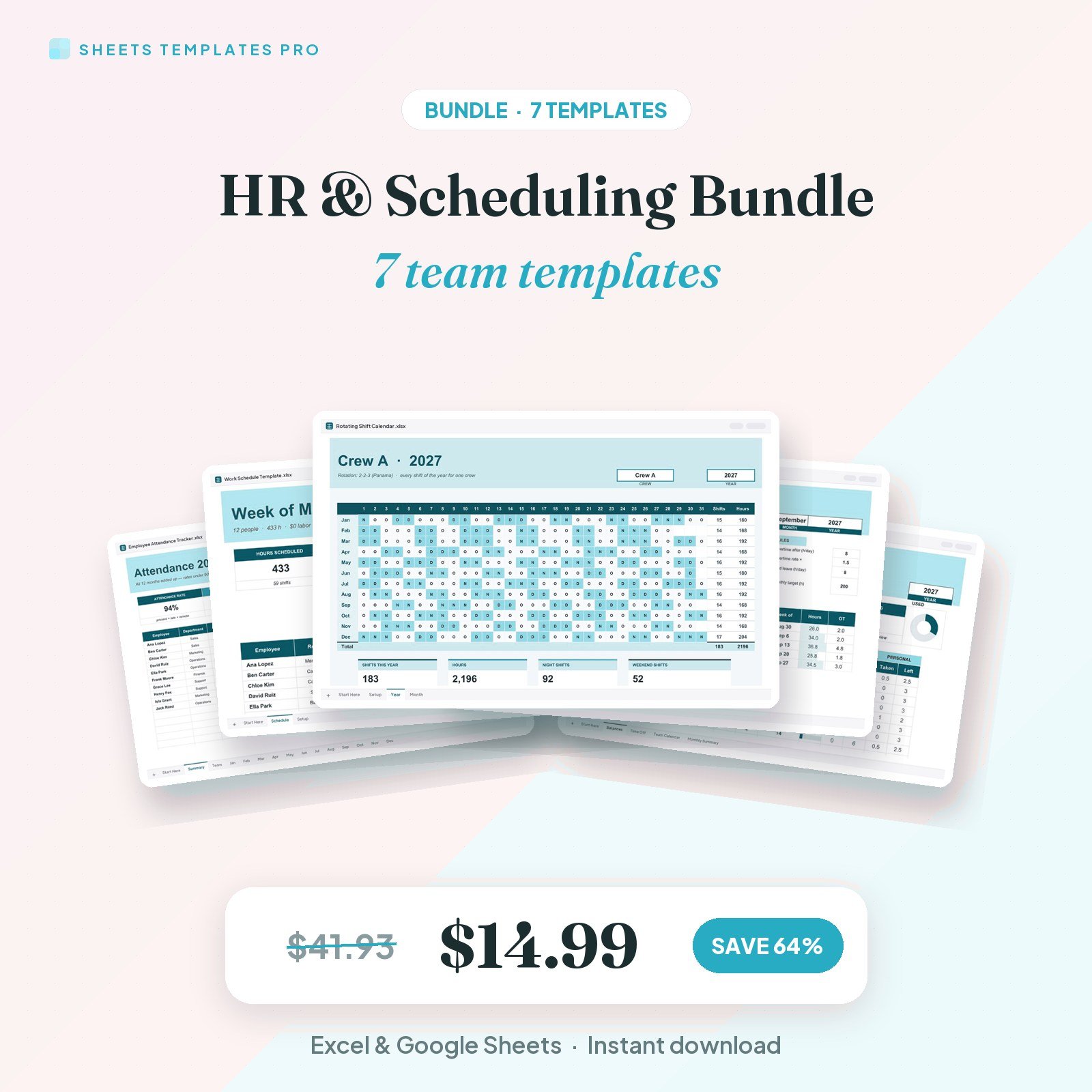


What’s in the HR & Scheduling Bundle
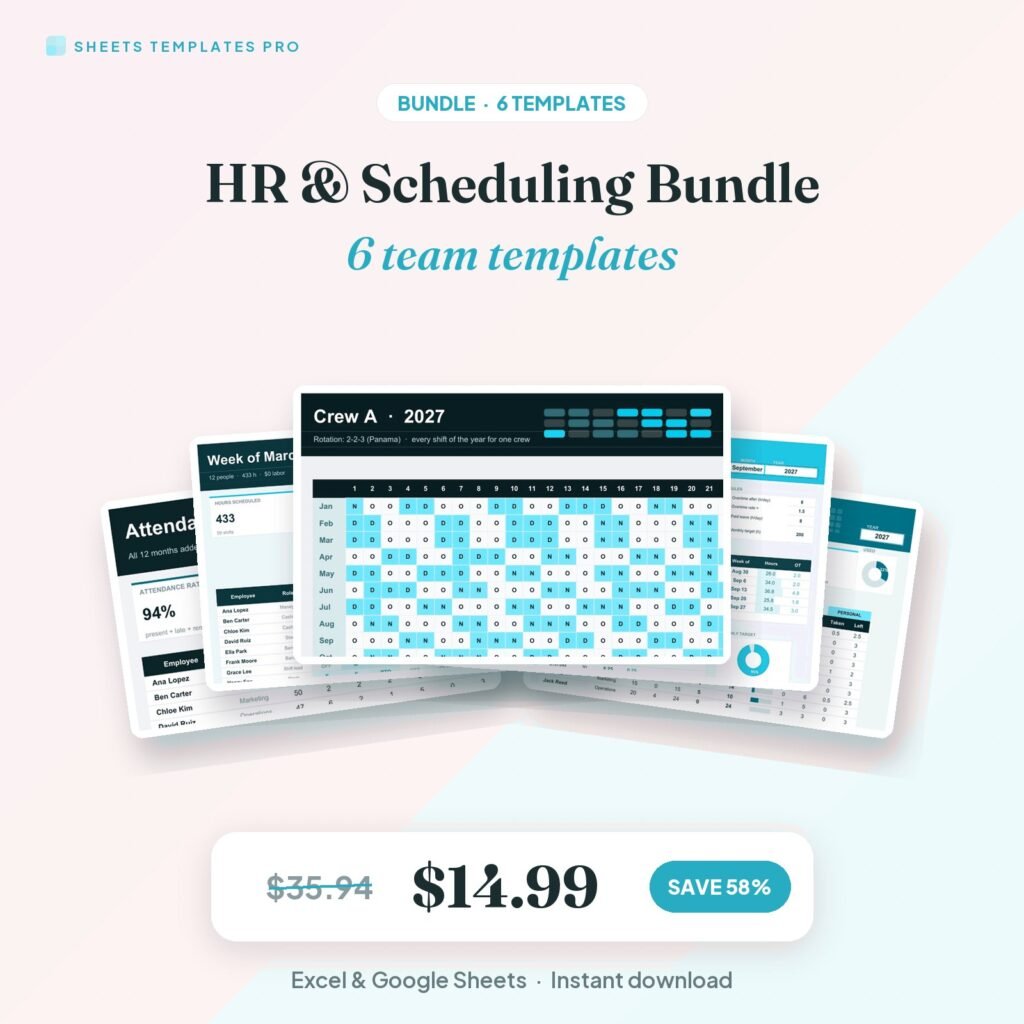
Run your team: attendance, PTO balances, weekly work schedules, timesheets, rotating shift and biweekly pay-period calendars. Buying them one by one costs .93; this bundle costs .99 (save 64%).
What’s inside the Scheduling Bundle
Take a look inside the scheduling bundle before you buy. Every screenshot below comes from the real file, with the example data that is included.
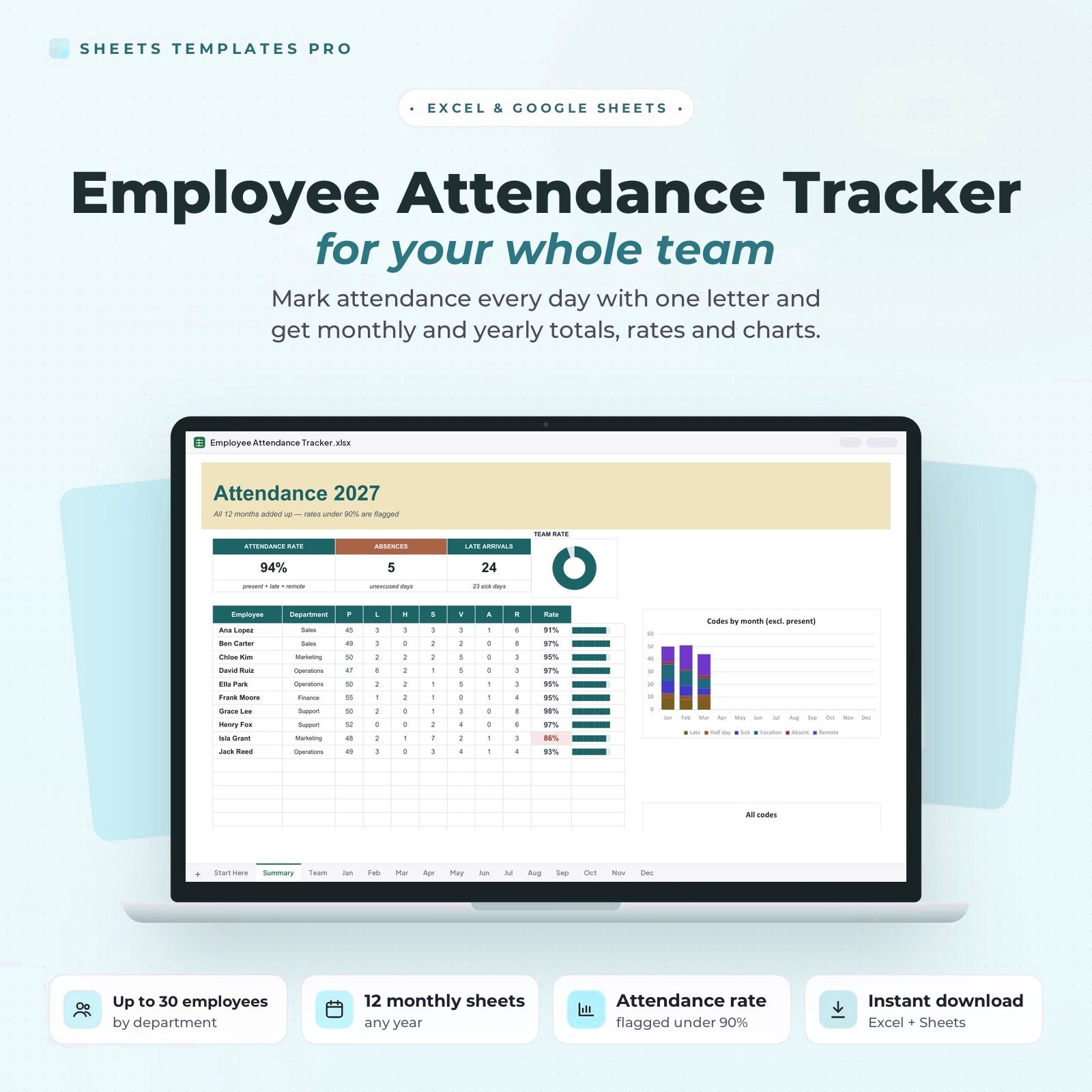

- Employee Attendance Tracker – Mark daily attendance for up to 30 employees with 7 color-coded codes and get monthly totals, attendance rates and a yearly summary. For Excel and Google Sheets.
- PTO Tracker Template – Track vacation, sick and personal days for your team: allowances, carry-over, days taken and left, a time-off log and a who's-off calendar. For Excel and Google Sheets.
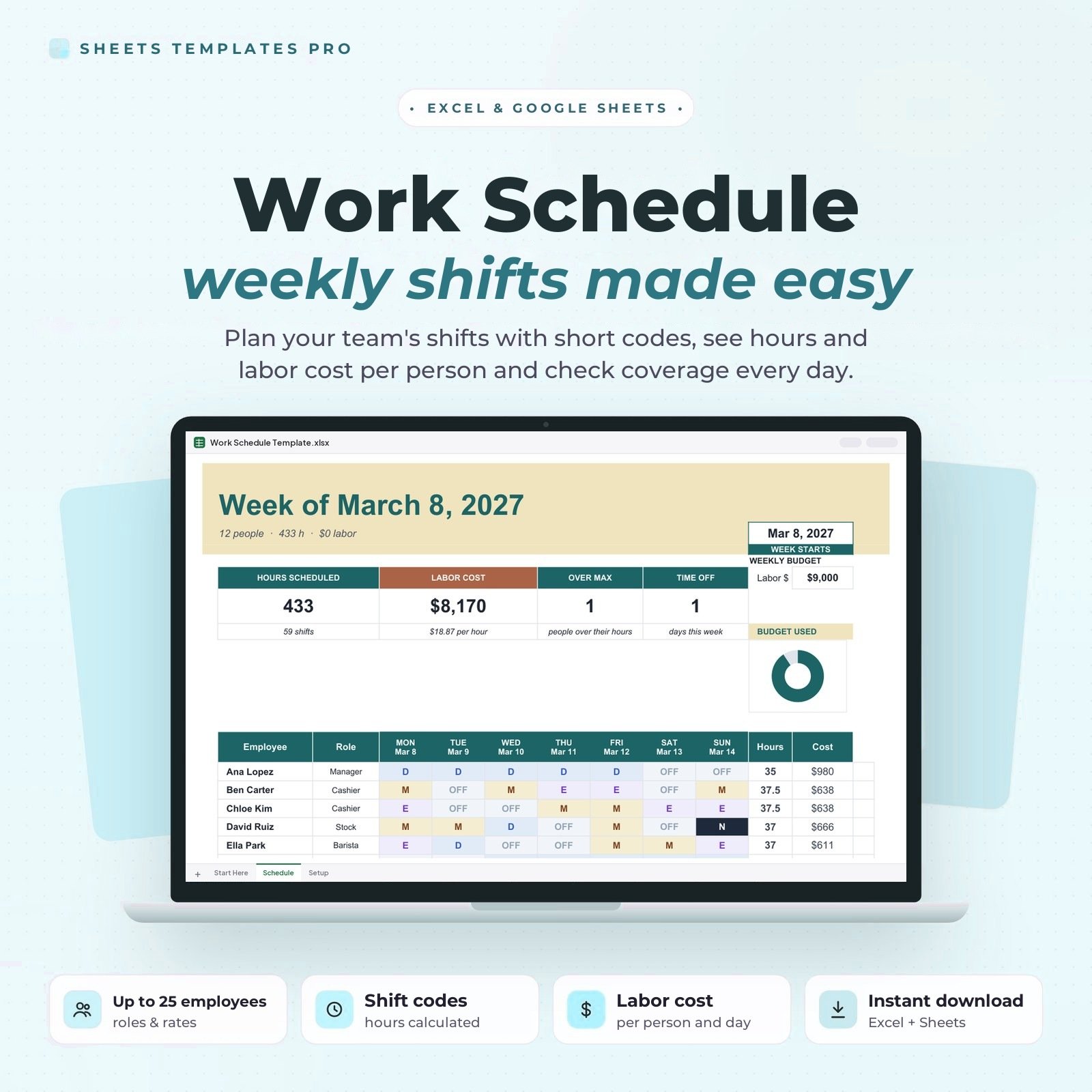
- Work Schedule Template – Plan weekly shifts with color-coded codes, see hours and labor cost per employee and check daily coverage. For Excel and Google Sheets.
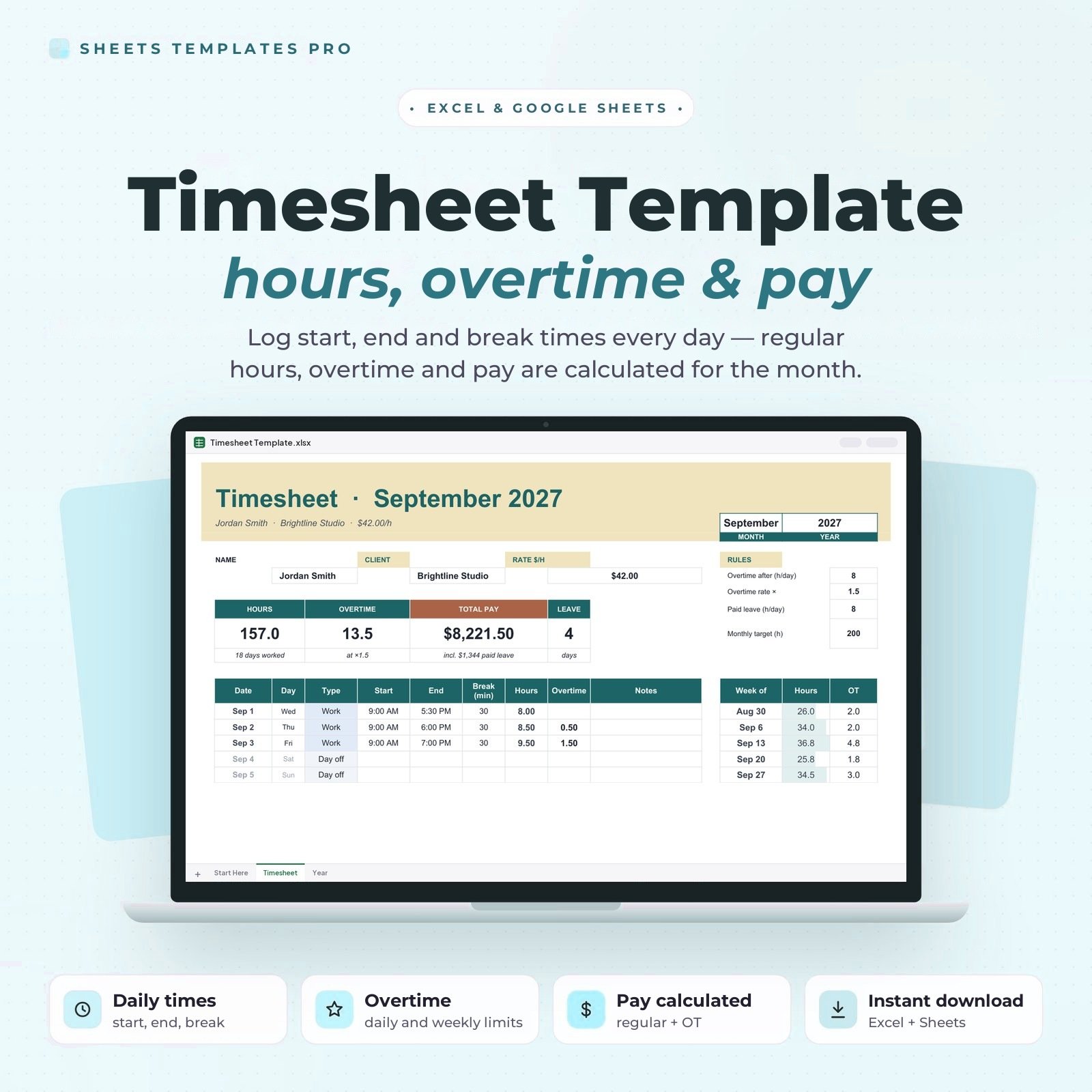
- Timesheet Template – A monthly timesheet that turns start, end and break times into hours, overtime and pay, with a summary, signature lines and a yearly record. For Excel and Google Sheets.
- Rotating Shift Calendar – Pick a rotation (2-2-3, 4 on 4 off, DuPont, 24/48 or custom) and see every shift of the year for each crew, color-coded with hours counted. Excel and Google Sheets.
- Biweekly Pay Period Calendar 2027 – See every payday of the year for biweekly, weekly, semi-monthly or monthly pay, with pay periods and extra-paycheck months flagged. Excel and Google Sheets.
- Sign-In Sheet Template – A digital sign-in sheet for your front desk, food bank, office or event: who came, why, when they arrived and left, and total hours — with a printable sheet too. For Excel and Google Sheets — instant download.
Why get the bundle
- Everything connected: every template has a Start Here guide, drop-downs, colored checkboxes and dashboards with charts that update as you type.
- Excel and Google Sheets: open the .xlsx in Microsoft Excel (desktop, Mac or web) or upload it to Google Drive and open it with Google Sheets.
- No macros, no subscriptions: one payment, yours to keep and reuse every year.
- Instant download: all files are available right after checkout and in your account.
Frequently asked questions
Do I get every file in the bundle?
Yes. After checkout you can download all 7 templates from the order page and from My Account → Downloads.
Do the templates work in Google Sheets?
Yes. Upload the .xlsx file to Google Drive and open it with Google Sheets – formulas, drop-downs and charts keep working.
Can I use them every year?
Yes. Calendars and trackers have a year selector, and you can make as many copies as you like for personal or business use.
The scheduling bundle works in Microsoft Excel (Windows, Mac and web) and in Google Sheets.
Download the scheduling bundle once, make a copy whenever you need a fresh start and keep it forever. No subscription.


Reviews
There are no reviews yet.