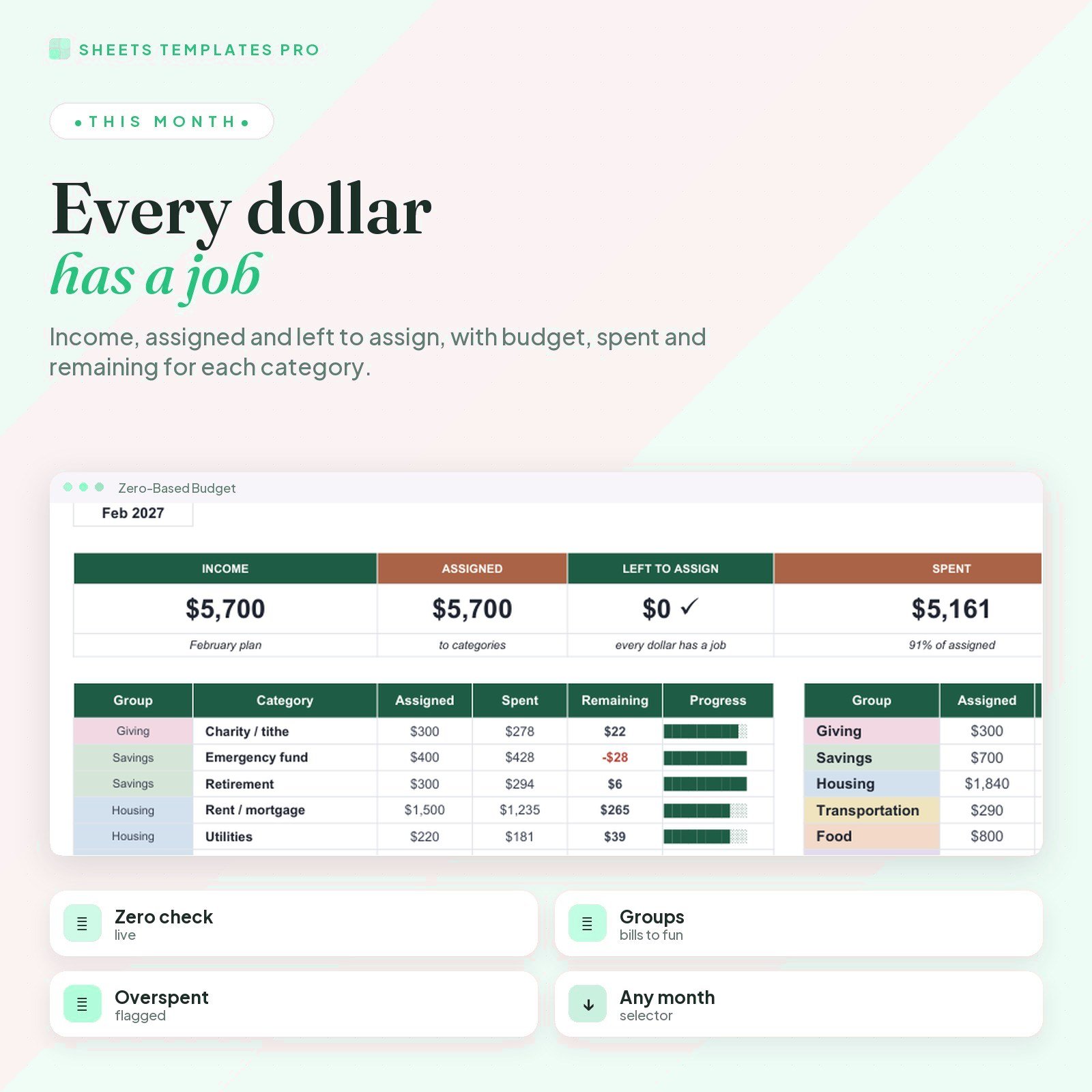
Give every dollar a job: assign your income to categories until “left to assign” reaches $0, then track what you actually spend in each one. This zero-based budget template works in Microsoft Excel and Google Sheets.
What’s inside the Zero-Based Budget Template
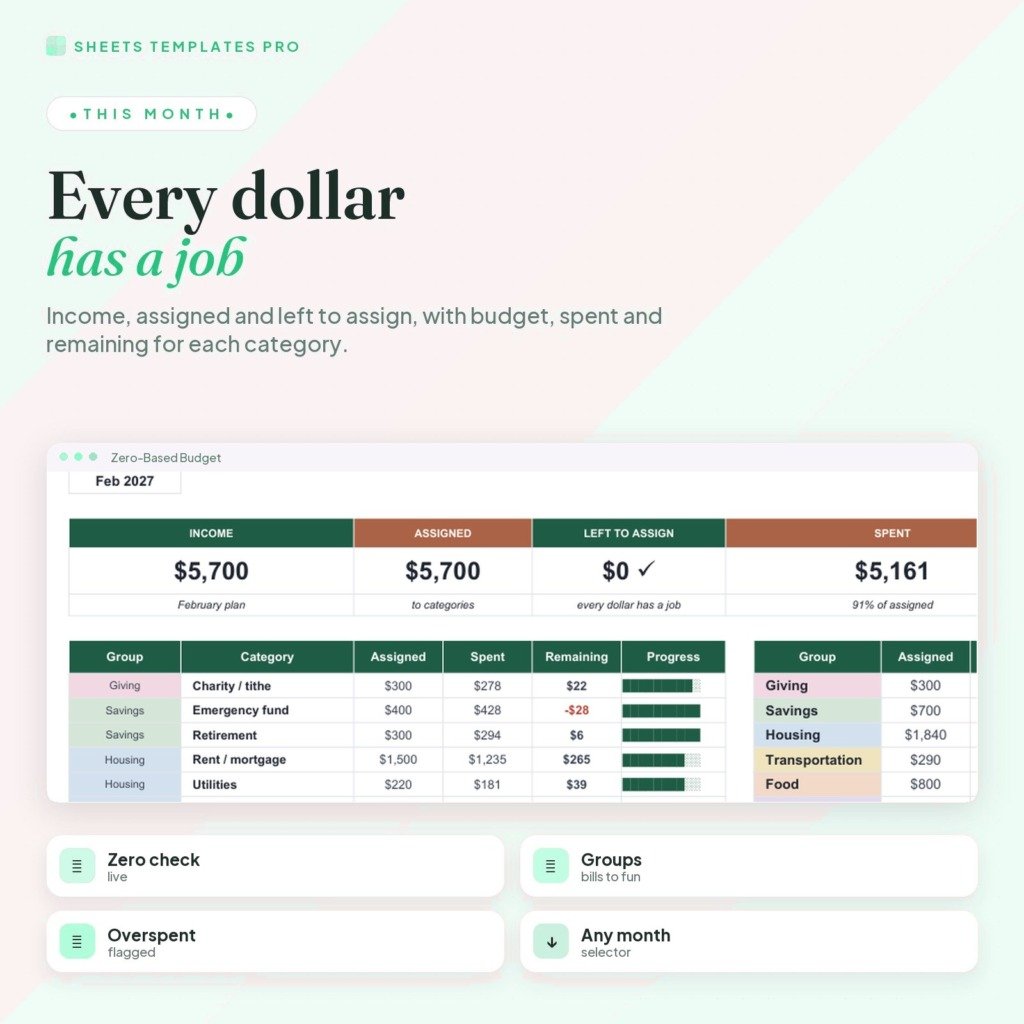
Take a look inside before you buy. Every screenshot comes from the real file, with the example data that is included.



Who this zero-based budget is for
- Dave Ramsey-style budgeters
- Families paying off debt
- Anyone who wants full control
Features
- This Month — Income, assigned, left, spent, by group.
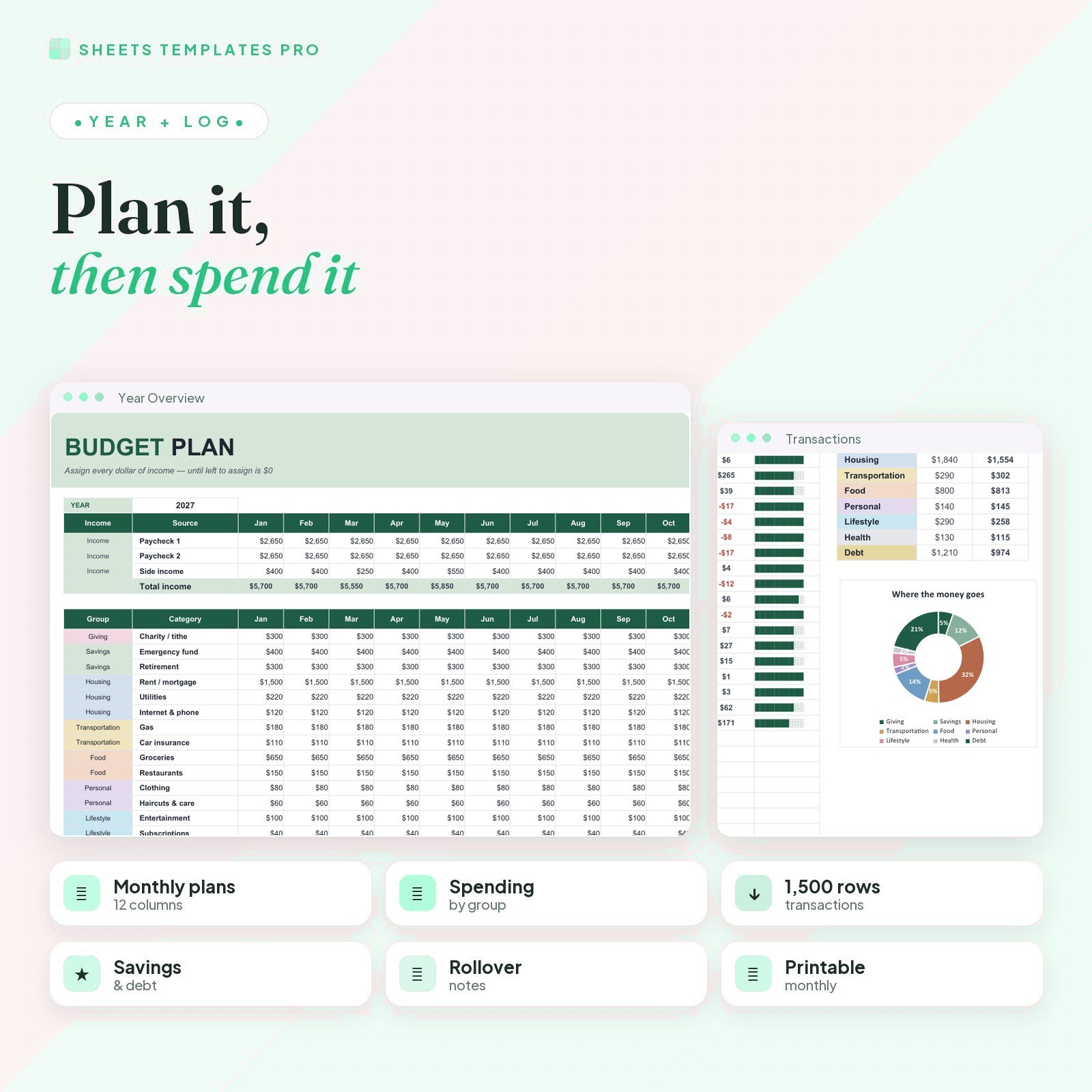
- Plan — 12 months, income and categories, zero check.
- Transactions — 1500-row log.
- Live dashboards — cards, rings and charts update the moment you type.
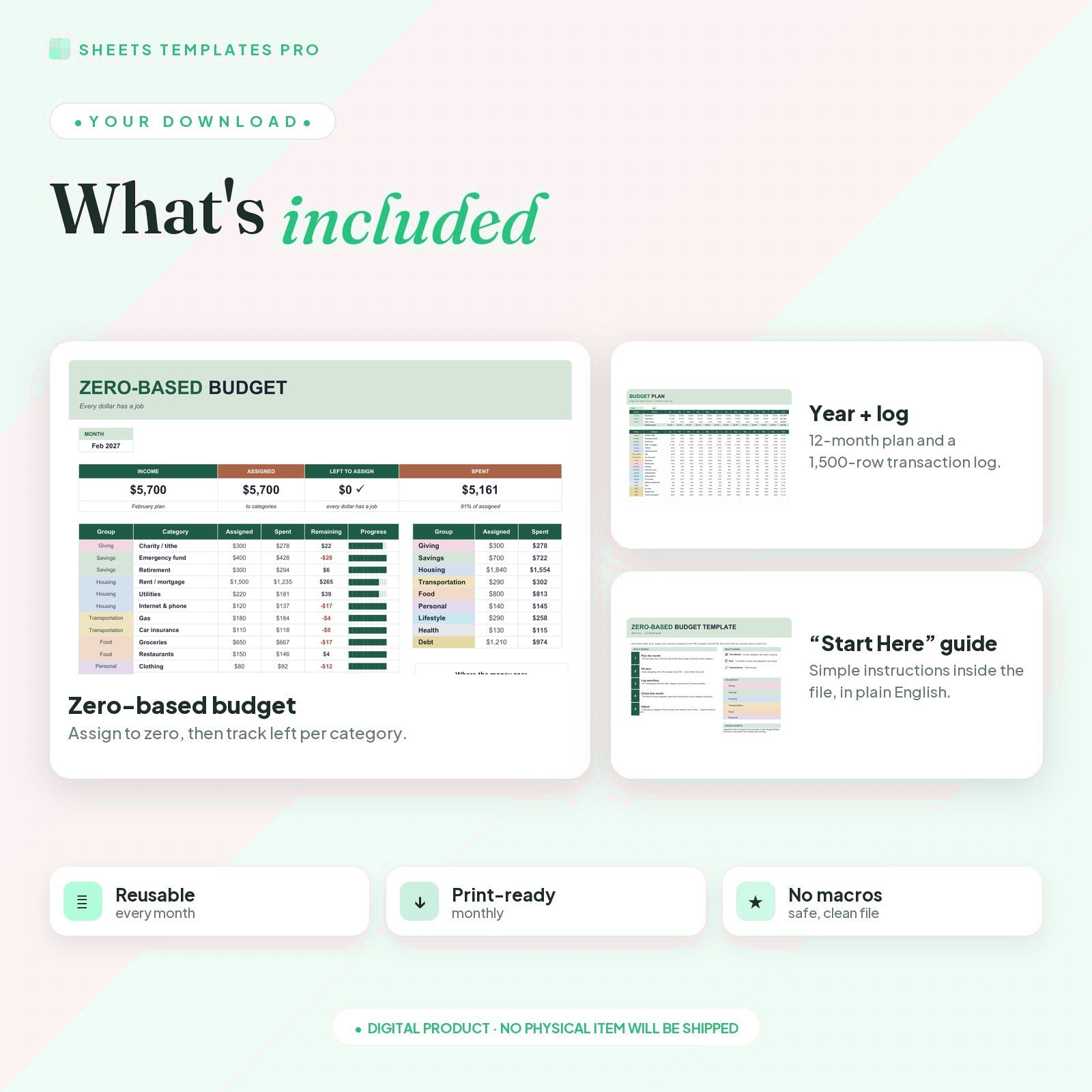
- Easy to use — a Start Here guide inside the file, drop-downs, checkboxes and color coding. No macros.
How to use the zero-based budget template
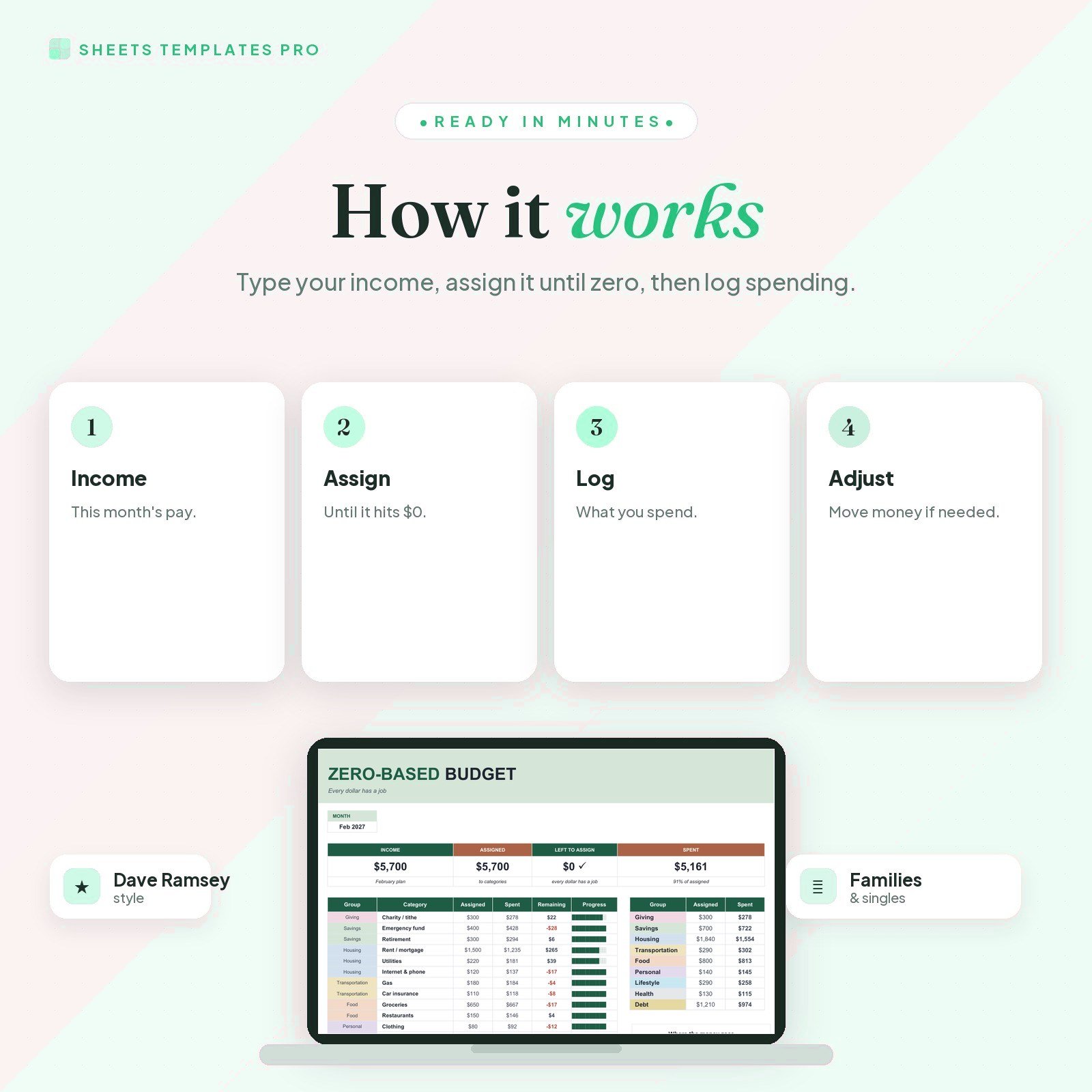
- Plan the month. On Plan type your income for the month, then assign amounts to each category.
- Hit zero. Keep assigning until Left to assign shows $0 — every dollar has a job.
- Log spending. On Transactions add the date, category and amount of every purchase.
- Check this month. This Month shows assigned, spent and remaining for every category and group.
- Adjust. Overspent a category? Move money from another one on Plan — keep the total at zero.
What’s included
- 1 Excel file (.xlsx) with these tabs: Start Here, This Month, Plan, Transactions.
- Example data so you can see how it works — clear it and add your own.
- Works in Microsoft Excel (Windows, Mac and web) and Google Sheets.
Compatibility
Works in Microsoft Excel (desktop, Mac and Excel online) and Google Sheets. No macros required.
FAQ
What is zero-based budgeting?
You assign every dollar of income to a category until nothing is left unassigned.
Can I plan the whole year?
Yes. Plan has 12 months with a zero check for each.
Can I rename the groups?
Yes. Groups and categories are fully editable.
Does it work in the free version of Google Sheets?
Yes. Upload the .xlsx file to Google Drive and open it with Google Sheets. A free Google account is all you need.
How do I get the file?
Right after checkout you get a download link on the confirmation page and by email.
More templates like this: Budget Planners.
This is a digital product. No physical item will be shipped.
Related templates
Browse all Budget Planners.
Save with the bundle: get this template plus more in the Budget & Money Bundle for $19.99.
Want everything? The All-Access Bundle includes every template in the shop for $49.99.



Reviews
There are no reviews yet.