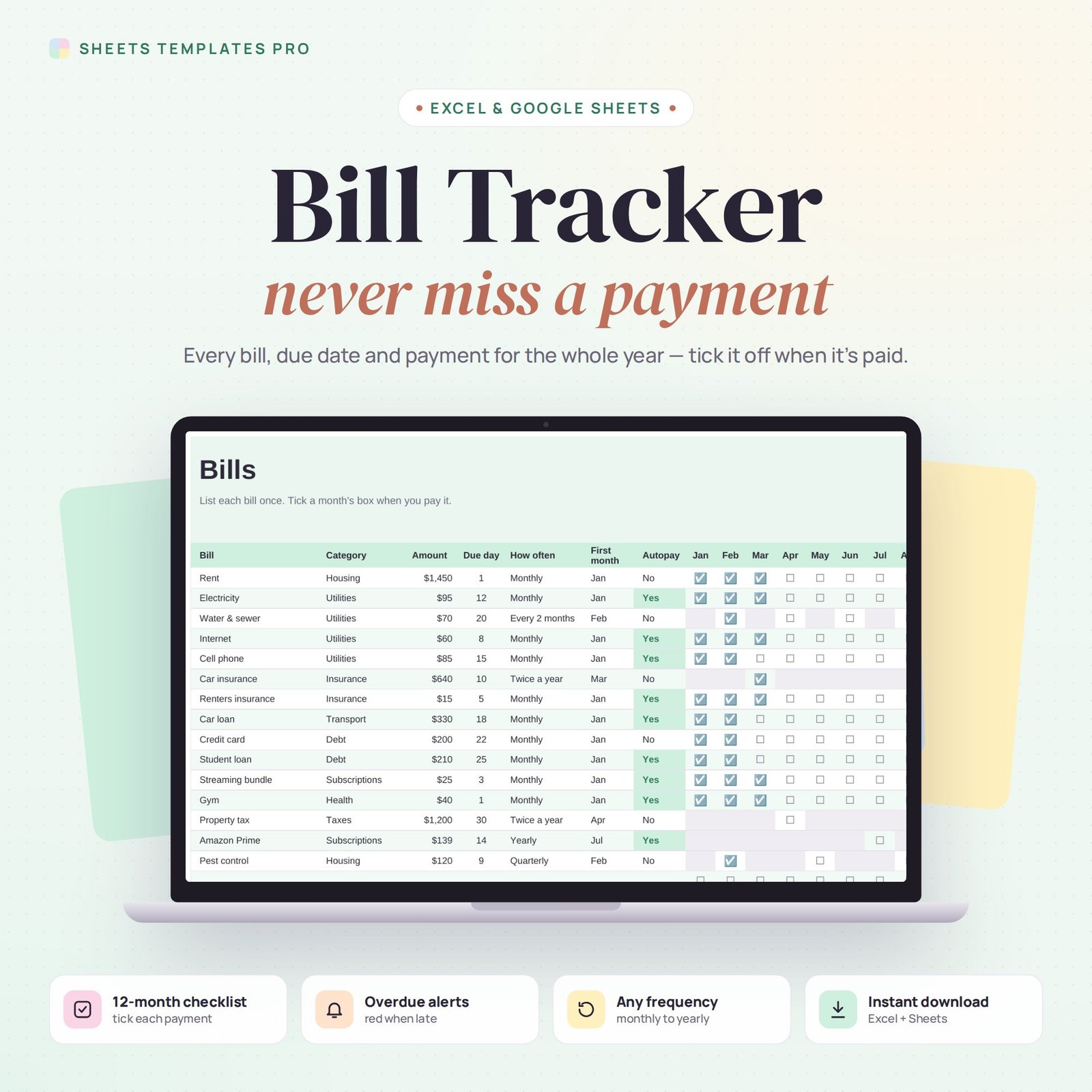

This bill tracker spreadsheet keeps every bill you pay in one place for the whole year. List each bill once with its amount, due day and how often it comes, then tick a box each time you pay it. A monthly view shows what's due, what's paid and what's late.
Who this template is for
- Households with many recurring bills and due dates
- Anyone who has paid a late fee and wants reminders
- Couples splitting bills
Features
- Up to 40 bills with category, amount, due day and autopay flag.
- Any frequency: monthly, every 2 months, quarterly, twice a year or yearly. Checkboxes appear only in the months a bill is due.
- 12-month payment checklist with payments counted and the amount paid so far per bill.
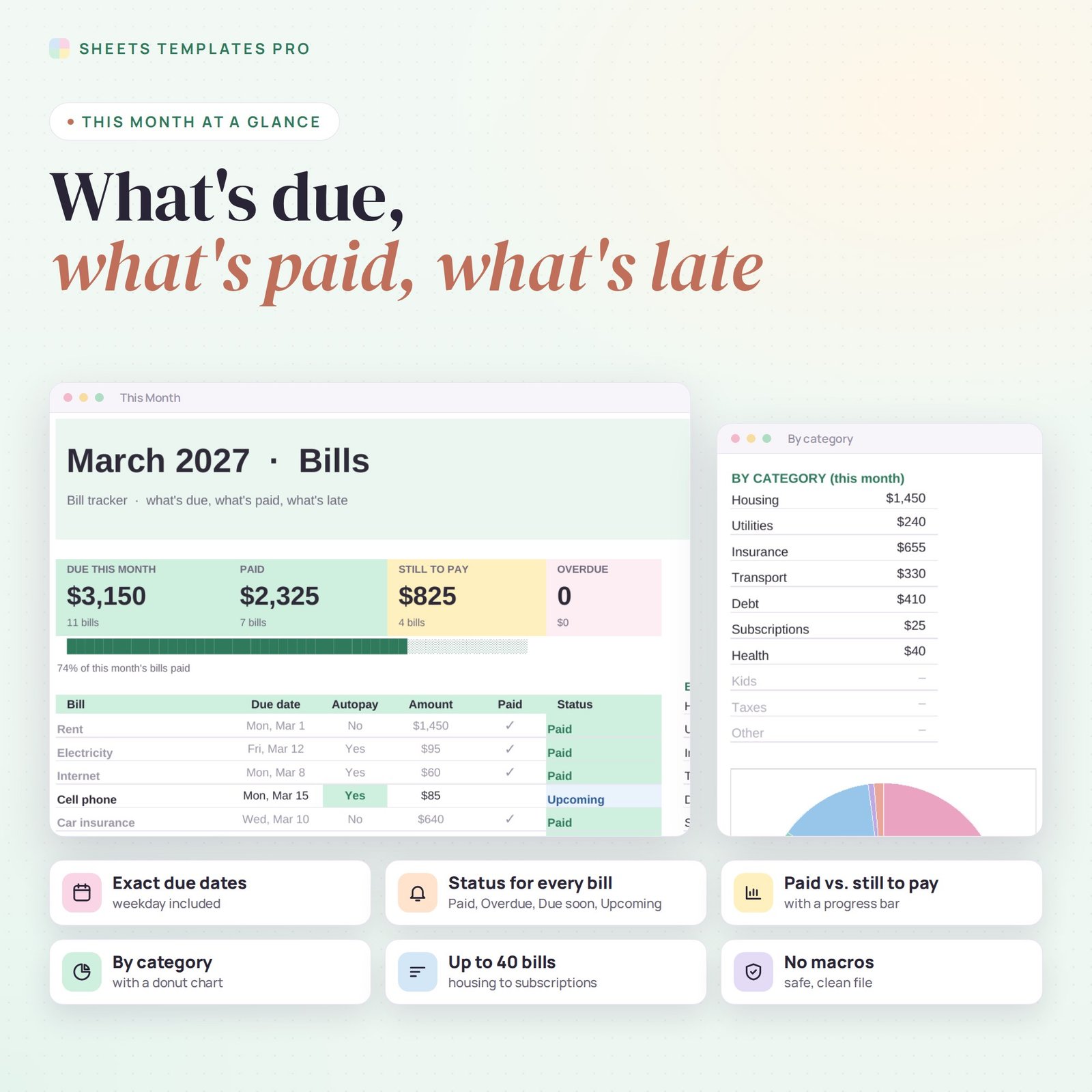
- This Month view with exact due dates and a status for every bill: Paid, Overdue, Due soon (next 7 days) or Upcoming.
- Totals: due this month, paid, still to pay and overdue, with a progress bar.
- Spending by category for the month, with a donut chart.
How to use your bill tracker
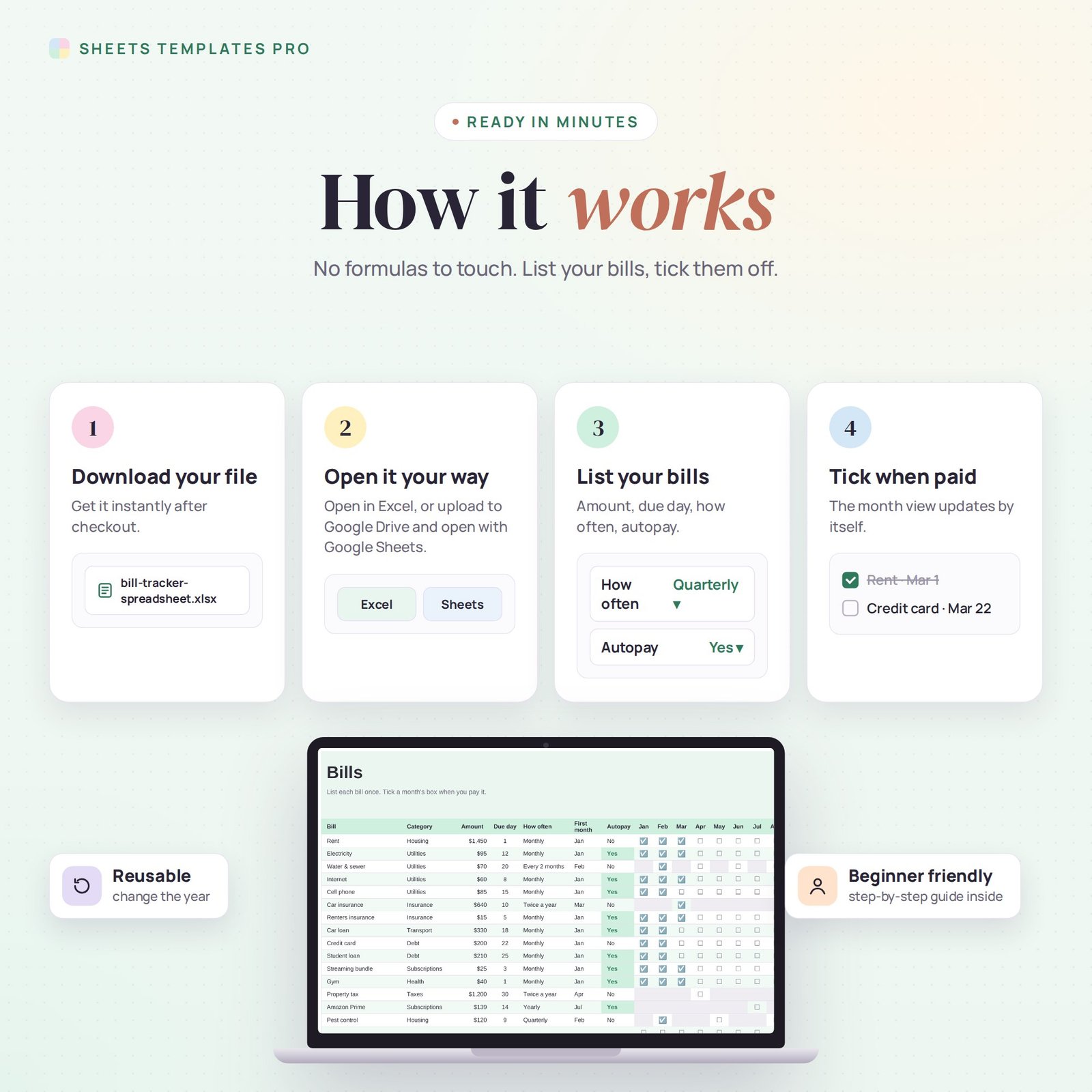
- Download the file right after checkout.
- Open it in Excel, or upload it to Google Drive and open it with Google Sheets.
- List your bills on the Bills tab and choose the year.
- Tick each bill when you pay it and check This Month.
What's included
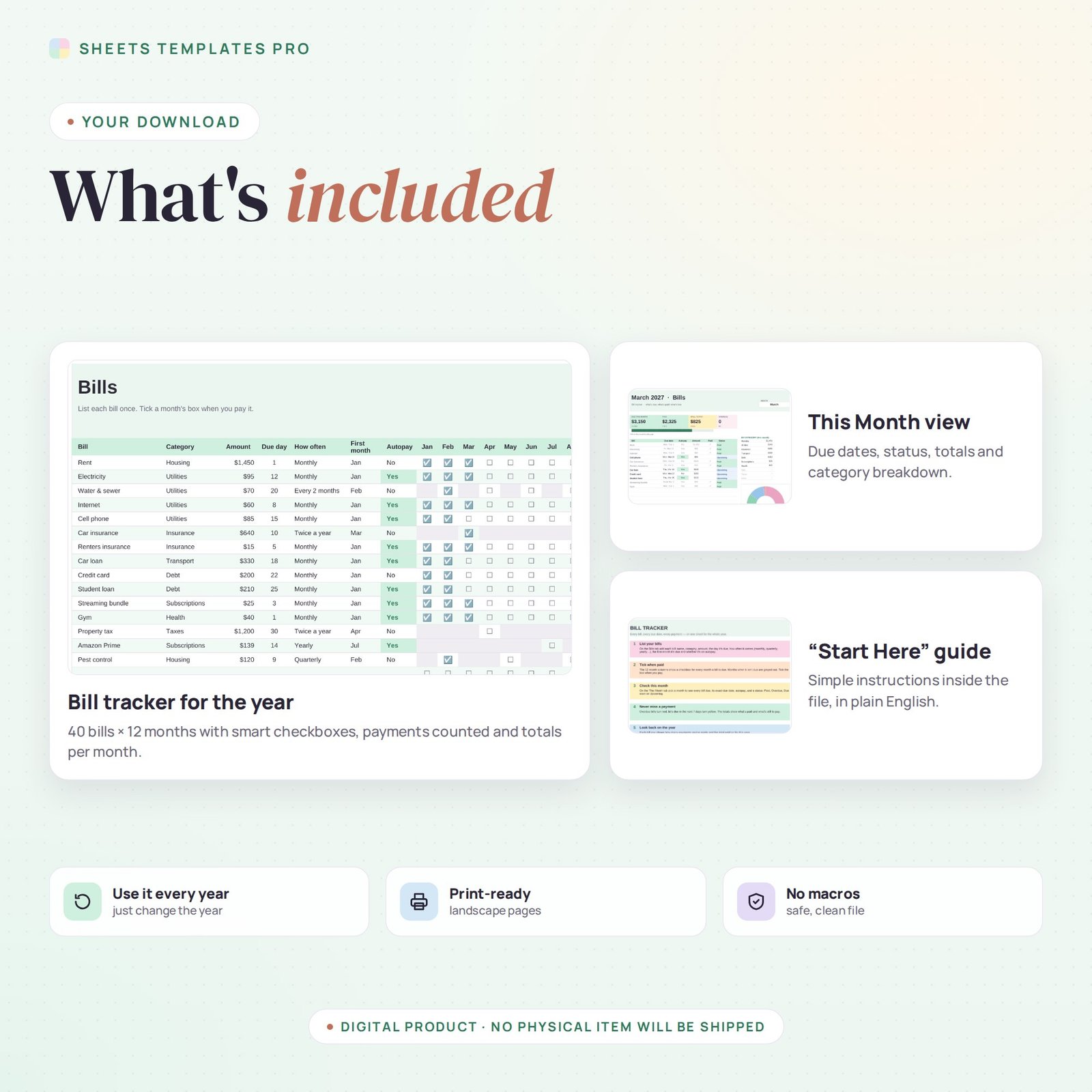
- 1 Excel file (.xlsx) with a Start Here guide, This Month and Bills tabs, with example bills.
- Automatic formulas, no macros.
Compatibility
Works in Microsoft Excel for Microsoft 365 (Windows and Mac) and in Google Sheets. The checkboxes use Excel's built-in checkbox feature.
FAQ
Can the bill tracker handle quarterly and yearly bills?
Yes. Choose how often each bill comes and its first month; it shows up only in the right months.
Does it warn me about late bills?
Yes. Unpaid bills past their due date turn red, and bills due within 7 days turn yellow.
Is this a subscription?
No. It is a one-time purchase and the file is yours to keep.
Does it work in the free version of Google Sheets?
Yes. Upload the .xlsx file to Google Drive and open it with Google Sheets. A free Google account is all you need.
Can I use it on a Mac, iPad or phone?
Yes. It works in Excel for Mac and Windows, Excel online and the Google Sheets app. For editing, a computer or tablet is the most comfortable.
How do I get the file?
Right after checkout you get a download link on the confirmation page and by email.
More templates like this: Expense & Bill Trackers.
This is a digital product. No physical item will be shipped.


Reviews
There are no reviews yet.